Guide
Social media for your boat rental: 10 tips to start
Ten tips to get your boat rental going on social media, from a profile that leads straight to your booking form to counting the bookings a post brings in.
Updated 5 min readBy Jannes Glas

A family scrolls through Instagram on a Thursday evening. They see your boats in the sun, tap your profile and book an electric boat for Saturday. It can take a season before your posts bring in bookings like that. These ten tips help you get there.
1. Pick one or two platforms
You can’t be everywhere, and every platform asks for different posts. So pick one or two and do them well.
- Instagram for photos and short videos from the water. For most boat rentals, this is the place to start.
- Facebook for people in your area, and for local groups and events.
- TikTok if you like making videos, and want to reach people who don’t know you yet.
- LinkedIn only when you sell outings to companies. Read how to win business customers on quiet weekdays.
2. Make your profile lead to a booking
Somebody who likes your post taps your profile next. In one line, say what you rent out and where. Put your booking page in the link, not your homepage. With Let’s Book, a link can open the booking form with a boat or a dock already chosen. Then a customer who saw the electric boat books an electric boat.
Keep your Google Business Profile up to date too, with photos and opening hours. Many people check it before they book.
3. Film short videos on the water
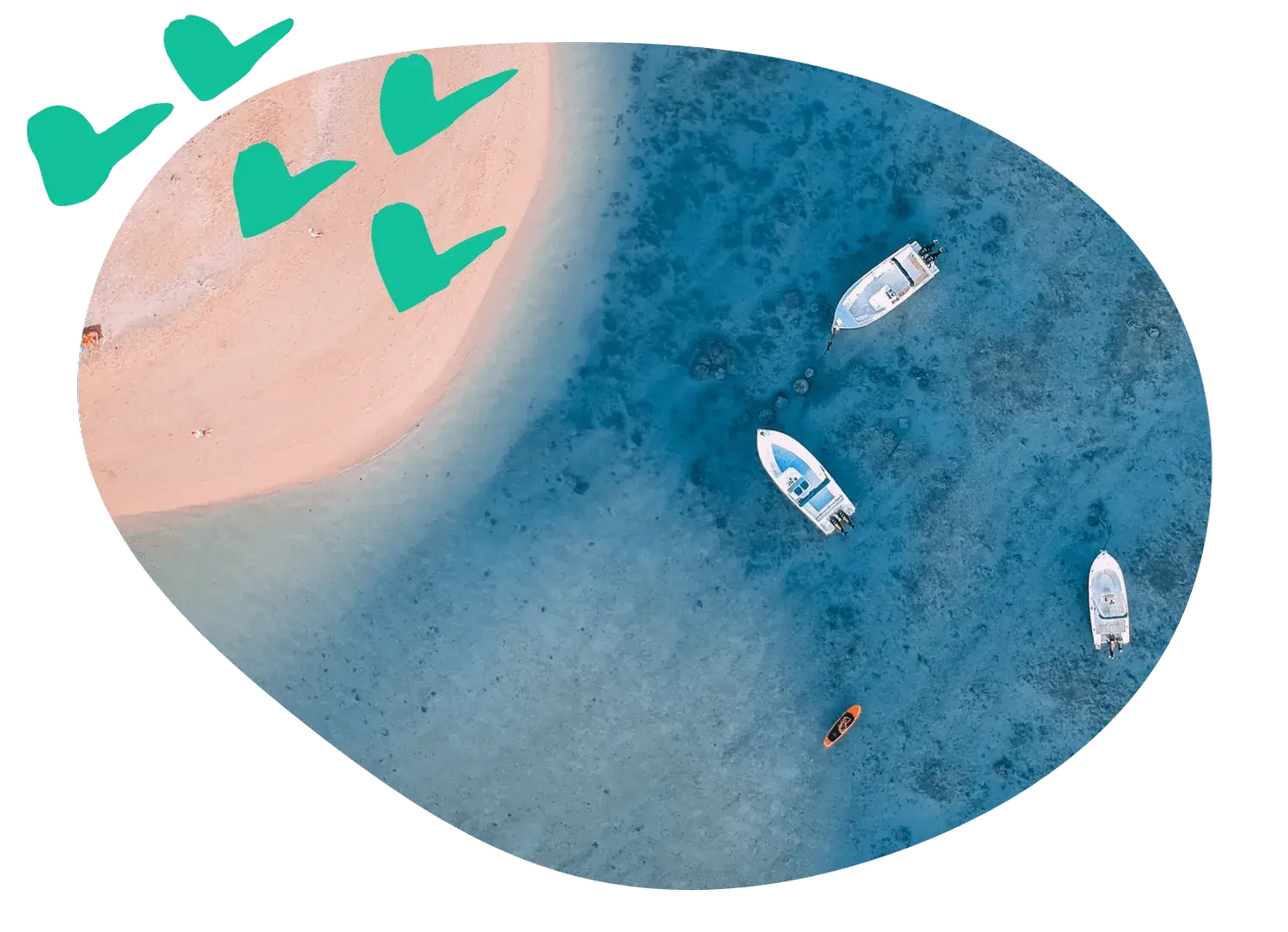
A short clip from the water often reaches more people than a photo. Film upright, for a phone, and keep it under half a minute. A few ideas:
- Fifteen seconds from the bow on a calm morning
- A walk down the dock with every boat ready to go
- How to moor at the café on the lake
- A busy Saturday at the dock, sped up
- The first boat going into the water in spring
4. Show who is behind the boats
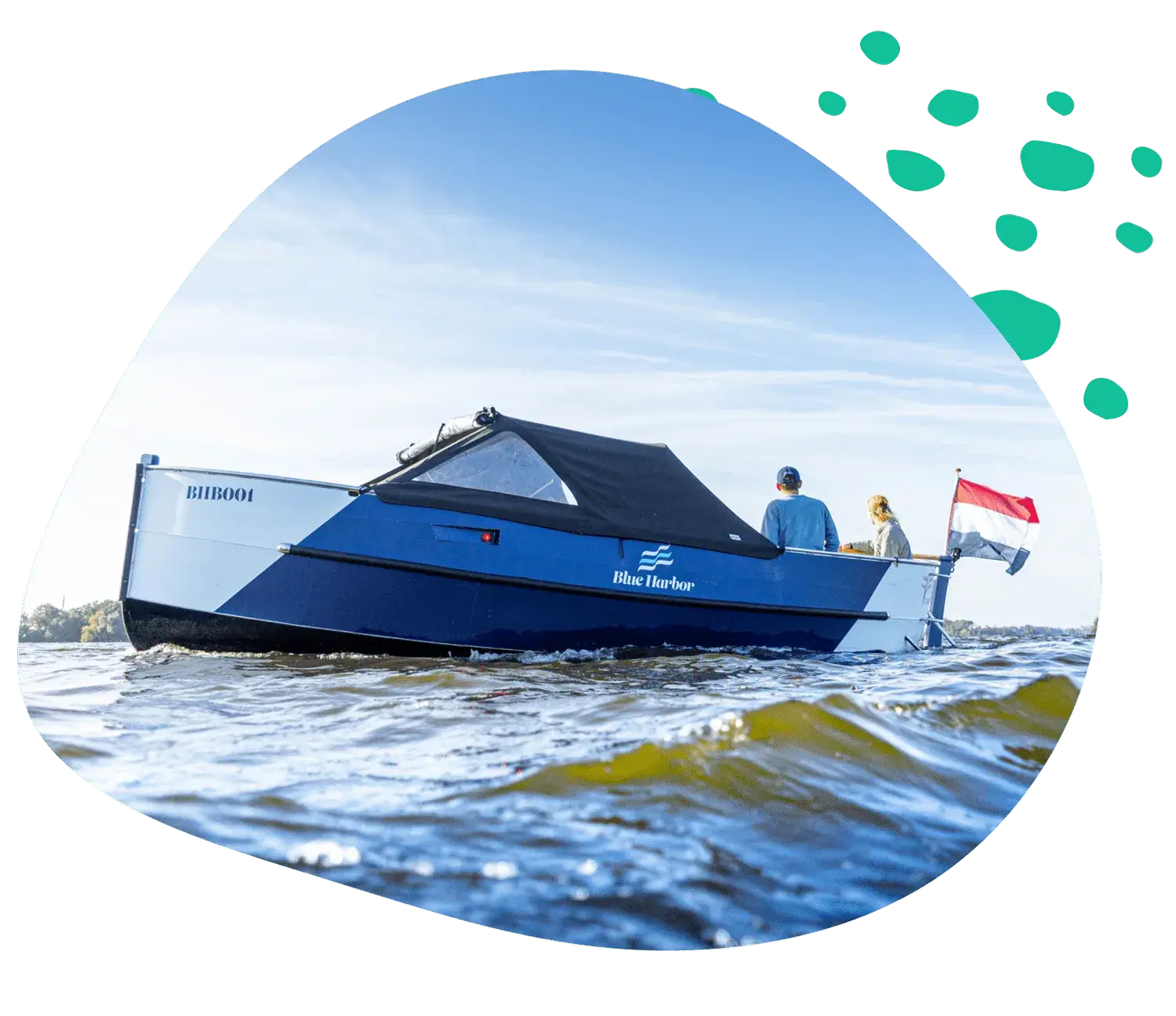
Show yourself and your team: you hosing down the boats at seven in the morning, the new electric boat going into the water in April, the dog who greets every customer at the dock.
Share your customers’ stories too, with their permission. The family that has come back for ten summers. The couple that got engaged on board.
5. Post in the rhythm of your season
If every post says “book now”, people stop following. Most posts should be something people enjoy: the water, the boats, a tip for a route. Every few posts, you can sell.
Post at least once a week, and more in season. In spring, show the boats getting ready. On a Saturday morning in July, post the boats in the sun and say that two electric boats are still free this afternoon. In winter, share your plans for next season. Try different days and times, and see when your followers react.
6. Share your customers’ photos
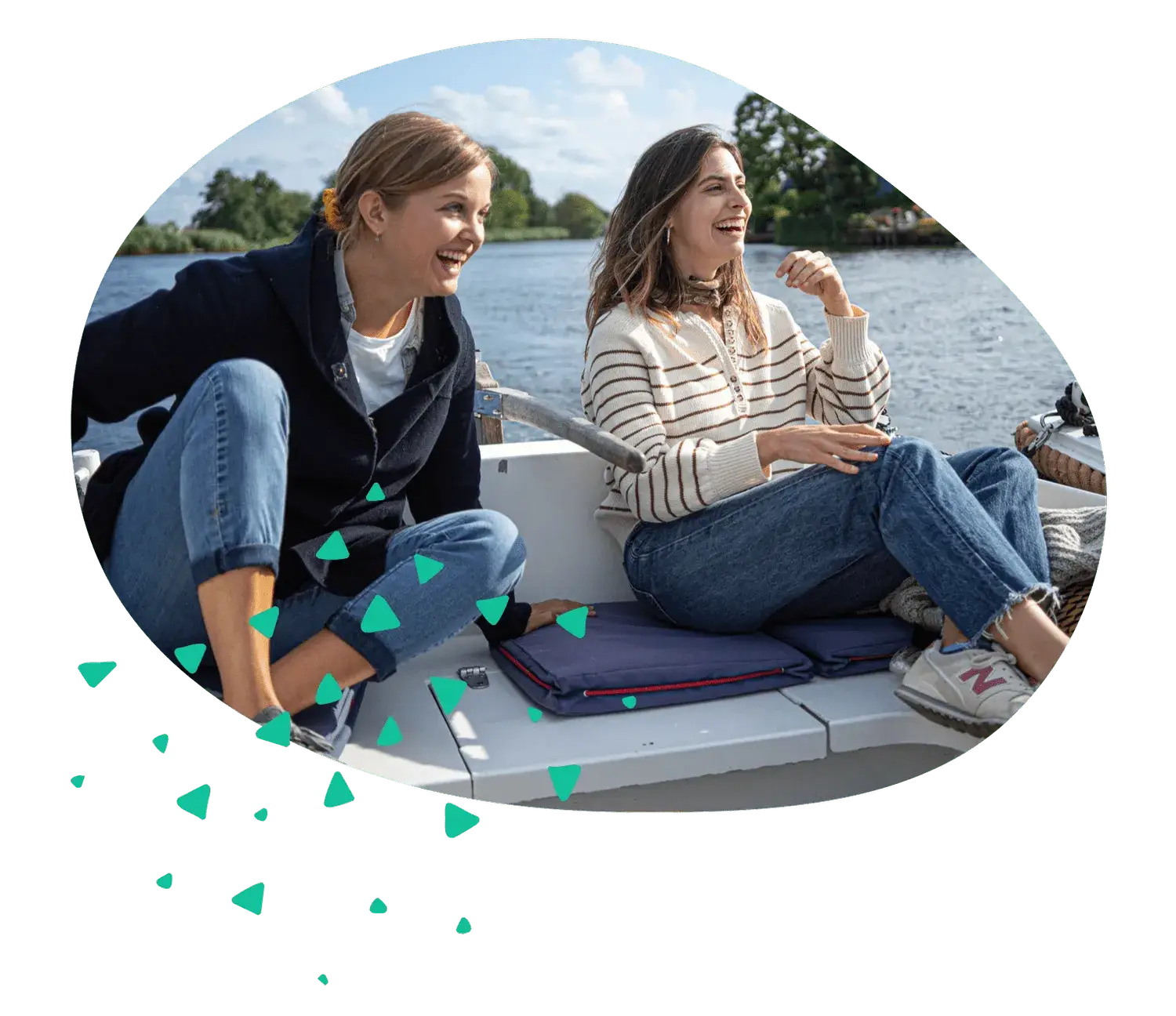
Your customers take the best photos, on a sunny afternoon, from the water, with their friends on board. Ask them to tag you, and put a small sign with your account name on the dock. Share their photos with their permission and their name. That’s a week of posts you didn’t have to make.
Let’s Book sends a follow-up email a day after the trip. You write it yourself, so add a line that asks for their best photo, and a button to leave a review. Never offer a reward for a review, because Google doesn’t allow it.
7. Answer every review and comment
Keep an eye on tags, comments and reviews on Google and Tripadvisor. Answer every review within a day or two, the good ones and the bad ones. Thank the family that had a great afternoon, by name. When someone writes that their boat wasn’t ready on time, say sorry, say what happened and what you changed. The next customer reads your answer too.
When the same question keeps coming back, act on it. If three customers ask for a cooler on board, that’s an extra you can sell. Read our guide to profitable add-ons.
8. Ask people to join in
Ask a question (“Which route should we try next?”), or ask people to tag the friend they would take out on the water. Ideas that work for a boat rental:
- A giveaway of an evening trip for two
- A post together with the restaurant on the water
- Your milestones, like your first full season or your thousandth guest
- Local events, like the fireworks or the regatta
9. Use local hashtags and tag your location
Hashtags and a location tag help new people find you. Use a few local ones: the name of your lake, your town, your region, and what you rent out, like #boatrental or #pontoonboat. On broad tags like #summer, your post gets lost among millions. Try different tags and see which ones bring in views.
10. Pay to promote your best posts, and count the bookings
Once you have a few months of good posts, pay to show the best ones to more people. Promote a short video from the water to people who live within an hour’s drive, in the weeks before summer. Link it straight to your booking form, and start with a small budget.
Then count the bookings, not the likes. The Let’s Book booking form reports to Google Analytics 4, so you see how many bookings came from a campaign. You can also give each channel a discount code of its own, and count the bookings per code at the end of the month.
Your posts send people to your website, so make sure they can book there. Read our step-by-step guide to your boat rental website.
Booking software for boat rental, tours and charters.
This article is from Let's Book, the software that lets your customers book and pay on your own website, and puts every boat on one planning. Made by people who rented out boats themselves.
Carry on reading
How to start a boat club
How to start a boat club in eight steps, from the first plan to your first members: the money, the boats, the location, the membership and the rules.

Santos and Let's Book launch a starter kit for boat rentals
A starter kit for a new boat rental: the Santos One electric boat, ready to connect to Let's Book, and bookings that start before the boat arrives.

Advantages of boat rental automation
What automation actually changes in a boat rental business: the bookings, the payments, the maintenance, the messages and the numbers.