Online booking
Boat reservation system, on your own site.
For rentals, tours, charters and boat clubs, with one boat or a whole fleet. Your customers book and pay day and night on the site you already have. You see every booking come in right away.
Boat reservation system, as your guests see it.
Your customer picks a day, a boat and a time, adds extras and pays. In a few minutes, their afternoon on the water is booked. The form follows the way you sell: by the hour or the day, with fixed departure times or over several days.
- Your own logo, colors and typeface
- Every word your customer reads is yours to change
- Your terms and conditions per language
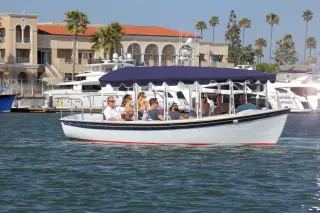
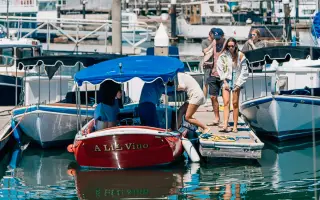
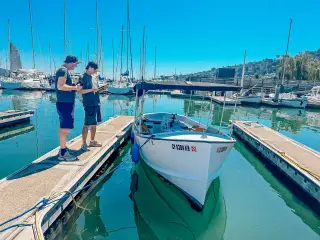
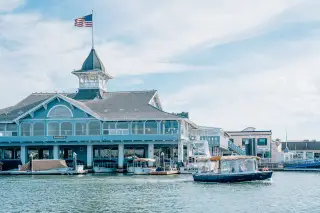

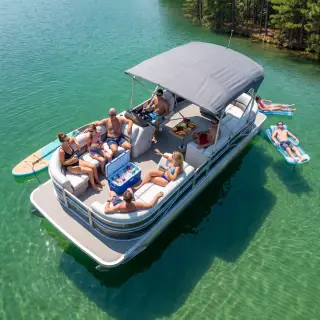




What happens to a booking at 11 p.m.
A customer opens the form on your site on a Sunday evening. After that it all runs on its own, long after you've gone home.
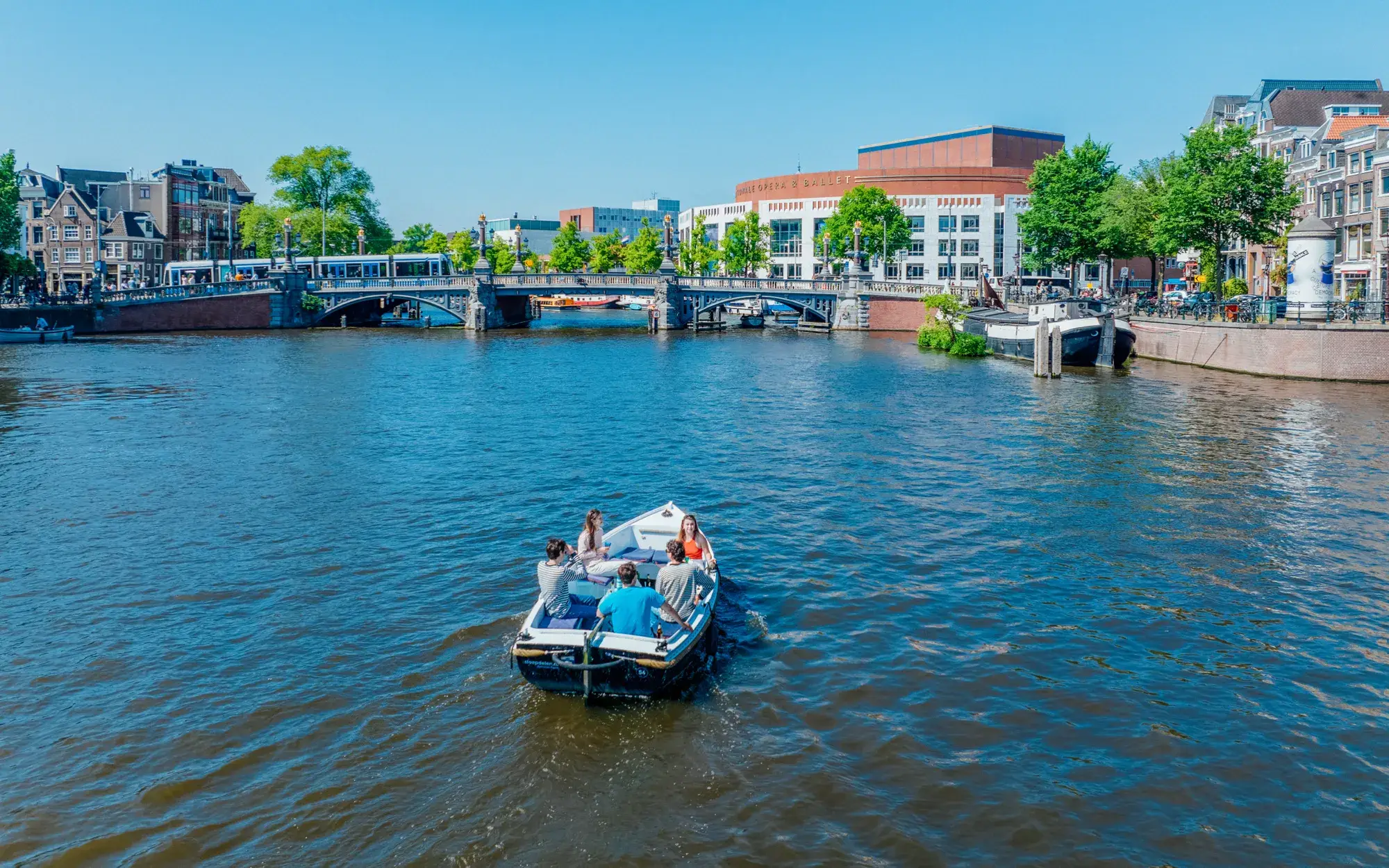
New booking · 11:04 PM
Open motorboat, Saturday 2 to 5 p.m.
The booking form, step by step.
Your customer picks a dock and a time, adds extras and pays, in their own language.
Dock and timeOnly what is still free.
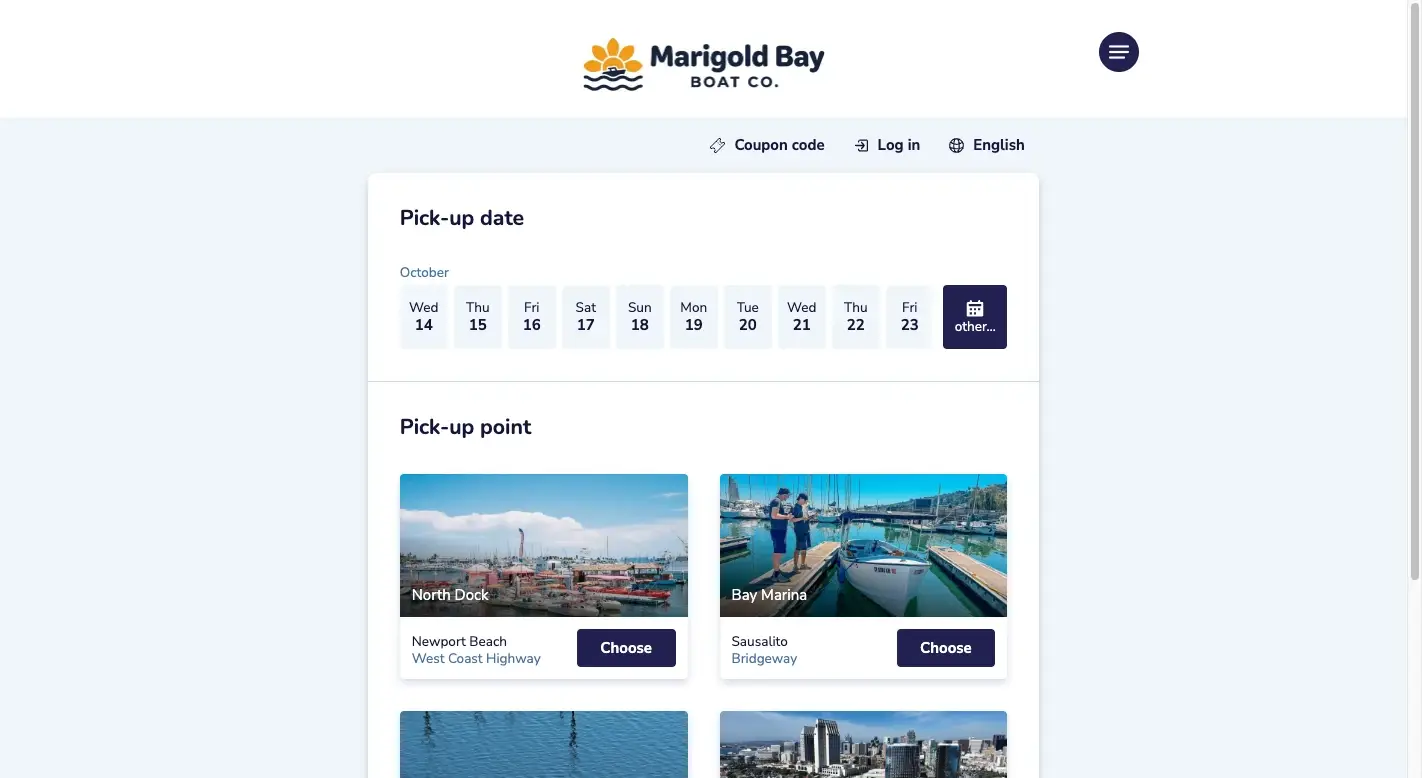
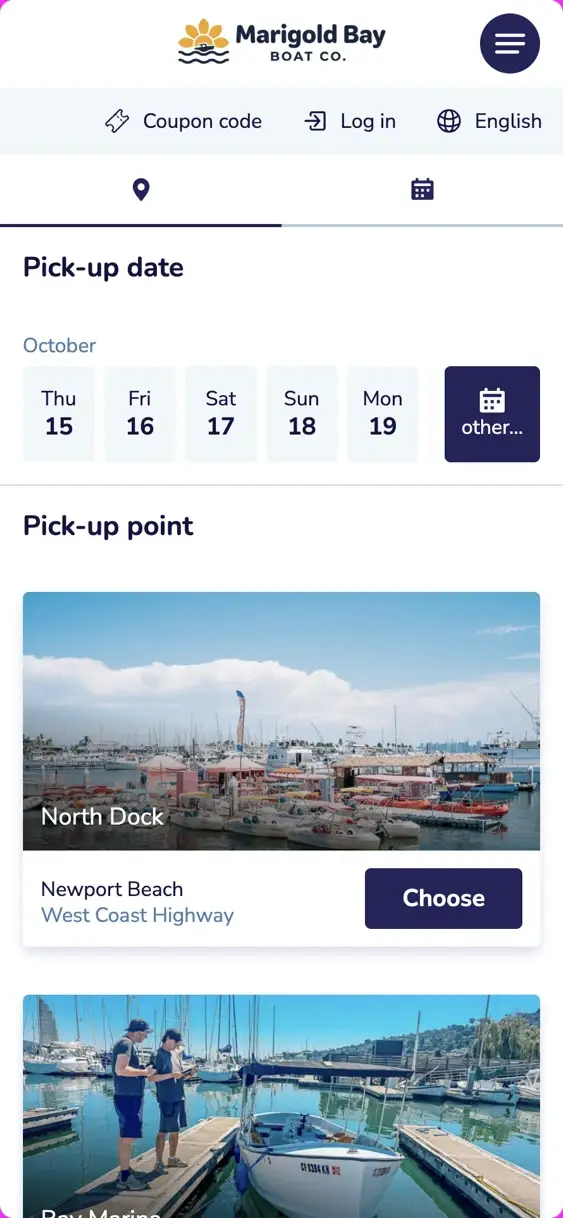
ExtrasThe cooler, the captain.
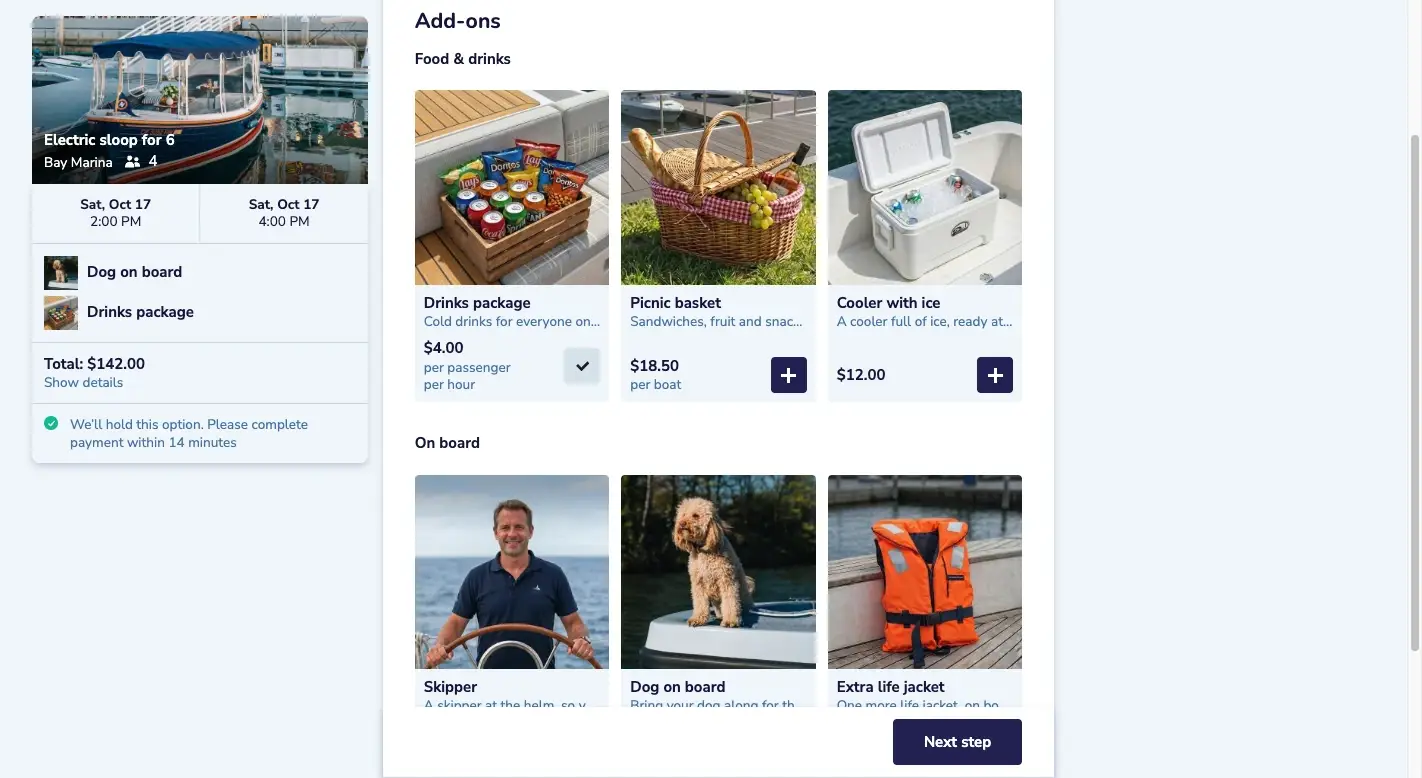
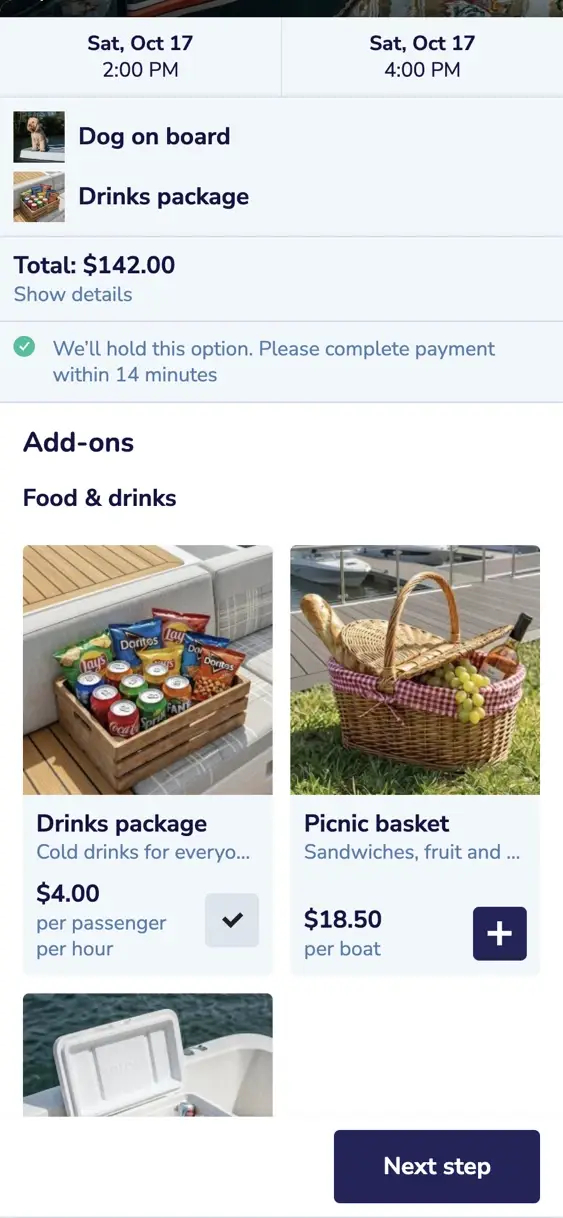
PayBy card or a local payment method.
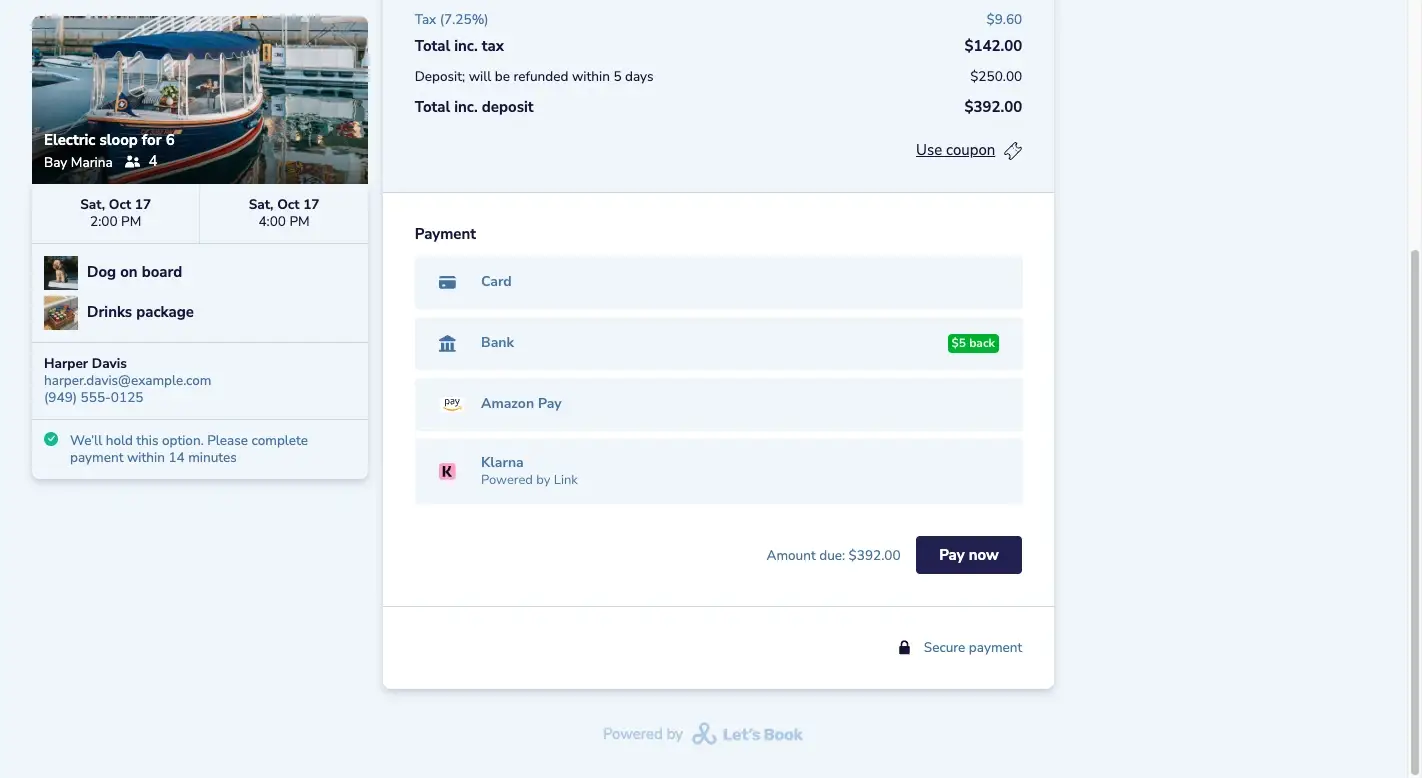
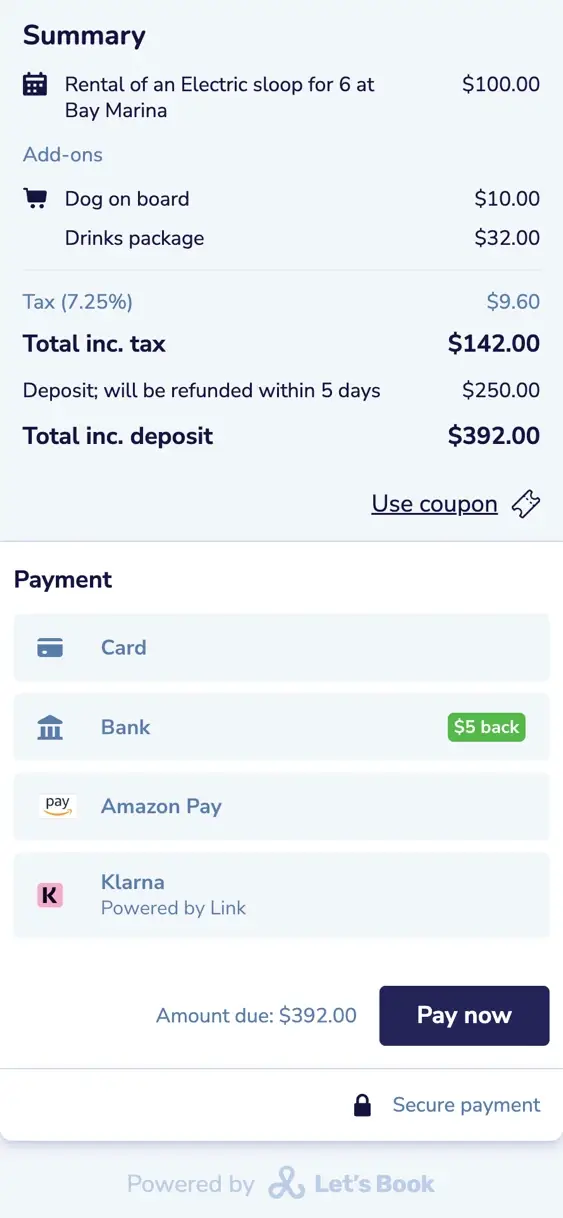
The form only sells what's still free.
Availability at a glance
The calendar shows which days are full. Once the customer picks a day, they see which docks, boats and group sizes are still free.
A warning when it fills up
If the last spot goes while a customer is still choosing, they see it before they pay. So nobody pays for a boat that's already gone.
Other times and dates
If 2 p.m. is full, the form looks further: the same day, the next day, the next week. So your customer can still book.
Another boat from the same category
If one speedboat is taken at 2 p.m., the form offers the next one. You turn that on per category.
You pick the boat at handout
You choose the actual boat at handout, shortly before departure. So the boat that's still in repair stays ashore.
Pickups and returns per departure time
Want to limit how many boats leave or come back at once? You can set a maximum per dock for pickups, returns or both together, so it stays calm at ten.

The money lands in your own account.
Stripe or Mollie take the payment into an account in your name.
Your account, your payouts
Stripe or Mollie take off their fee and ours, and pay the rest out to your bank. The money goes to your account, not to Let's Book.
Payment methods from your customer's country
You choose which payment methods you offer, in Stripe or Mollie. With Stripe, a Dutch customer can expect iDEAL | Wero and cards, an American customer cards and Apple Pay.
Payment rules per rental or trip
For each rental or trip, you choose what your customer pays up front. So you can ask for a down payment on the charter and the full amount on the motorboat rental.
Booking without paying
For a customer type you can skip payment, so the customer only confirms. You collect later from the booking, the way clubs are used to.
Pass on the booking fee
You can add our booking fee to what the customer pays, on a line of its own, so you don't pay it.
Prices with or without tax
Show prices including tax, or excluding it with the full total on the last step.
One script on your own website.
You add one script to your site and link your buttons to it. Then the form opens over your own pages. On WordPress a plugin adds the script, or we'll happily set it up with you.
WordPress, Wix and Squarespace
For WordPress there's a plugin. In Wix and Squarespace you paste the script into your site's custom code.
Prefilled booking links
A link can fill in the date, dock, boat, group size and a discount code. Put it in your newsletter, and readers land on the right boat.
Members-only booking links
With a members' link, a customer logs in before they book. Boats you allow only for members stay hidden from other customers.
Your own thank-you page
After paying, your customer lands on a page on your own website, in their own language.
Every step in Google Analytics
A second script sends each step to your Google Analytics: the form opening, checkout and the purchase.
Control the form with a script
Having your own site built? A small JavaScript API lets your developer show or hide the form, with an event at every step.
Online booking features, one line each.
These six are about the booking form and the customer messages. Each one opens its line in the full list.
- WordPress plugin, Wix and SquarespaceA WordPress plugin, or a piece of code for Wix and Squarespace, puts the booking form on your site.
- Automated emails around every bookingEmails go out on their own when a booking is made, changed or canceled, and the day after the trip.
- Prefilled booking linksA prefilled booking link opens the booking form with the dock, boat or date already chosen.
- Email builder with booking data, buttons and blocksThe email builder puts booking data, buttons and blocks into the message.
- Availability grayed out before the clickDates, docks, boat models and group sizes with no room left are grayed out before the customer clicks.
- Change email that shows what changedWhen a booking changes, the email tells the customer what changed.
Questions about online booking.
Can the same boat be booked twice?
No. Once a customer picks a time, Let's Book holds the boat while they fill in their details and pay. That's fifteen minutes, or as long as you set. If the last spot goes meanwhile, anyone else still choosing sees it before they pay.
Do I need a new website?
No, you keep the site you have. With one script, your booking buttons open the form over your page. WordPress has a plugin, and Wix and Squarespace work too.
Who holds the money?
You do. Customers pay into your own Stripe or Mollie account, which pays out to your bank. Stripe or Mollie only take off their own fee and our booking fee. No account yet? You open one while we set up Let's Book with you.
Can I make a test booking first?
Yes. Before you go live, you make a test booking in Stripe or Mollie test mode, without a real payment. That way you see the whole form work before your customers book with it.
Can someone book without paying?
Yes, if you turn it on per customer type. A club member or business customer only confirms, and you collect later.
Can I take a booking over the phone?
Yes. When someone calls or walks up to the desk, you or your staff enter the booking in Let's Book.
Do the text messages cost extra?
Yes, each text message sent through Let's Book costs about $0.12. Email is included.
What happens if a customer cancels at midnight?
The boat is free again for someone else right away. The money stays put until you refund all or part of it. You decide how late people can cancel, and what it costs.
Can I ask my own questions at checkout?
Yes, as a checkbox, radio buttons or a dropdown. A question can also belong to one dock, boat or customer type, so only the fishing boat asks about rods.
Which languages does the form speak?
Ten are ready to use. We reviewed English, Dutch, German, French and Spanish. Danish, Greek, Italian, Portuguese and Swedish are machine-translated. You can add another left-to-right language and translate it yourself. Don't like a translation? You can write your own.
Get started with online booking.
In a half-hour video call, we show you Let's Book with your own boats already in it, if you send us your website. No strings attached.