Add-ons
Boat rental add-ons, booked with the boat.
Earn more on every booking: sell a skipper, a SUP board or drinks, paid together with the booking. That's more revenue from the same boat and the same afternoon.
Boat rental add-ons at checkout.
For each add-on, you choose which rentals and trips it belongs to. When your customer books, they see only the add-ons that fit what they book.

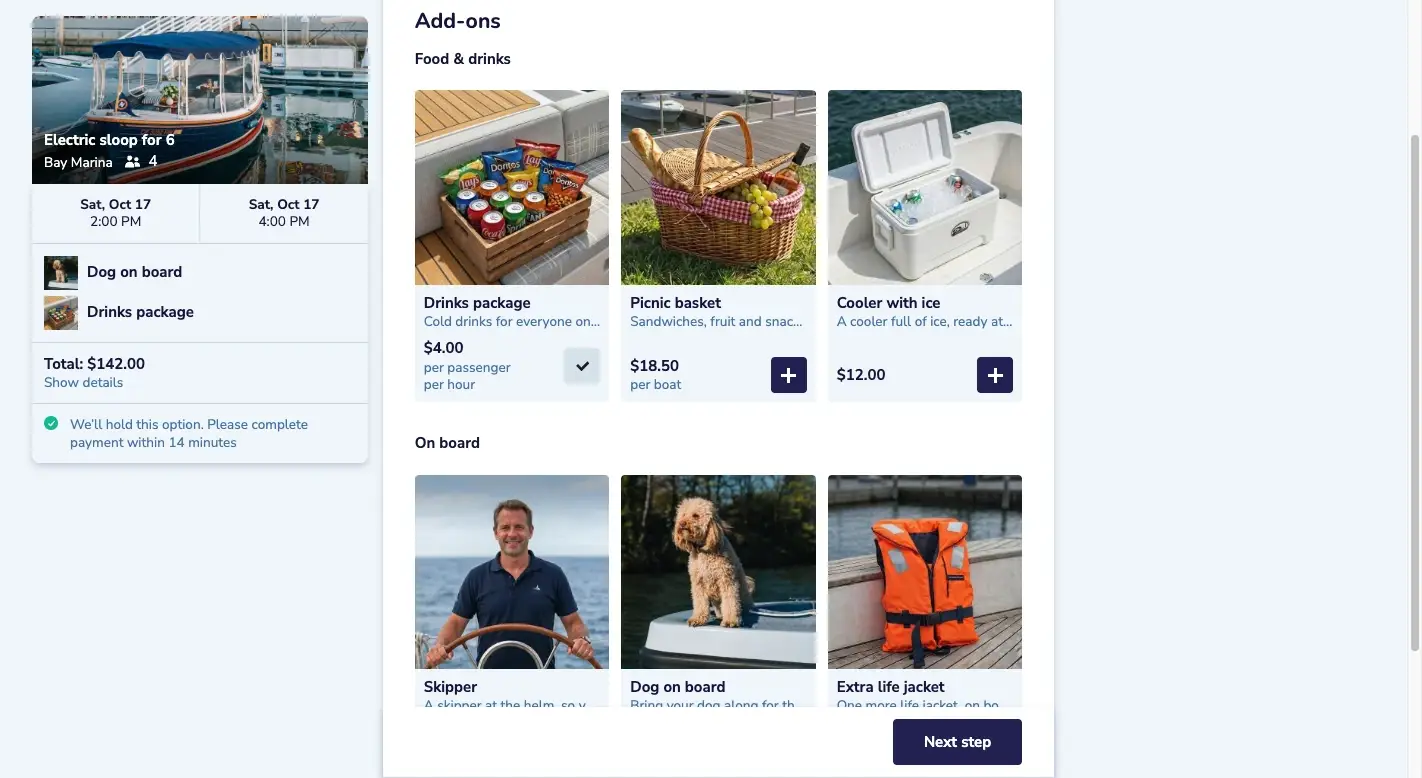
Picnic basket added
For 6 people
Sold online, handed over at the dock.
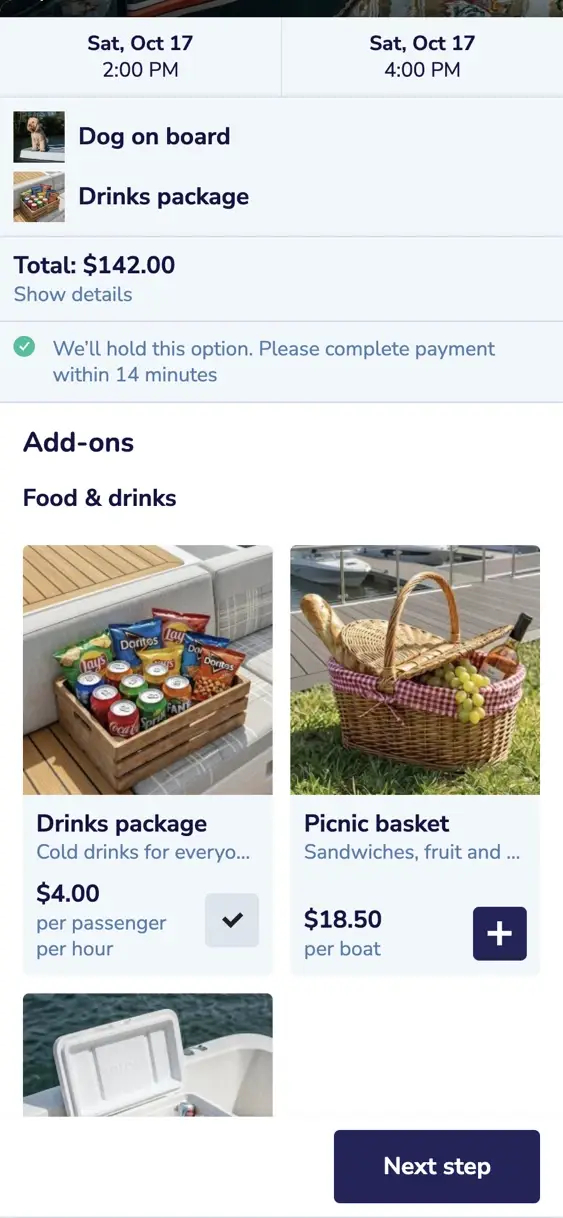
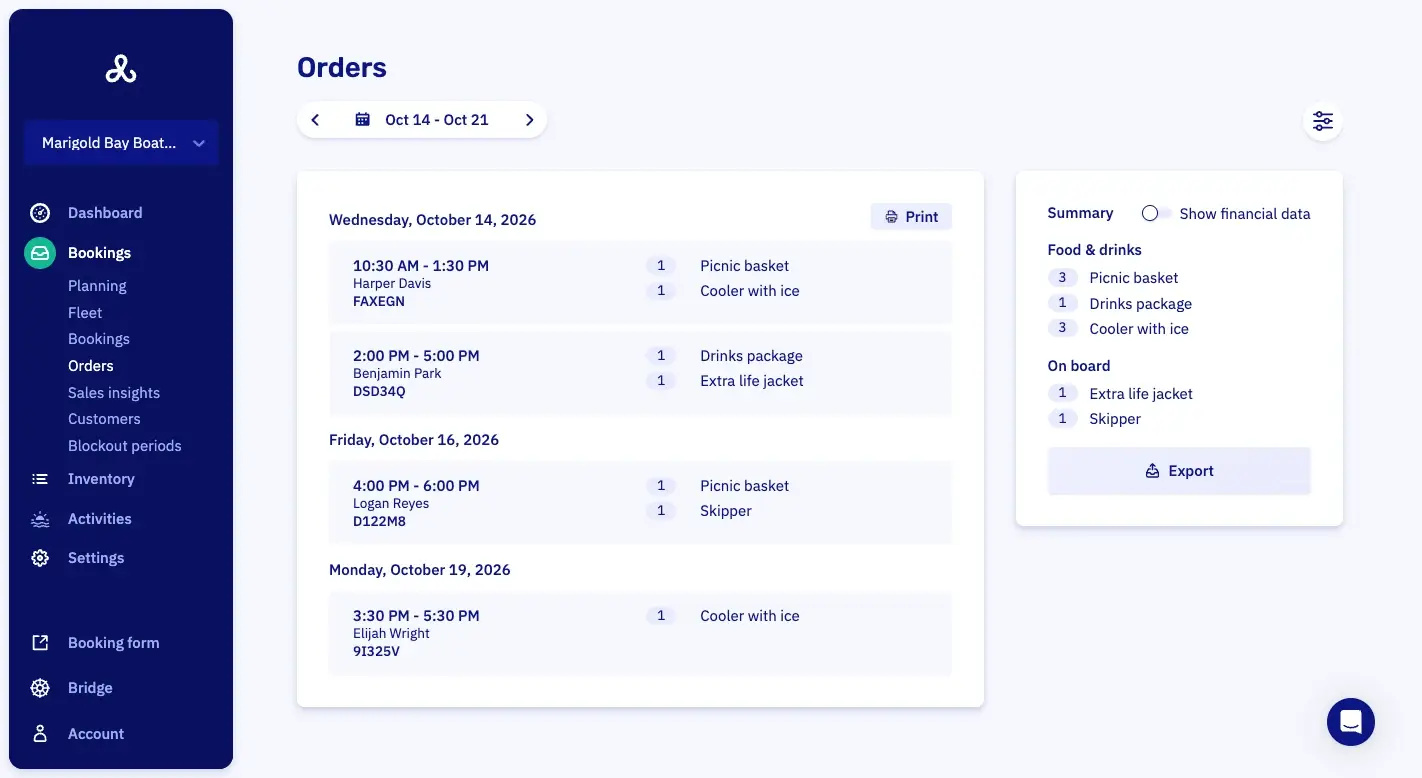
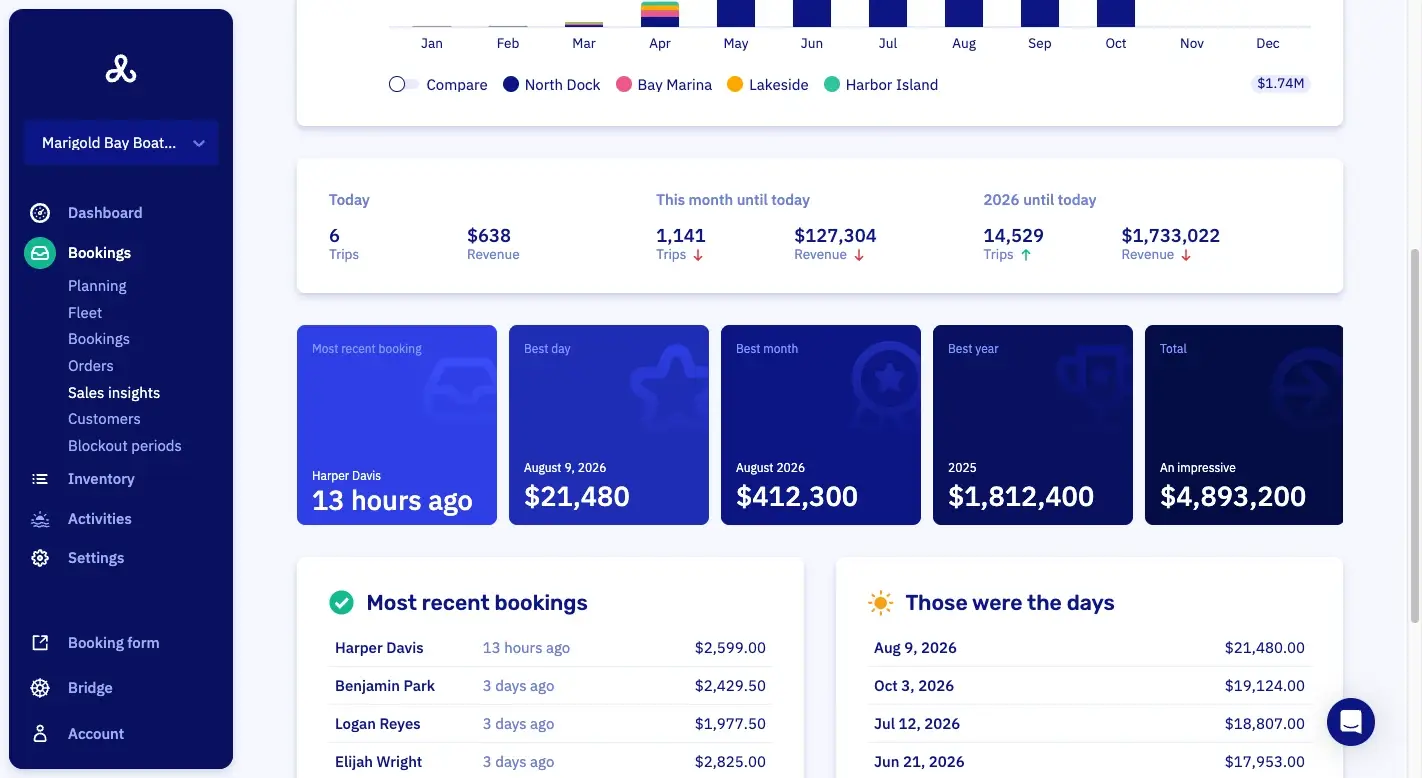
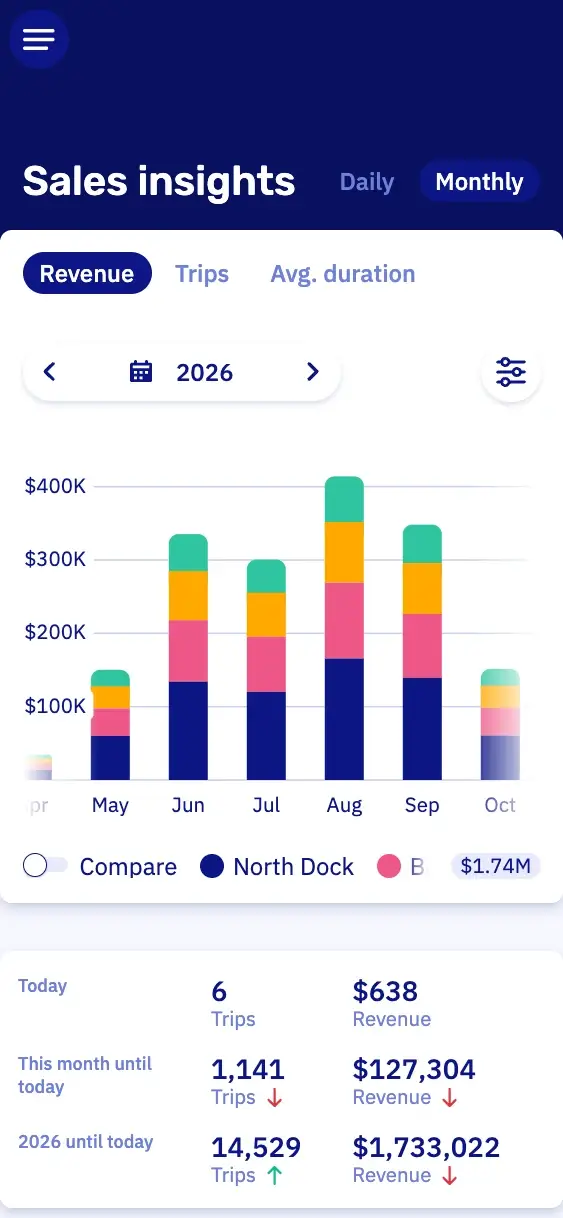
Your customer picks the extras while they book. Your team at the dock gets a list of what each booking ordered. The same list adds up what sold over the dates you pick.
At checkoutOffered with the boat.
The order listWhat each booking ordered.
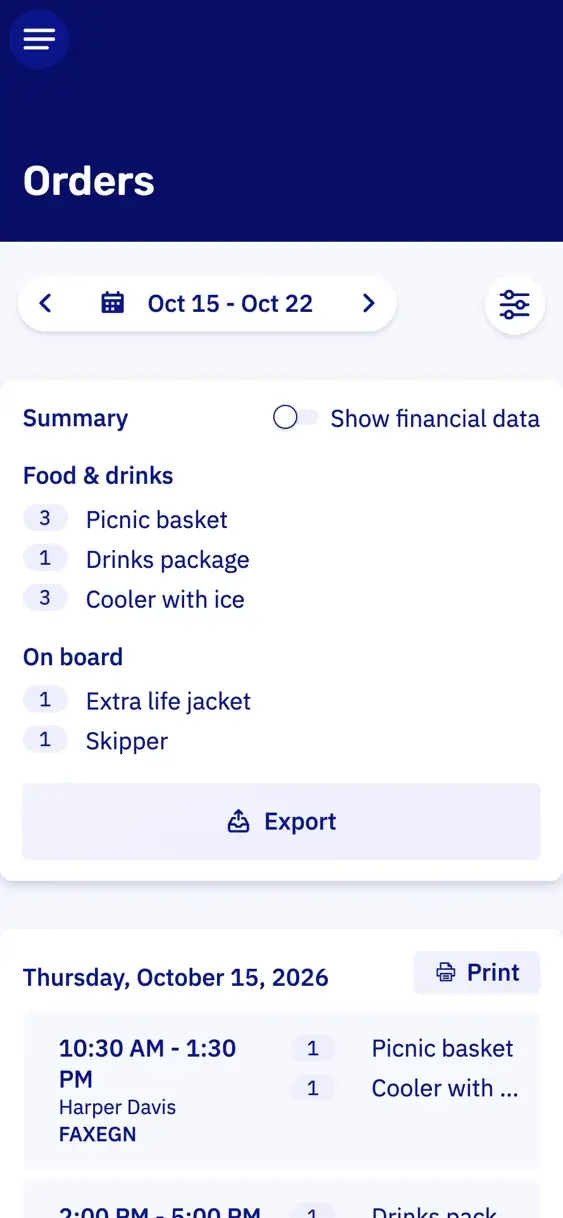
What soldOver any period.
What you could sell.
You can sell anything that belongs with the trip. Start with three to five things that sell well, and add more later.
Safety and equipment
Life jackets in children's sizes, a waterproof phone case, a cooler, fishing gear or a SUP board.
Food and drink
A drinks package, a picnic basket, a cheese board or a barbecue kit with ice and cups.
Services
A skipper, a tank of fuel paid up front, cleaning afterwards, or the boat made ready at another dock.
Occasions
Decorations for a birthday, a photographer aboard, or a whole package for a proposal.

Dog on board
+ $10
Upsell extras for more revenue per booking.
You decide how each add-on is priced and when it can be booked.
Kayaks and SUP boards as add-ons
A family adds a SUP board for the kids. The board goes along with the boat, so you earn more from the same booking.
Priced per item, boat, person or hour
For each add-on, you set how its price is worked out: per item, per boat, per person or per hour. The form adds up the total for your customer.
Add-ons with their own dates
You choose on which dates and at which times an add-on can be booked. So you offer a Valentine's basket only around February 14, and a sunset package only on the last trip of the day.
Rules for when an add-on is offered.
You give each add-on its own rules: time of day, dates, boat model, dock, trip length, weekdays and how far ahead it's booked. The form offers an add-on only when the booking meets them. So nobody orders breakfast for a trip that leaves at four.
That keeps the form short, even with a long list of add-ons.
Quantity limits, per passenger per hour
You cap an add-on per booking, per passenger or per passenger per hour. So the most a group can order follows its size and the length of the trip.
Out of stock without deleting
When the cheese boards run out, you set them to out of stock. They stop selling, but last month's orders still show them.
Security deposit triggered by an add-on
Work with a deposit? Then a SUP board can carry one of its own, so only the customers who take a board pay it.

Add-on order list for the dock.
At nine on a Saturday, the order list shows you right away what each booking ordered.
Your team prints today's orders as a picking list, so the coolers are ready before the first guest arrives. At the desk, they can add an extra the customer couldn't book online. A canceled booking's add-ons leave the order list but stay on the booking, so you can refund the right amount.

Features for add-ons.
Each one opens its line in the full list, with a link to the manual.
- Add-ons and extras at checkoutAdd-ons are offered at checkout, so a customer books extras together with the boat.
- Add-on pricing that scales with the bookingThe price of an add-on scales with the length of the booking or the number of people.
- Rules for when an add-on is offeredRules decide which bookings an add-on is offered to.
- Quantity limits, per passenger per hourAn add-on is limited per booking, per boat, per passenger or per passenger per hour.
- Out of stock without deletingAn add-on is set to out of stock, so it stops selling without being deleted.
- Add-on order lists for staffStaff get a list of the add-ons that were ordered, so the dock knows what to hand over.
Get started with your add-ons.
In a half-hour video call, we show you Let's Book with your own boats already in it, if you send us your website. No strings attached.
No setup fee, no minimum term, cancel by the month.