
Pontoons
Pontoon rental software.
For pontoon rental with one boat or a whole fleet, for a couple or a big group. With or without a skipper, the way you rent them out.
Bookings, planning and payments for your pontoons.
- Online booking form
- Guests book and pay on your own site. While they pay, we hold the boat for them.
- Pricing and availability
- You price by the hour, by the group, or with a package price.
- Payments and security deposits
- One person pays for the whole group and gets the deposit back on that card.
- Planning and daily operations
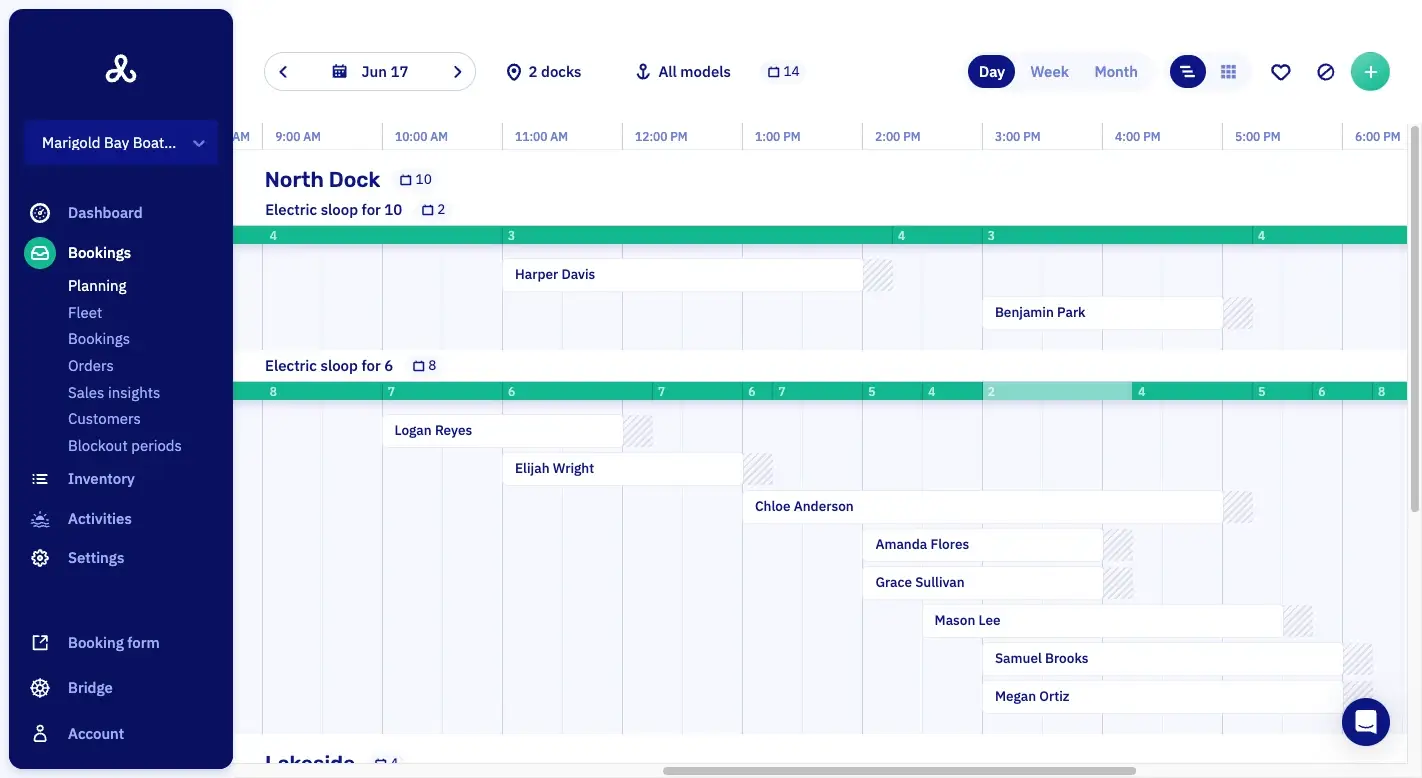
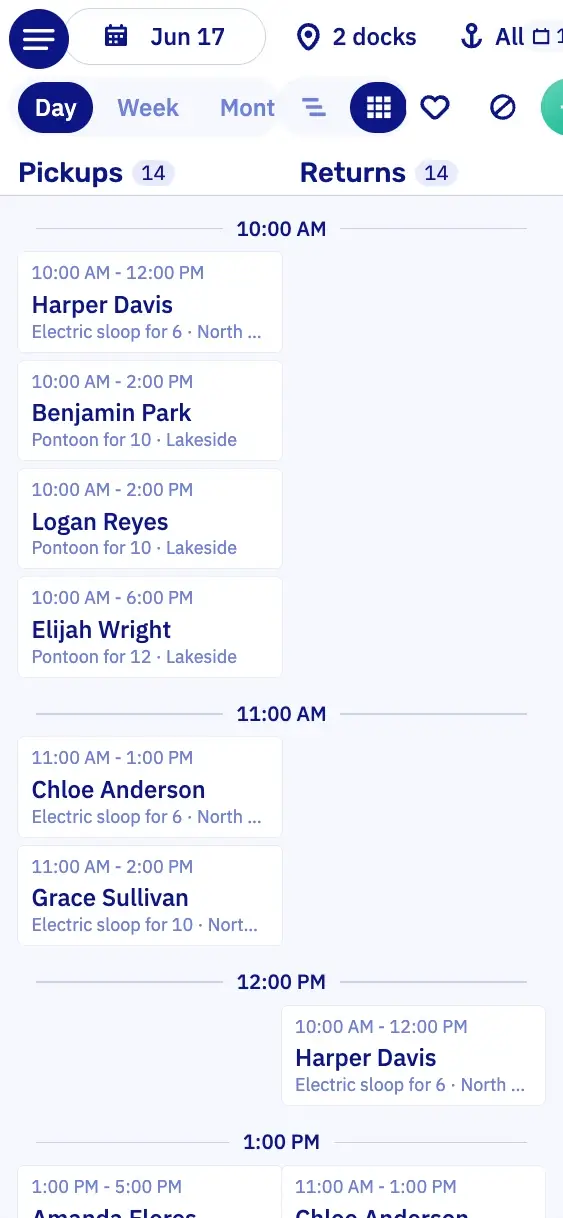
- All your boats and docks are on one planning.
- Customer messages
- Whoever booked gets the confirmation. If something changes, an email says exactly what.
- Add-ons and promotions
- Guests add tubes, ice or a speaker. The price scales with the group.
Book a pontoon online, for the whole group.
Your customer picks a day, a pontoon and a time, adds a cooler right away and pays. Their friends only have to show up.




At a glance.
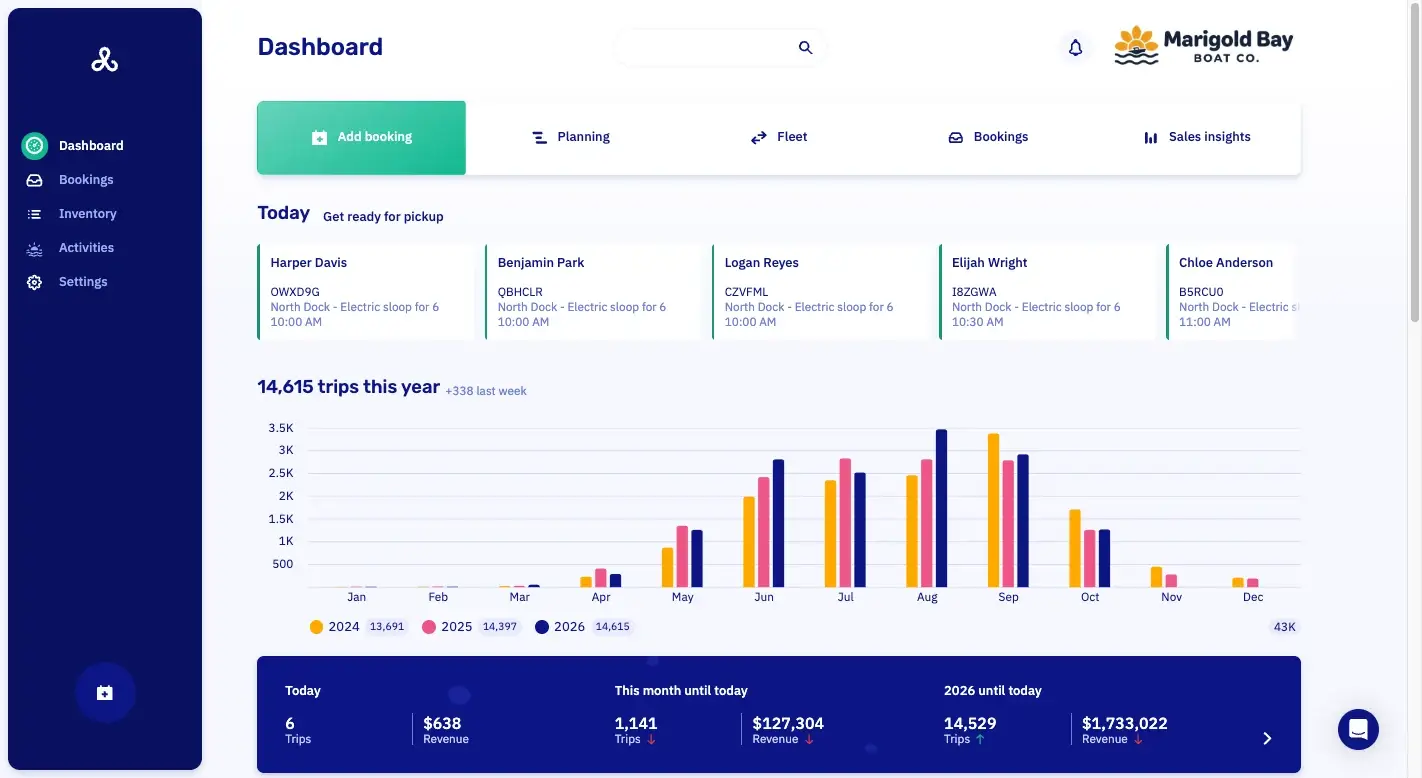
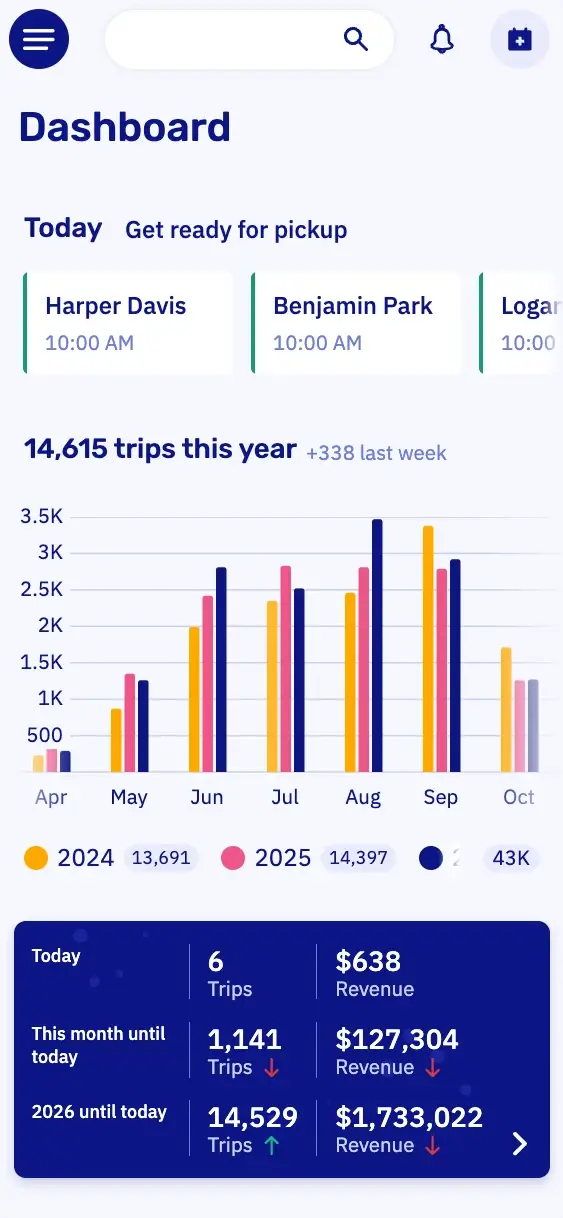
DashboardYour whole business in one view.
PlanningWhich boat is out when, per dock.
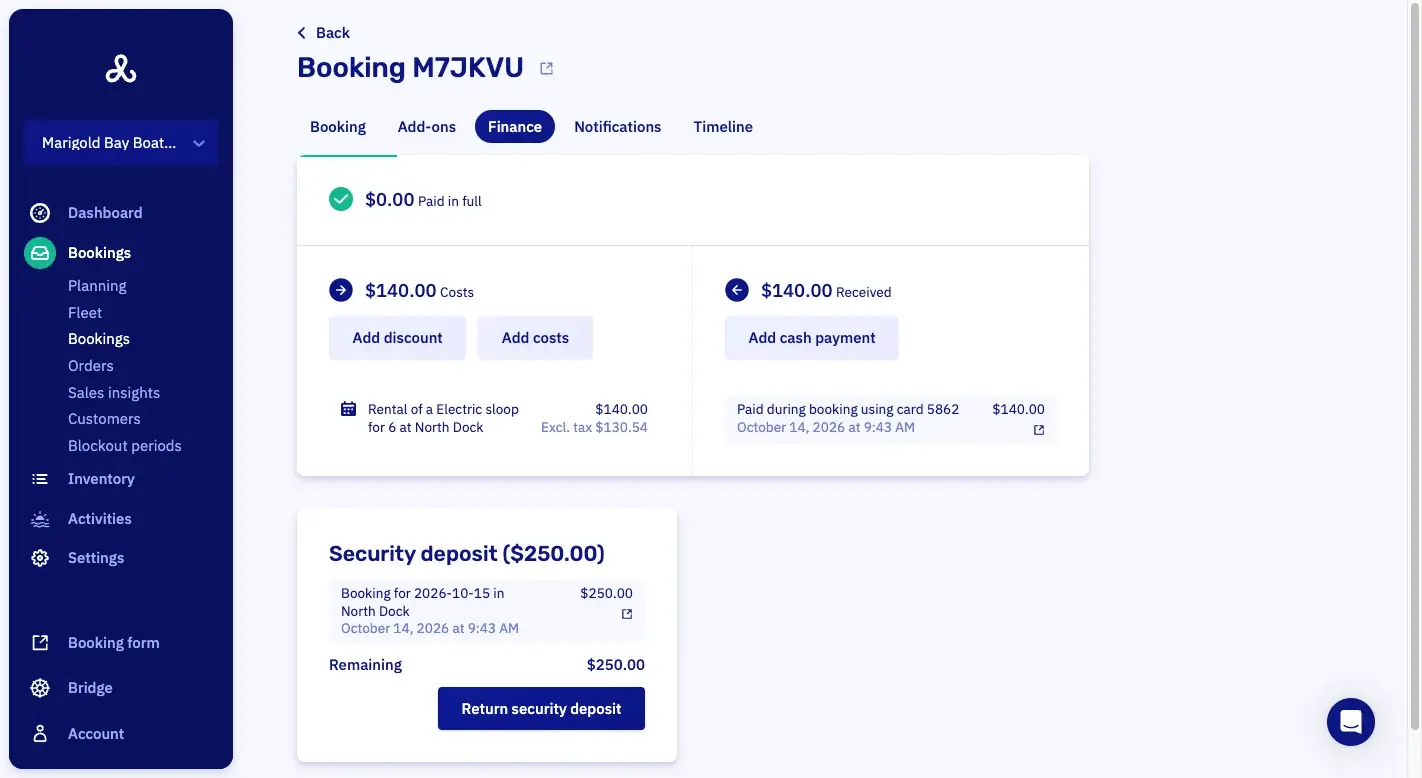
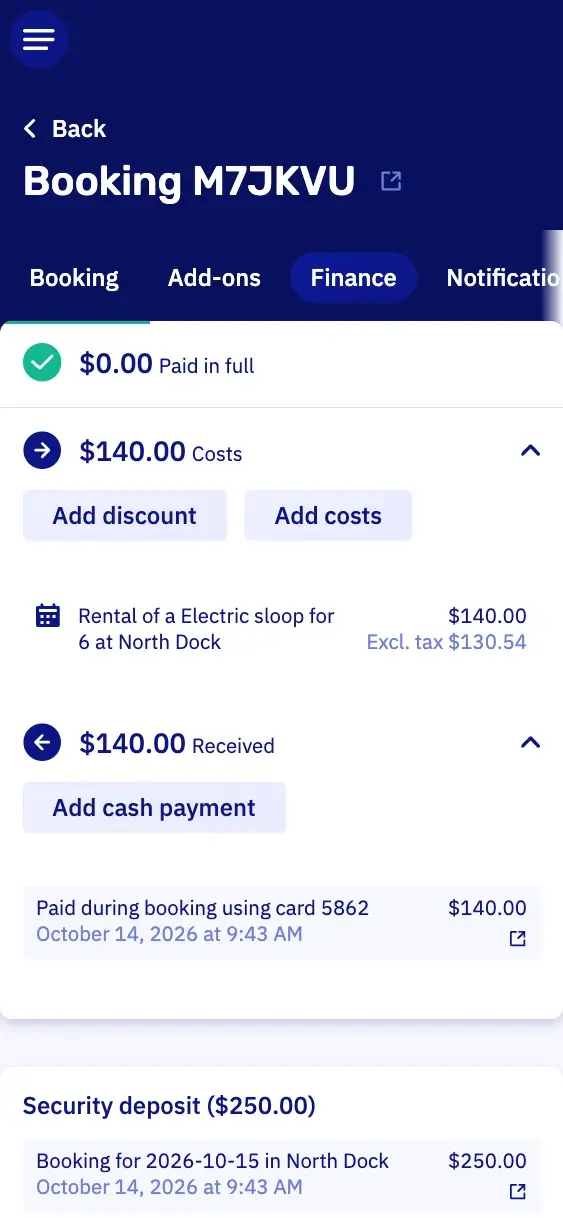
PaymentsWhat's paid, and what's still open.
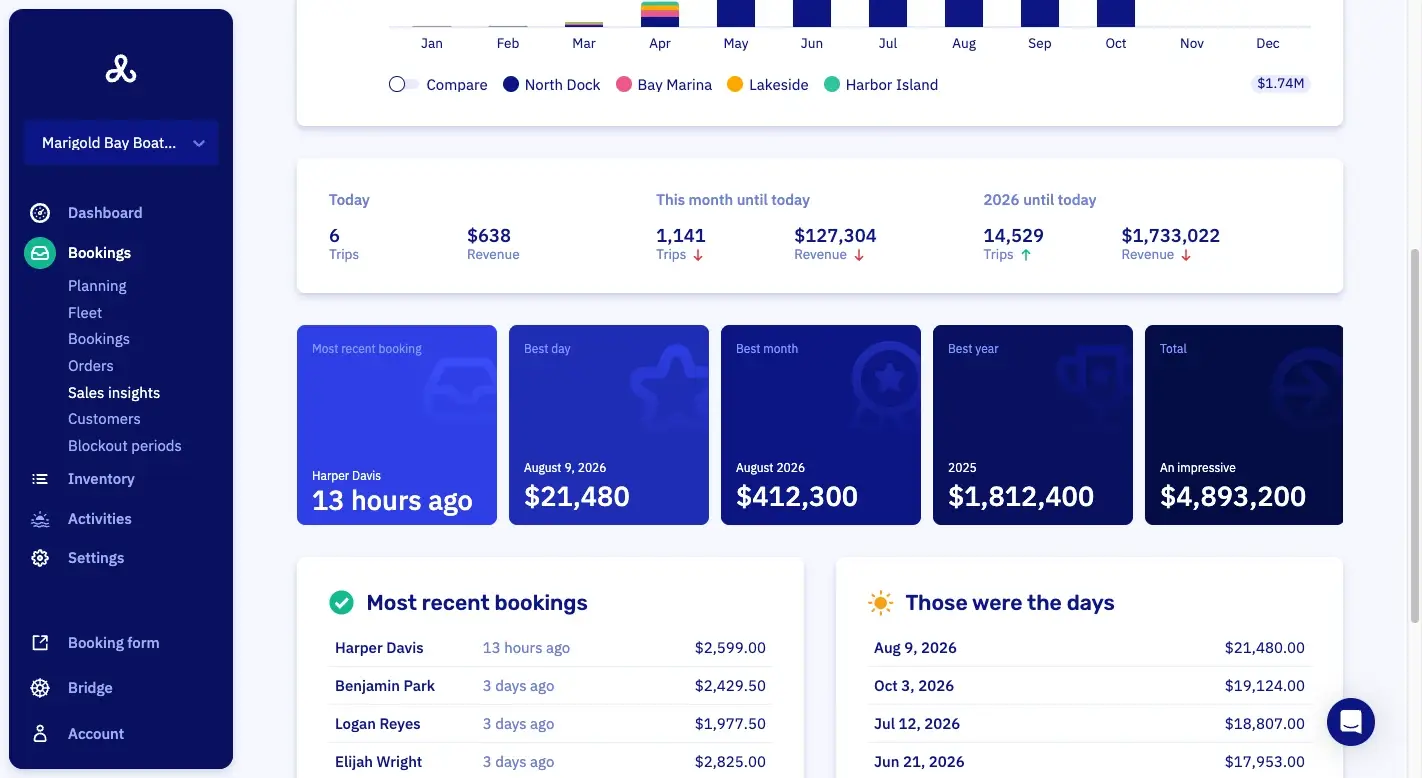
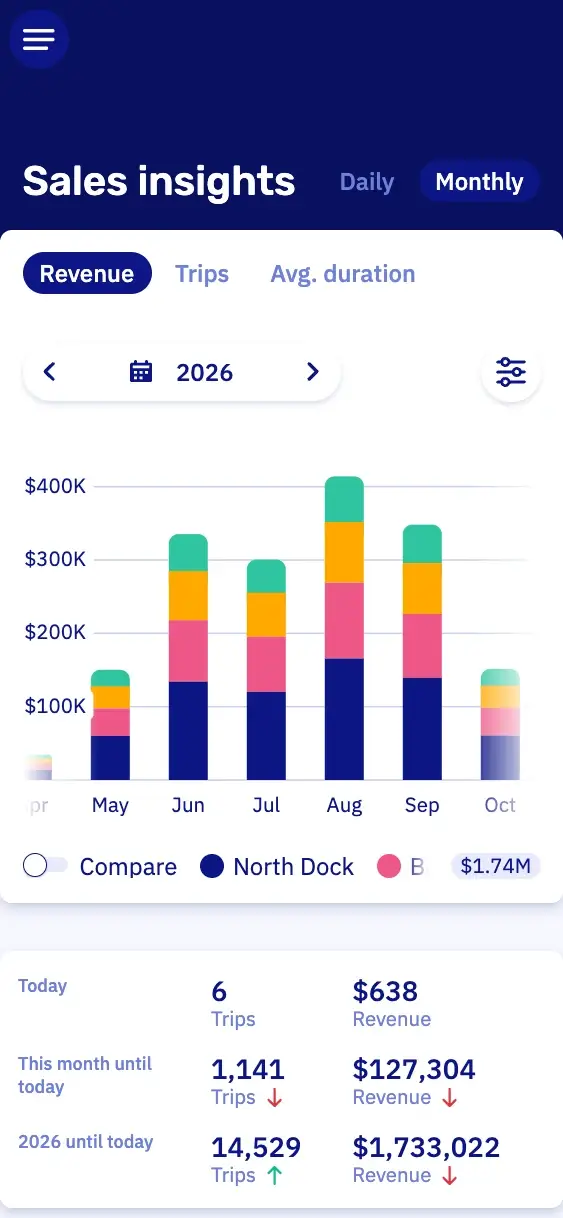
Sales insightsWhat you sold, over any period you pick.
The customer starts the pontoon from their phone.
On rental without a skipper, each pontoon can get a hardware module from our partners Sentinel Marine or Qondor. It releases the engine at the booked hour, and the customer starts it from their phone. So you need fewer people at the dock to hand boats out and take them back.
The hardware module is paid for apart from your plan.
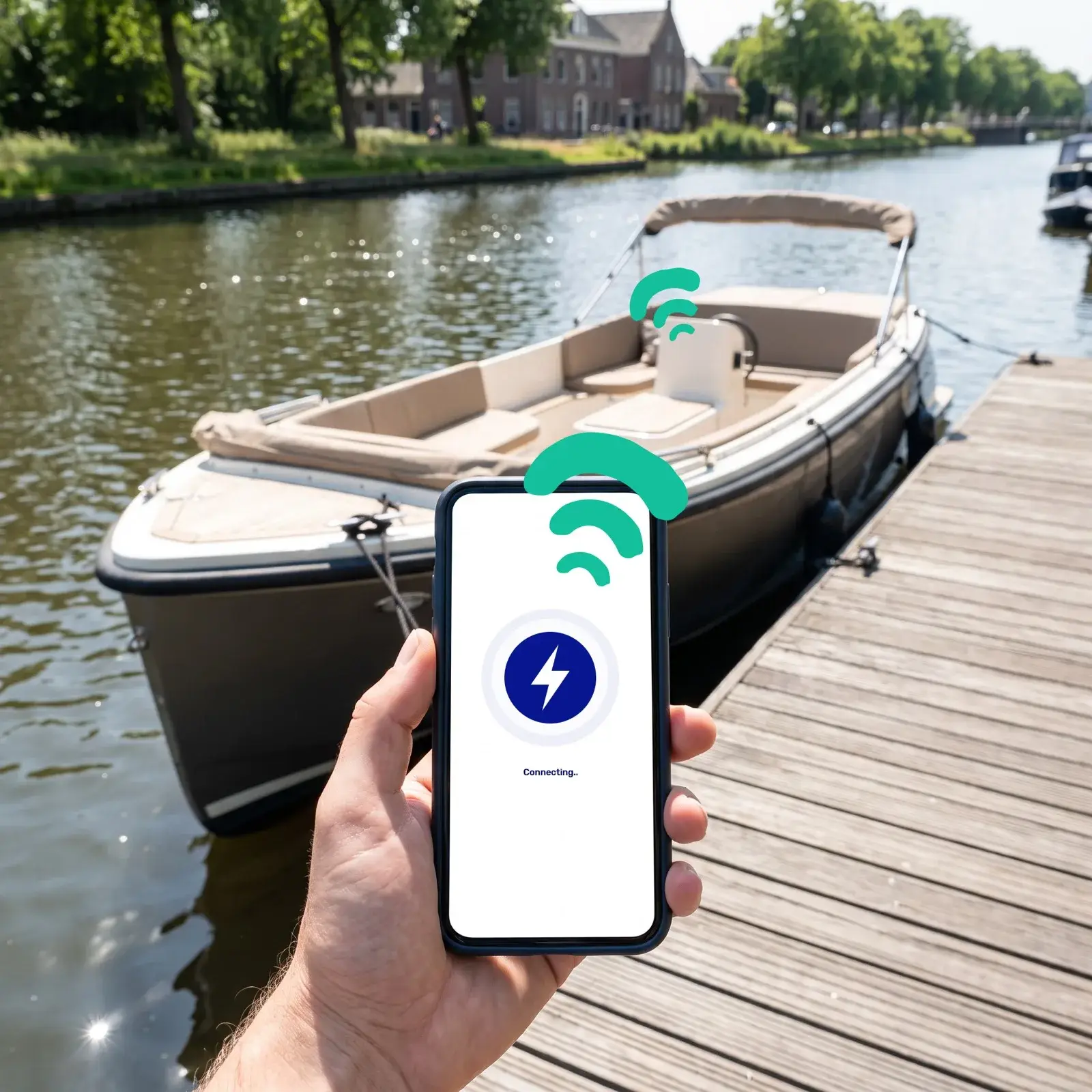
Engine running
Trip started at 10:04 AM
Pontoon prices and add-ons that follow the group.
You set it up once, and every booking gets the right price for the size of the group.
The price follows the headcount
Four friends pay less than a party of twelve, and you don't do the math. A formula works out each price, between a lowest and a highest amount you set.
The cooler scales with the group
At checkout the group adds a cooler, ice or tubes, so every booking earns you a little more. The price grows with the headcount or the length of the trip.
A picking list for the dock
Before the first group walks down the dock, you print what everyone ordered. So the tubes, the ice and the speaker are ready.
Your own questions on the booking
Your booking form asks how many kids are coming, or who needs a smaller life jacket. The answers sit on the booking, so the dock knows before the boat goes out.
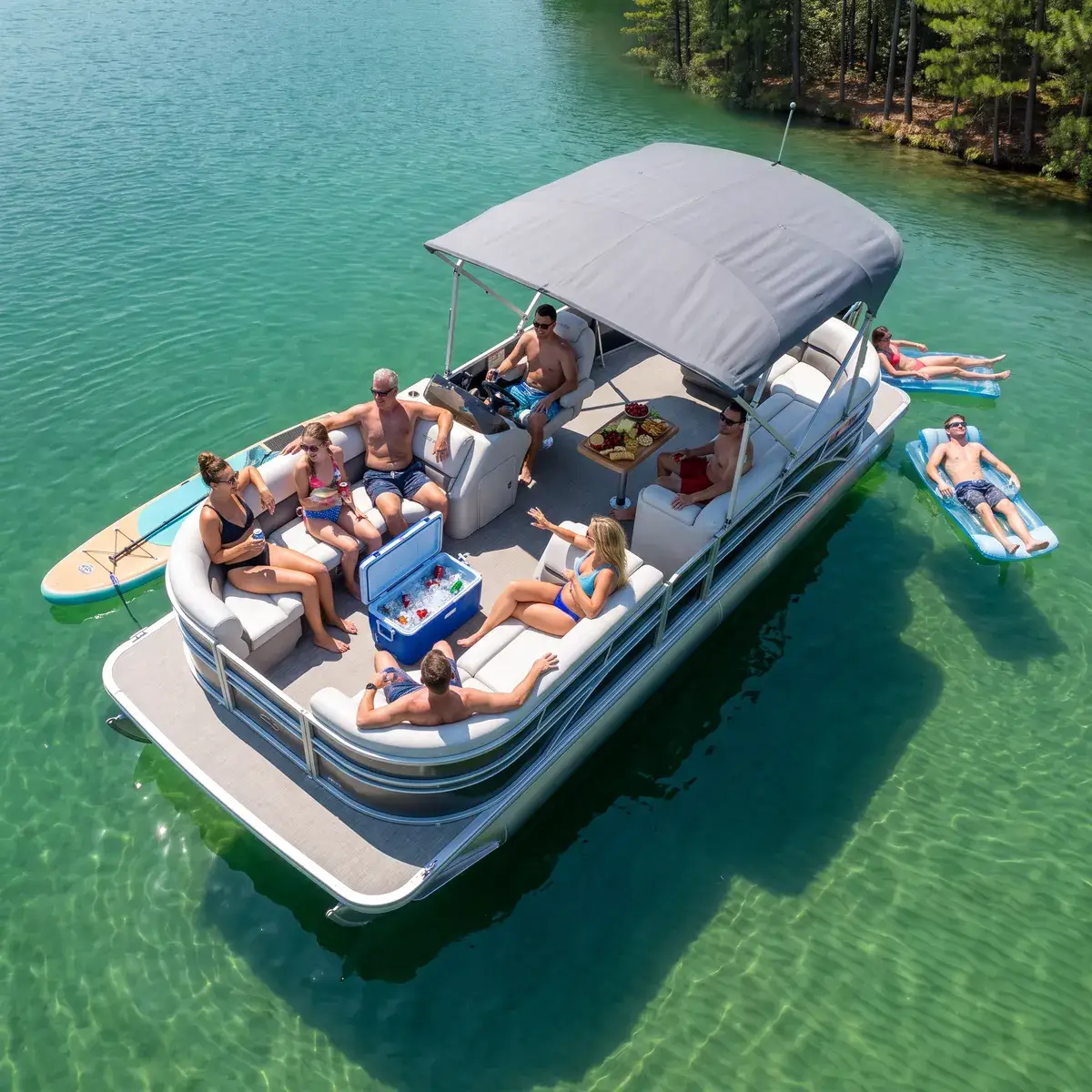
Waivers, departure limits and buffer time.
Everyone signs, or only the booker
You choose whether every passenger signs or only the booker. They sign ahead of time in WaiverForever on their own phone, so nobody holds up the group at the dock.
Limit boats leaving at once
Want to limit how many boats leave or come back at once? You set that per departure time.
Buffer time per slot
Want half an hour to hose down the deck between two groups? Each slot gets its own buffer time on the planning, so nobody books into it.
Pontoon rental features in Let's Book.
These six help with pricing, add-ons, planning and waivers.
- Rule-based dynamic pricingPrices follow rules you set, so the rate moves with the day of the week or how far ahead someone books.
- Add-on pricing that scales with the bookingThe price of an add-on scales with the length of the booking or the number of people.
- Capacity view per time slotThe capacity view shows how full each time slot is.
- Digital waivers and rental contractsCustomers sign waivers and rental contracts in WaiverForever, on your own account, at home or at the dock. You pay WaiverForever for that account.
- Price conditions that count boatsA price condition counts the boats in one booking, so every third boat in a group can be cheaper or free.
- Quantity limits, per passenger per hourAn add-on is limited per booking, per boat, per passenger or per passenger per hour.
Questions about pontoon rental software.
Can customers pick their own start time for a pontoon rental?
Yes, in Let's Book customers pick their own start time within your opening hours. If you'd rather send pontoons out at set times, you use fixed departure times instead.
Can I add a fuel or cleaning fee to a pontoon rental?
Yes. In Let's Book you add a fee to the rate, for every booking or only those that meet your conditions. Add your own wording, so your customer reads what it covers.
How do I handle the security deposit on a pontoon rental?
Let's Book takes the security deposit with the booking. After the trip, you return it from the booking itself, in full or in part. Every amount you keep goes on its own line, so your customer sees why. At the end of the day, you return several deposits in one go, from the wrap-up list of finished bookings.
What happens when a pontoon comes back late?
Let's Book warns you on the planning when a pontoon is out longer than the booking allows. The booking is flagged on its own, so nobody has to remember it. If you charge for the extra time, add it to the booking as an extra cost. You then settle it out of the deposit before the rest goes back.
Can I set how many people fit on a pontoon?
Yes, in Let's Book you set for each boat model how many people fit on it. Coming soon: a lower number for one trip. On a barbecue cruise, for example, two fewer people fit, because there's a barbecue aboard.
Can I sell tickets per seat on a pontoon sunset cruise?
Not yet. Selling tickets per seat is coming to Let's Book. Today a group books the whole pontoon for the cruise. A sunset departure can already have its own package price.
Can I try Let's Book with my own pontoons first?
Yes, ask for a test login and look around in Let's Book on your own. We set it up for you, with your own pontoons already in it. We send you the login as soon as we can.
Get started with your pontoons.
In a half-hour video call, we show you Let's Book with your own boats already in it, if you send us your website. No strings attached.