Waivers
Boat rental waivers your customers sign at home.
Your customer signs the waiver on their own phone, with the details from their booking already filled in. Let's Book ties your own WaiverForever account to your bookings, so you see at once who has signed.
Signed through
The waiver comes with the booking.
The waiver is ready the moment a booking is confirmed. So on Saturday morning you're handing out boats instead of paperwork.
Signed from the couch
Right after paying, your customer signs the waiver at home on the couch. At the dock, all they need to do is put on a life jacket.
One link for the whole group
Your customer shares one signing link with the group. Each passenger signs on their own phone on the way over, instead of at the counter.
You see who has signed
Once they sign, the status lands on the booking within a minute. You see it without asking anyone.

How the WaiverForever integration works.
You open your own account at WaiverForever and make your waiver there. You paste their API key into Let's Book once and link the fields. From then on, every signature lands on the booking by itself. The integration is in Standard and Pro.
You choose who has to sign.
Want only the person who booked to sign, or everybody aboard? You set that per waiver.
The person who booked
One signature covers the whole booking. That's how most rental contracts work.
One per boat
A booking that goes out on three boats asks for three signatures.
Every passenger
Each passenger signs their own waiver. For this, the rental or trip asks how many people are coming.
Anyone aboard
Don't know ahead how many people are coming? Then anyone who gets the link can sign, though you won't see who has signed, person by person.
Name, date and boat model already filled in.
You link each field of your document to what the booking already knows. So your customer reads and signs, without typing their own name again.
Who they are
Name, email address and phone number come straight from the booking.
What they booked
The booking reference, the number of passengers and the number of boats go in by themselves.
When and where
Pickup date, return date, the dock and the boat model are filled in too.
What stays theirs
Your customer always fills in their own signature, checkboxes and number fields.
A different document per rental or trip.
You pick which documents go with each rental or trip. So the jet ski rental can ask for a waiver, the houseboat for a rental contract, and the trips at a second location for something else. One document can cover several.
Give your regulars a customer type of their own that skips the waiver. Then they don't sign again for every trip.
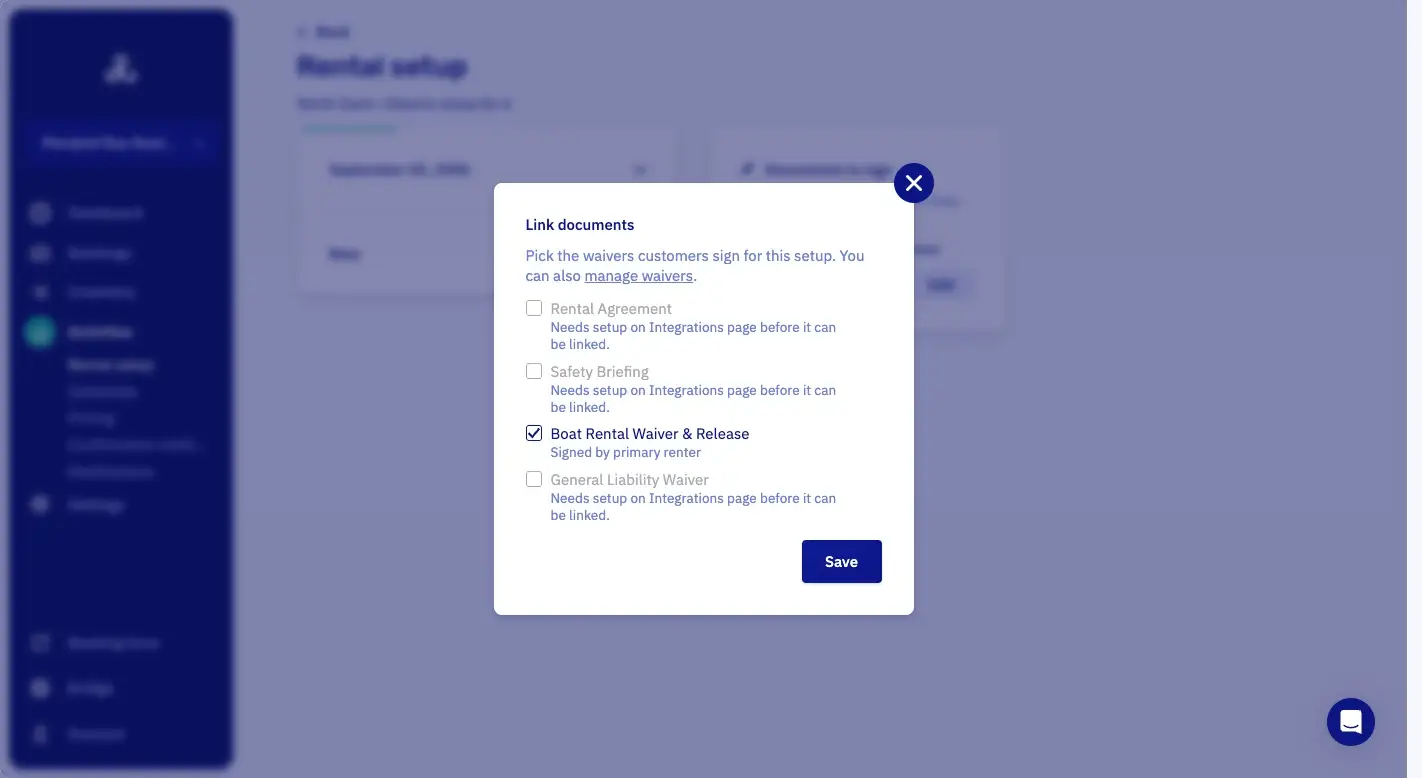
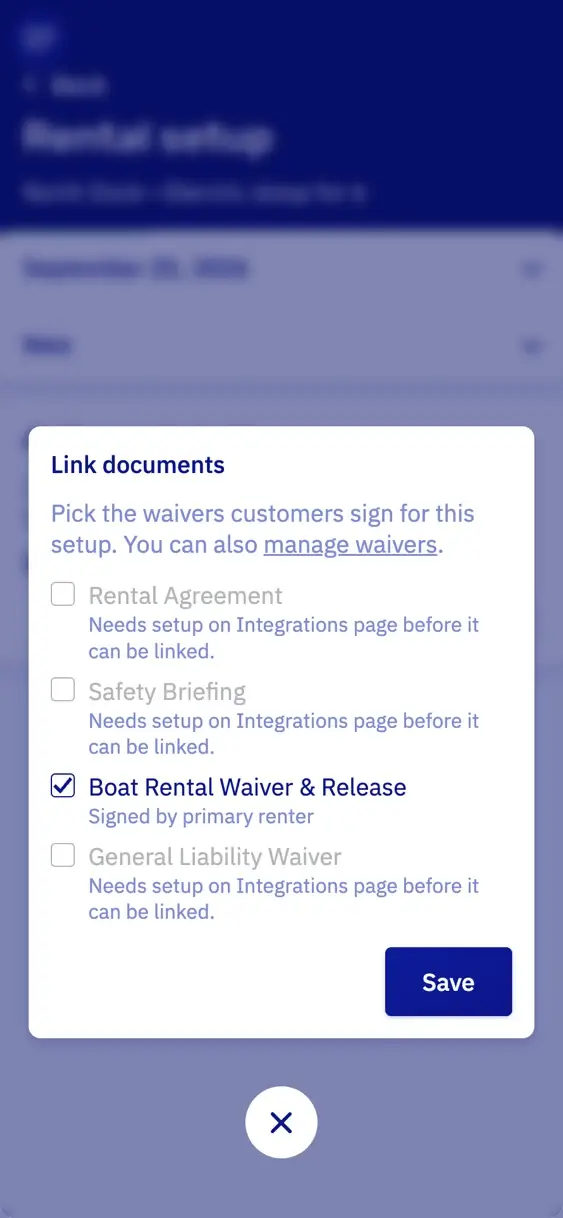
Sign at the dock with a QR code.
You filter the bookings on documents and see who still has to sign. Somebody turns up unsigned? You open the form for them at the counter, or they scan a QR code and sign on their own phone.
The signature lands on the booking, so your colleague at the desk sees it too.

Features for waivers and rental contracts.
Each one opens its line in the full list, with a link to the manual.
- Digital waivers and rental contractsCustomers sign waivers and rental contracts in WaiverForever, on your own account, at home or at the dock. You pay WaiverForever for that account.
- Waivers arrive prefilledA waiver arrives with the booking and customer details already filled in.
- Choose who has to signYou set who has to sign: the person who booked, or every passenger.
- Passengers sign their own waiverEach passenger signs their own waiver on their own device.
- Filter for unsigned documentsThe booking list narrows down to the bookings with a document still unsigned.
- Sign at the dock by QR codeA QR code at the dock opens the waiver for a customer who did not sign at home.
Questions about boat rental waivers.
Which software does the signing?
WaiverForever, on your own account. You build your document there from a template, your own PDF or from scratch. Then you paste your WaiverForever API key into Let's Book once, and every signature comes back to the booking. You pay WaiverForever for your plan.
Can I use my own waiver?
Yes. You put your own waiver in WaiverForever, for example as a PDF. Let's Book fills in the details from the booking, so your customer only completes the rest.
Is a digitally signed waiver legally valid?
The signing runs through WaiverForever. Ask them whether a digital signature holds where you rent out your boats.
Can I use a different document per boat?
Yes. You link each document to the rentals and trips it belongs to, so the jet ski rental asks for a waiver and the houseboat for a rental contract. One document can serve several at once.
What if somebody turns up without signing?
You open the form for them with a button on the booking, or they scan a QR code and sign on their own phone at the dock. Nothing has to be printed. Let's Book doesn't hold the boat back by itself. Your staff see on the booking who still has to sign.
How do I see who has not signed yet?
The bookings overview has a filter for documents, so you can pull up everything still waiting for a signature. Each booking also shows its own status.
Do my regulars have to sign every time?
No. Put your regulars in a customer type that is exempt from waivers, and their bookings no longer ask for a signature.
Get started with your waivers.
In a half-hour video call, we show you Let's Book with your own boats already in it, if you send us your website. No strings attached.