Boat clubs
Boat club software.
For a club with a few boats at one dock, or with several locations. Let's Book applies your club rules to every booking, so nobody argues anymore over who gets Saturday's best boat.


Bookings, planning and payments for your members, and for guests who rent the same boats.
- Online booking form
- Members sign in and book on your own site. While they check out, nobody else can book their boat.
- Pricing and availability
- Members and guests each book at their own rate. For each tier, you set how far ahead members can book.
- Payments and security deposits
- What members and guests pay goes to your own account, a security deposit too if you take one. Members can book now and pay later.
- Planning and daily operations
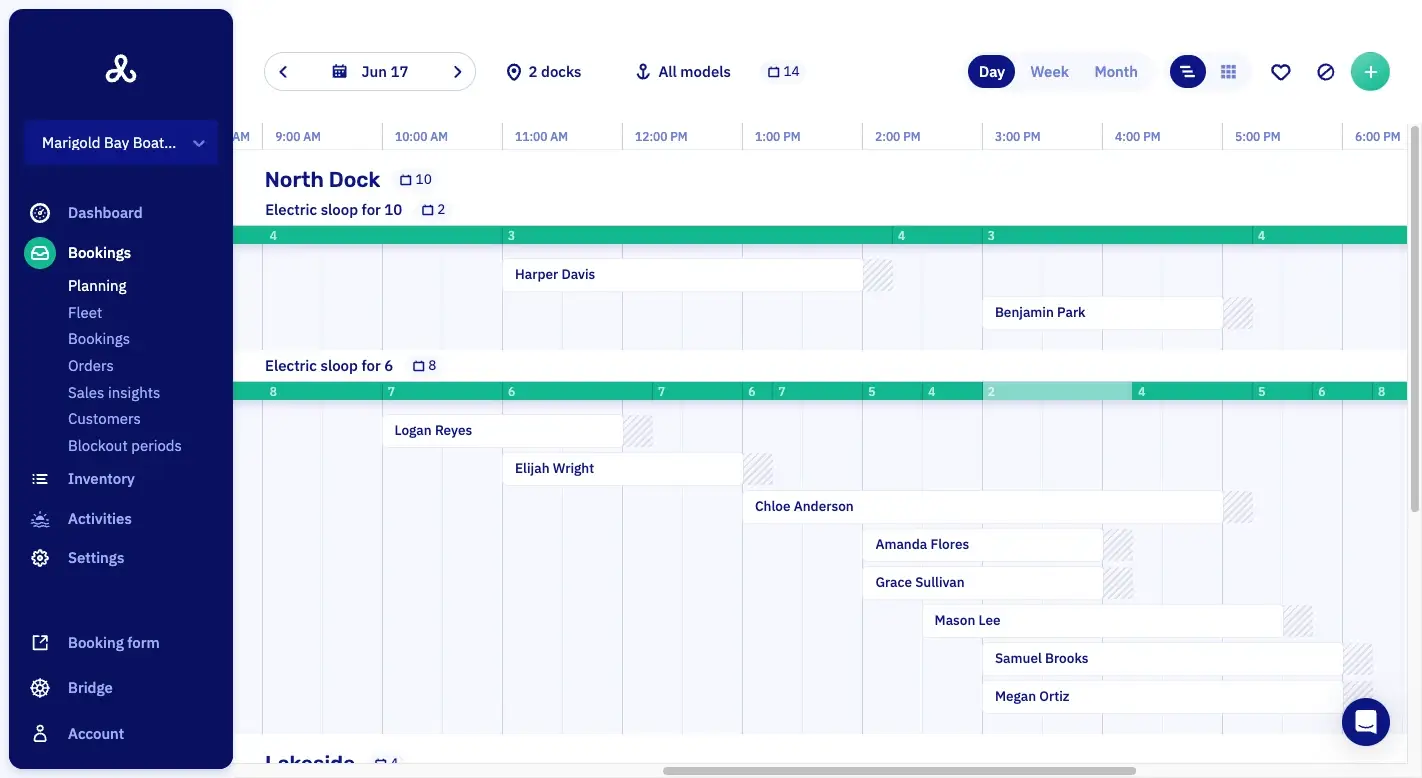
- You see every boat and every dock on one planning, hour by hour. Hover over a trip to see who booked it.
- Customer messages
- Confirmations and reminders go out to members automatically.
- Add-ons and promotions
- Members add extras, like a lesson, when they book.
Member booking, by your club's rules.
A member opens your club's booking link and books the trip themselves. Let's Book applies your rules as they book. Your staff only pick the boat, at handout shortly before departure.
01Members-only booking links
A member signs in before the form opens. So only customers with an account can book through your club's link.
02Allowed docks and boat models
For each membership, you choose the docks and boat models its members may book. In Let's Book, a membership is called a customer type.
03Rules that count other bookings
A rule counts the Saturdays a member has already booked. With the limit at one, a second Saturday won't go through, and nobody has to check.
04Book without paying up front
Members confirm the booking without paying yet. You collect the money later with a payment link, and it lands in your own Stripe or Mollie account.
05Waiver exemption for members
Exempt a customer type from the waiver, and members don't sign before every trip. Guests on the same boats still sign.
06Assign the boat at handout
Members book a boat model. Staff pick the boat at handout, shortly before departure, so one that's in for repairs stays ashore.
At a glance.
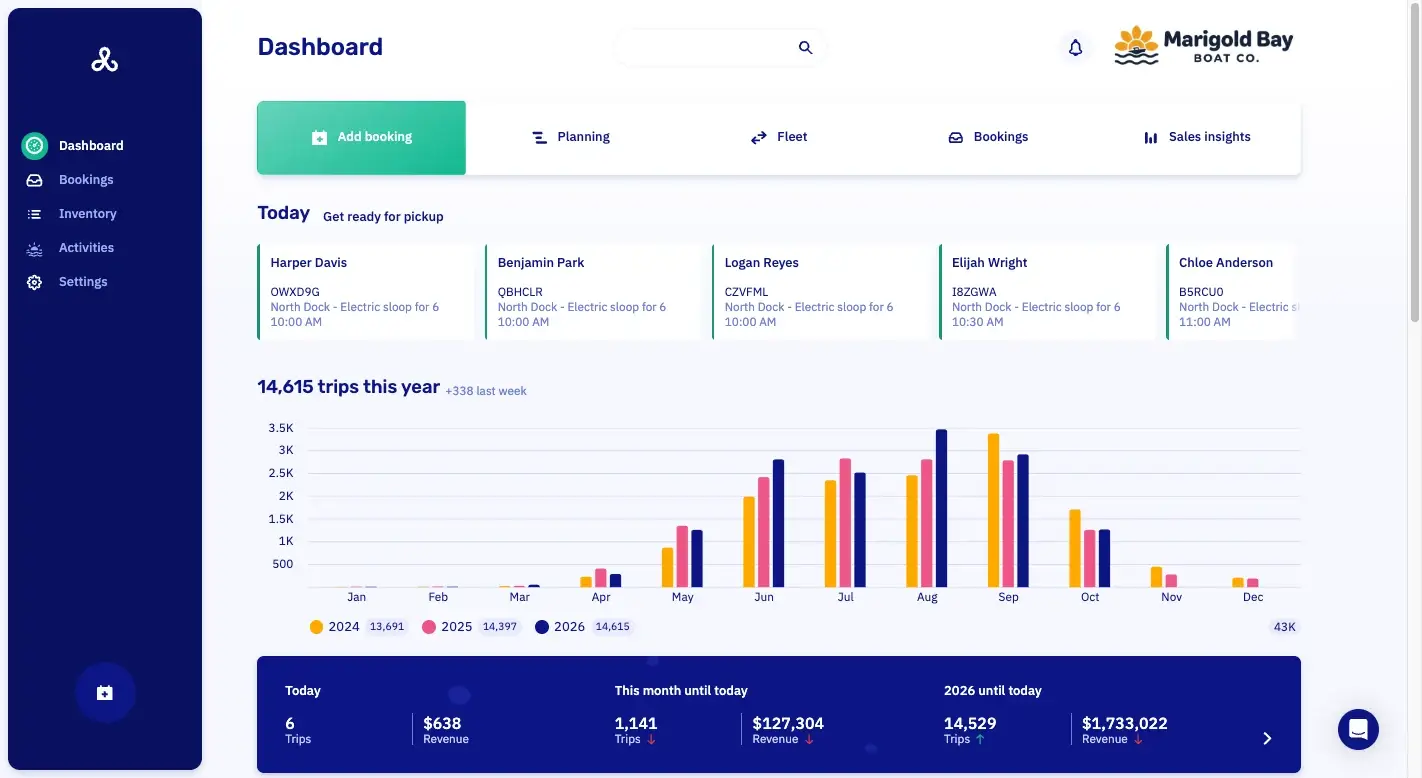
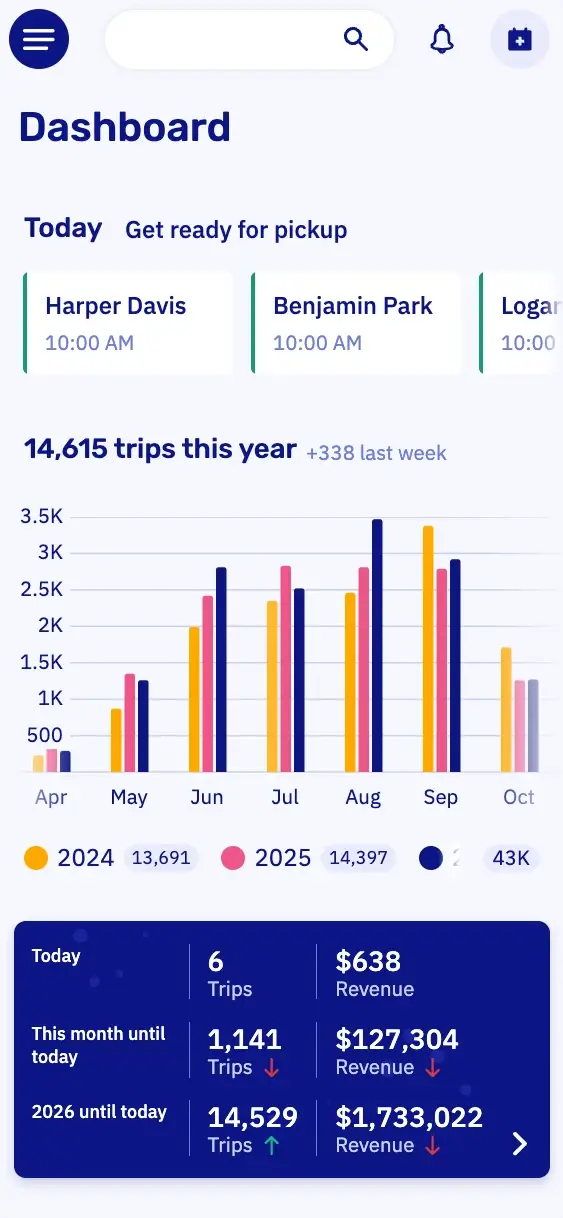
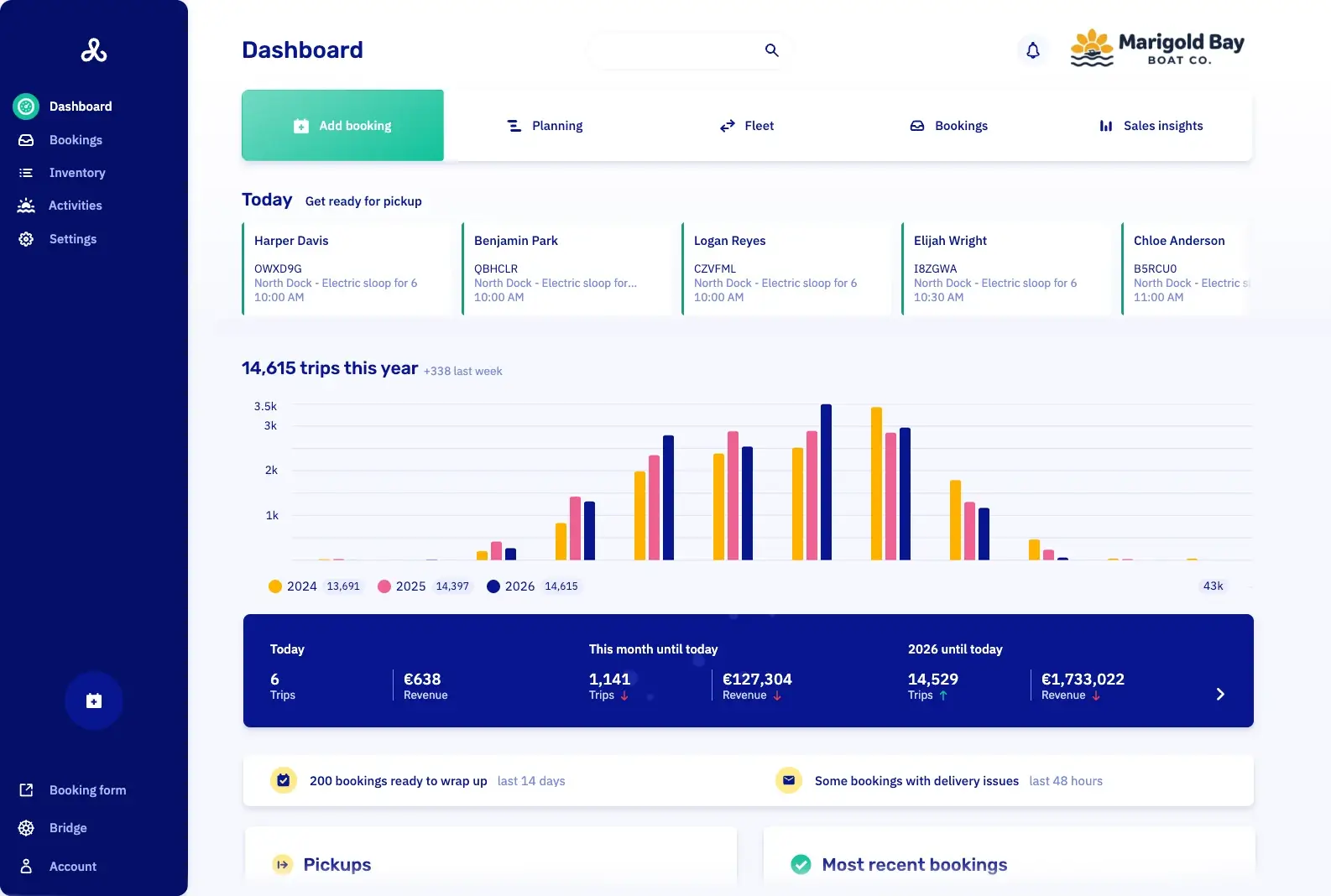
DashboardYour whole business in one view.
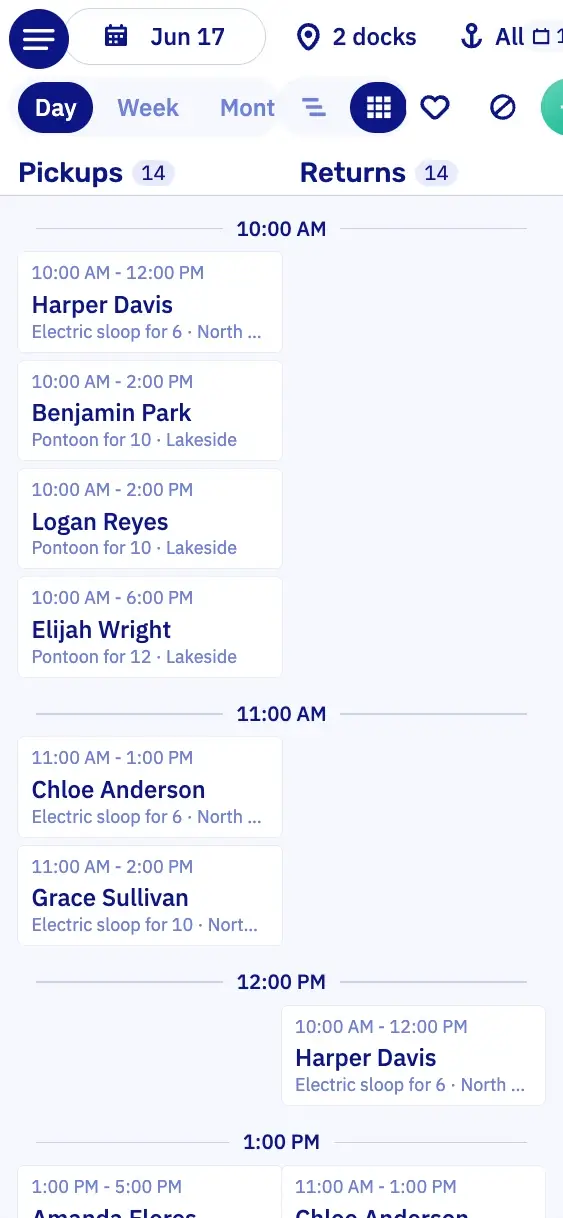
PlanningWhich boat is out when, per dock.
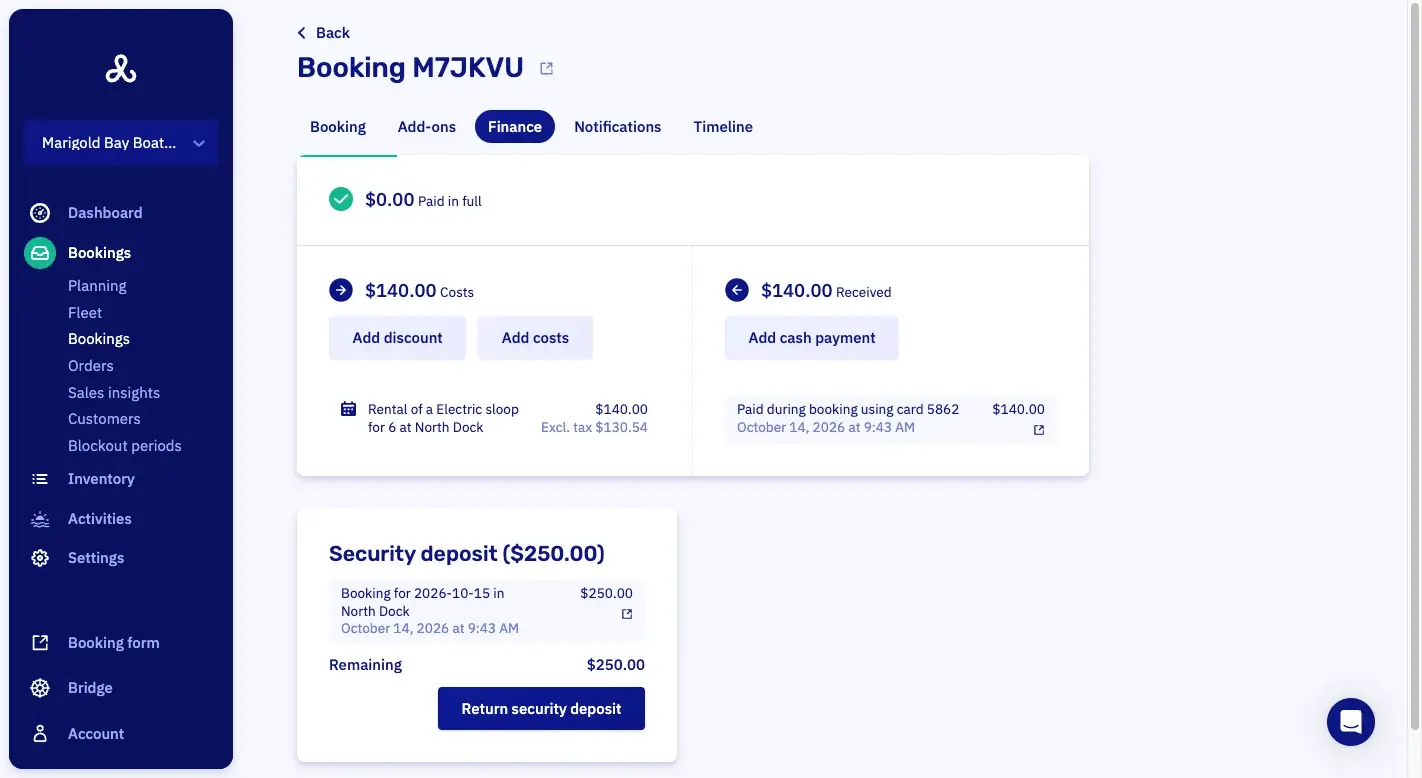
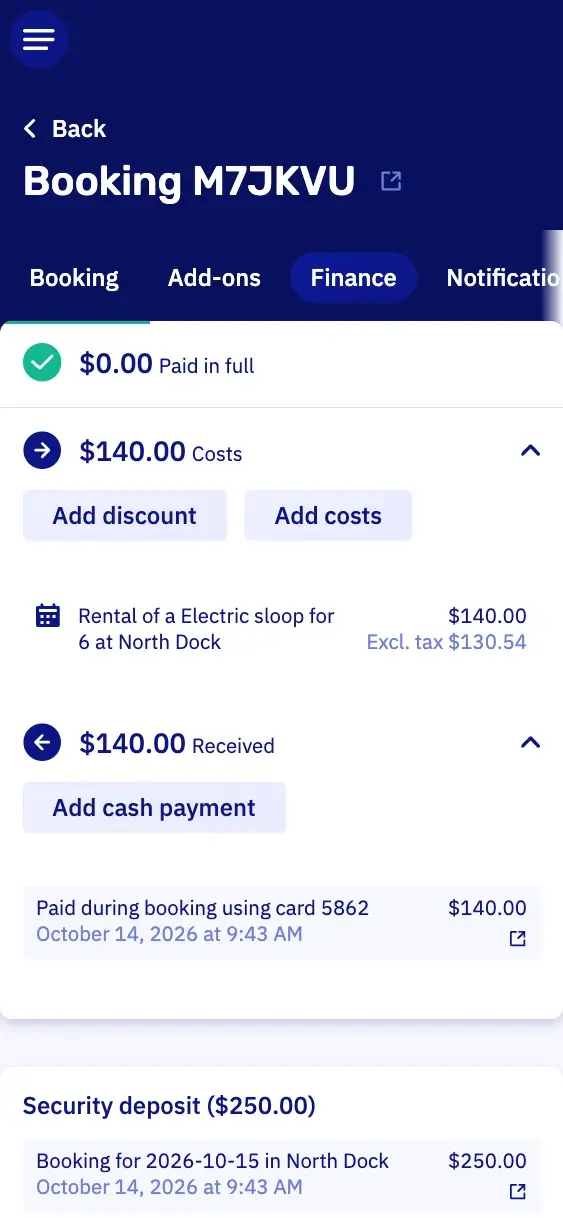
PaymentsWhat's paid, and what's still open.
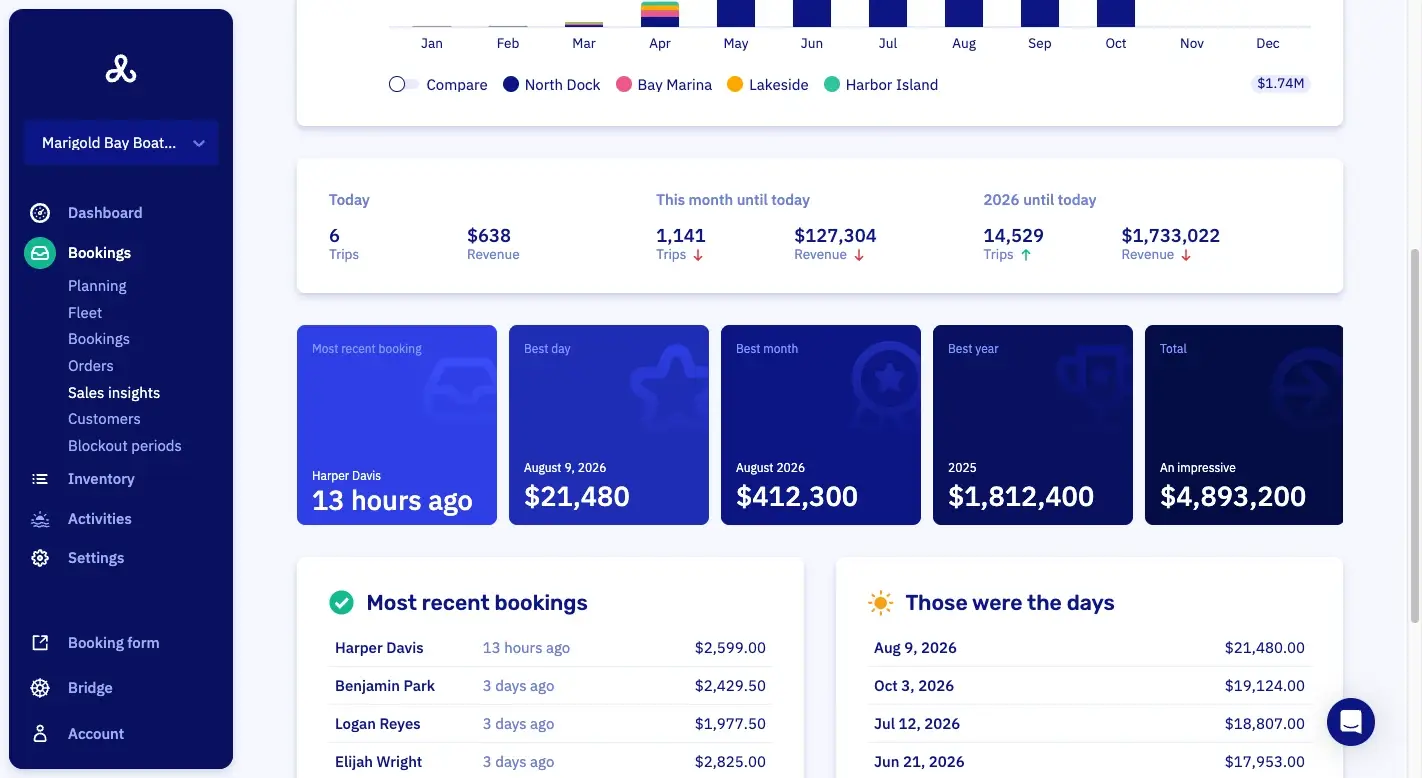
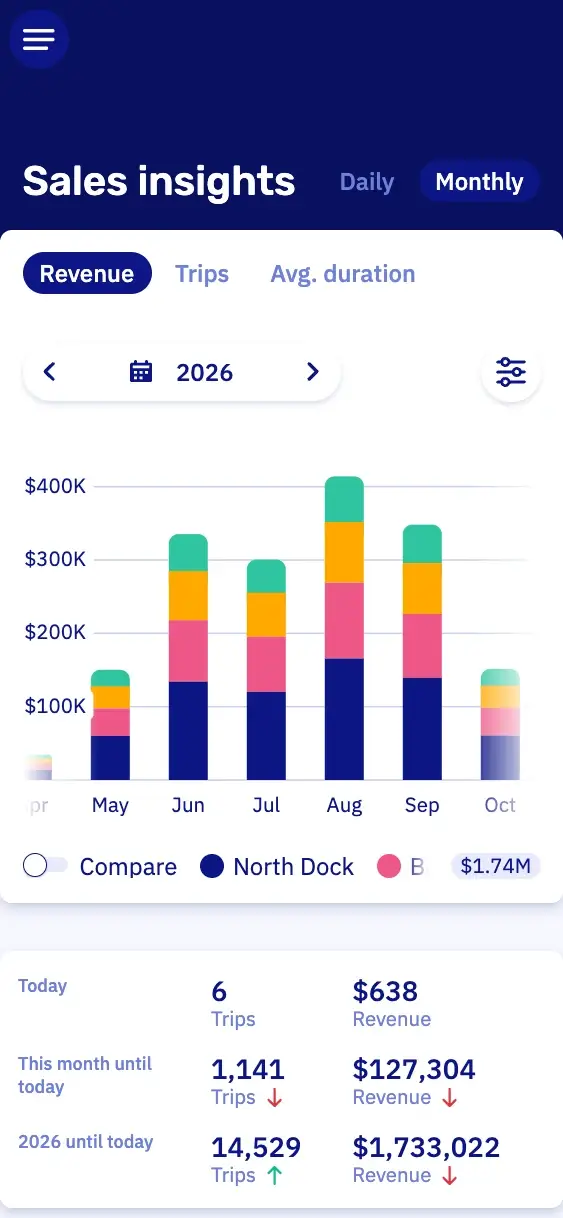
Sales insightsWhat you sold, over any period you pick.
Booking rules per customer type.
Does your club have rules for who goes out when? You set them per customer type in Let's Book, from twelve conditions in a dropdown. You write an exception yourself, like “unless it's for tomorrow”, or we're glad to set it up with you. From then on, Let's Book checks every booking against them.
Twelve conditions in a dropdown
Pick the docks, boat models and days open to each type. Then set how far ahead members book, the longest trip, and how many bookings they may hold.
Your own rule, with AND and OR
Conditions from the dropdown all apply at once. You write a rule with an “unless” in it yourself, with AND and OR.
One weekend booking at a time
For example, members may hold one weekend and one weekday booking at a time. Before three in the afternoon, they can still book a boat for tomorrow, even at that limit.
Caps per month and per year
For example, a member gets at most five bookings a month and twenty a year. You can cap Saturday hours separately.
Half days, or a whole one
You set the longest trip per tier, for example four hours. You decide whether a member may book two half days on the same day.
Thirty days or six months ahead
The booking window is set per tier, together with how close to departure a member may still book.
Override mode for staff bookings
Members book by your rules, but your staff can step outside them when needed. The booking timeline records who did it.
Booking rules leave existing bookings alone
A tighter booking rule applies to new bookings as soon as you save it. Let's Book doesn't check existing bookings again.
Members and guests share one fleet, each at their own rate.
Prices follow the customer type. So a member and a guest can book the same boat on their own terms. The days your members leave free, you sell to guests: as a rental, a tour or a charter.

Member rate
60 an hour
Different prices per customer type
Say an hour costs 100, or 120 on weekends. Members get 40 off, so a member pays 60 on a weekday and a guest pays 100.

Security deposit
Guests only
A security deposit for guests only
Do you take a deposit? Then it can differ per customer type. Guests leave it at checkout and members don't, so there's nothing to refund after a member's trip.

My bookings
Saturday, 10:00 AM
Customer accounts for members
Members log in to see their trips, cancel a booking when you allow it, or update their details. Their customer record shows you the same bookings.

Customer type
Gold member
Color per customer type
Each customer type gets a color, a three-character code and a note for staff. Hover over a trip on the planning to see the code in its color.

Cancellation policy per customer type
For each type, you set whether members may cancel, how late they still can and which message they get. A canceled boat is bookable again right away.
Membership tiers, each with rules of their own.
You create the tiers yourself, with the names your club already uses. When the committee adds one, you set up one more customer type. Here are three examples.
A week ahead
Members book up to seven days ahead, for at most four hours at a time.
Two weeks ahead
Members book up to fourteen days ahead, for up to eight hours. That's enough for a whole day on the water.
A month ahead
Members book up to thirty days ahead, with no limit on how long they stay out.
Boat models per tier
For example, you open the biggest boat to the top tier only.
Moving a member up a tier
On the day their new terms start, you change the customer type on their record.
Members start the boat from their phone.
That works with a hardware module on board, at seven on a summer evening too, and with nobody from the club at the dock. You get the hardware module from Sentinel Marine or Qondor, on your own account with them.
Automatic engine lock and unlock
When the booking starts, the member unlocks the engine from their phone. When the trip ends, it locks again.
Pause a running rental
Pause the trip over lunch, and the boat stays theirs. Once the member ends the trip, the boat is free for the next booking.
Automatic trip registration
The boat registers when the trip starts and ends. So a member's hours come in without anyone typing them up.
Closed for bookings
Close a stretch of time for one boat model, one dock or the whole fleet. Write the reason on it, so staff know why.

The booking timeline shows who changed what.
Every change to a booking is recorded with the time, the person and what changed. When two members remember Saturday differently, you look it up.
Every status on one timeline
The timeline shows when a booking was created, confirmed, edited, canceled or completed. Notes, labels, add-ons and cash payments are on it too.
Who made each change
Each entry says whether staff, the member or Let's Book itself made the change. Where it matters, you also see the before and after.
Customer booking history
A member's record lists all their past and upcoming bookings. When someone says they never get a Saturday, the record answers.
Records kept at least three years
Let's Book keeps booking records for at least three years. So last season is still there when the committee asks about it.
Boat club software features.
These six features handle your customer types, prices and planning. Each one opens its line in the full list.
- Customer types with their own rulesA customer type gathers the customers who book under the same rules.
- Rule-based dynamic pricingPrices follow rules you set, so the rate moves with the day of the week or how far ahead someone books.
- Capacity view per time slotThe capacity view shows how full each time slot is.
- Different prices per customer typeA customer type books at prices of its own.
- Price conditions that count boatsA price condition counts the boats in one booking, so every third boat in a group can be cheaper or free.
- Buffer time shown on the scheduleBuffer time is drawn on the timeline, so the gap between two rentals is visible.
Questions about boat club software.
Do you collect the membership fee?
No, Let's Book doesn't collect membership fees. Dues run through your own bank or subscription service. In Let's Book you set what the membership buys. Those are the rules a member books under, their rate per trip and whether a deposit applies. You mark someone as a member once they've paid you.
Can I stop one member from taking the good boat every Saturday?
Yes, a booking rule in Let's Book counts the Saturdays a member already holds. Once they reach your limit, the next Saturday won't go through. For example, you can allow one weekend and one weekday booking at a time. Before three in the afternoon, a member can still book a boat for tomorrow, even at that limit.
Can a member reserve one particular boat?
A member books a boat model in Let's Book, not one particular boat. At handout, shortly before departure, your staff pick which boat it is, from the fleet view or the booking. If an engine acts up, they can swap the boat mid-trip. So when one boat is out of the water, members still book the model.
Saturday is full. Is there a waiting list?
No, Let's Book doesn't keep a waiting list. When a member cancels, the boat is bookable again right away. For each boat model, the planning shows what's open at every moment of the day.
Do members have to pay when they book?
In Let's Book, members only pay up front if you want them to. Set their customer type to book without paying, and you collect the money later with a payment link. Guests on the same boats can still pay in full at checkout.
I want to tighten the Saturday rule in June. What happens to the bookings already made?
Bookings already made stay as they are. In Let's Book, a new booking rule only counts for bookings made after you save it. So July stays the way your members already have it in their calendars. If you change the cancellation policy, though, that applies to existing bookings right away.
How do I switch my boat club to Let's Book?
Somebody who has worked a dock is happy to set up Let's Book and your club rules with you. We put your whole member list into Let's Book for you, in one go. We also move your members' existing bookings over with you, for free. So the summer that's already booked is on your planning from day one.
What does this cost a club?
Boat clubs get a custom price from Let's Book. Send us a message or book a half-hour video call, and tell us how your members pay, through dues or per trip. Then we'll work out the price with you.
Get started with your boat club.
In a half-hour video call, we show you Let's Book with your own boats already in it, if you send us your website. No strings attached.