
Sloops
Sloop rental software.
A sloop is an open Dutch motorboat for groups. For sloop rental with one boat or forty. Rent by the hour, the part-day, the day or several days, with or without a skipper, the way you do it now.
Bookings, planning and payments for your sloops.
- Online booking form
- Guests book and pay on your own site. While they pay, we hold the boat for them.
- Pricing and availability
- You set your prices your way: by the hour, part-day or day, per season, with group prices, surcharges, or early-bird and last-minute rates.
- Payments and security deposits
- What customers pay goes to your own account, a deposit too if you take one.
- Planning and daily operations
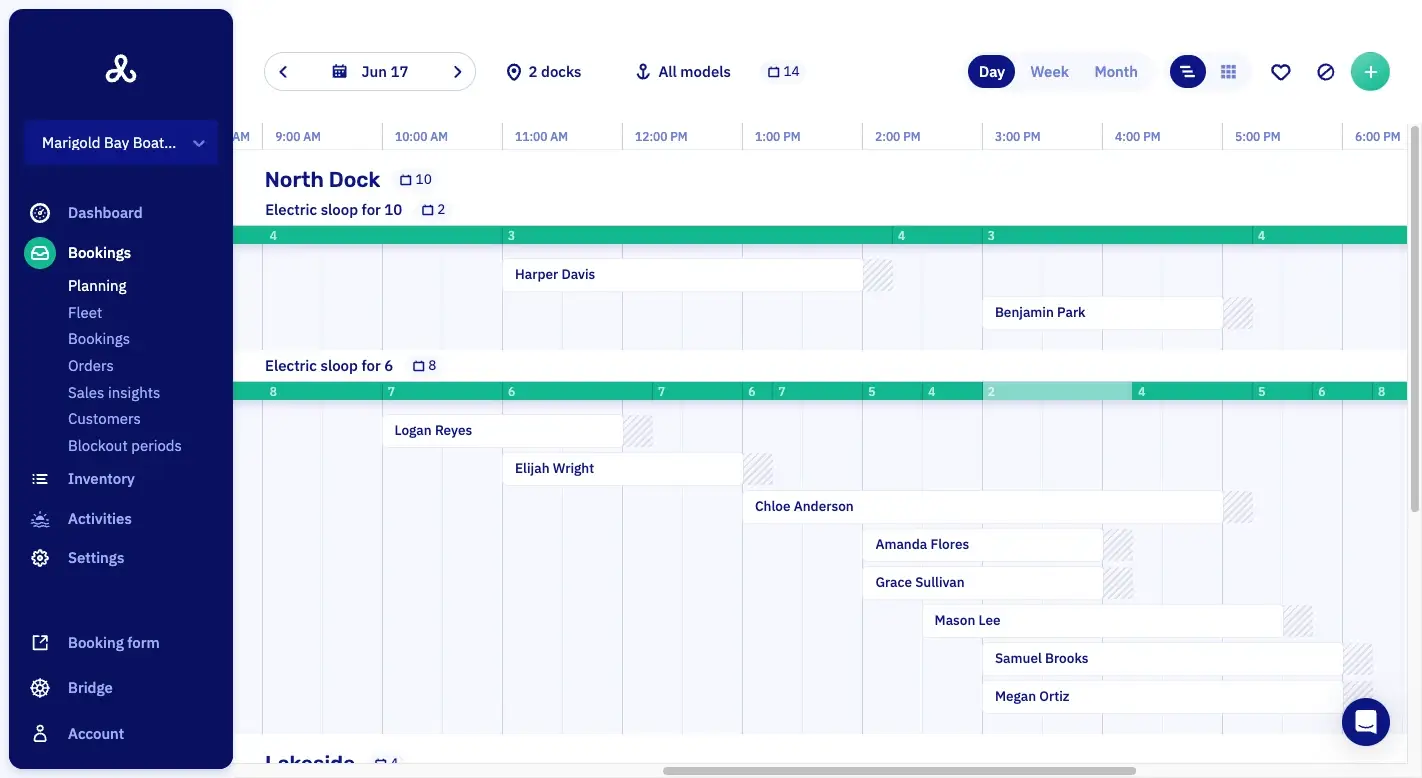
- All your boats and docks are on one planning. Per time slot you see what is still free and which boat is late back.
- Customer messages
- Confirmations and reminders go out to your guests automatically. You decide which messages go out and what your emails say, down to the last word.
- Add-ons and promotions
- Earn more on every booking: sell extras with a trip, like a cooler or a SUP board.
At a glance.
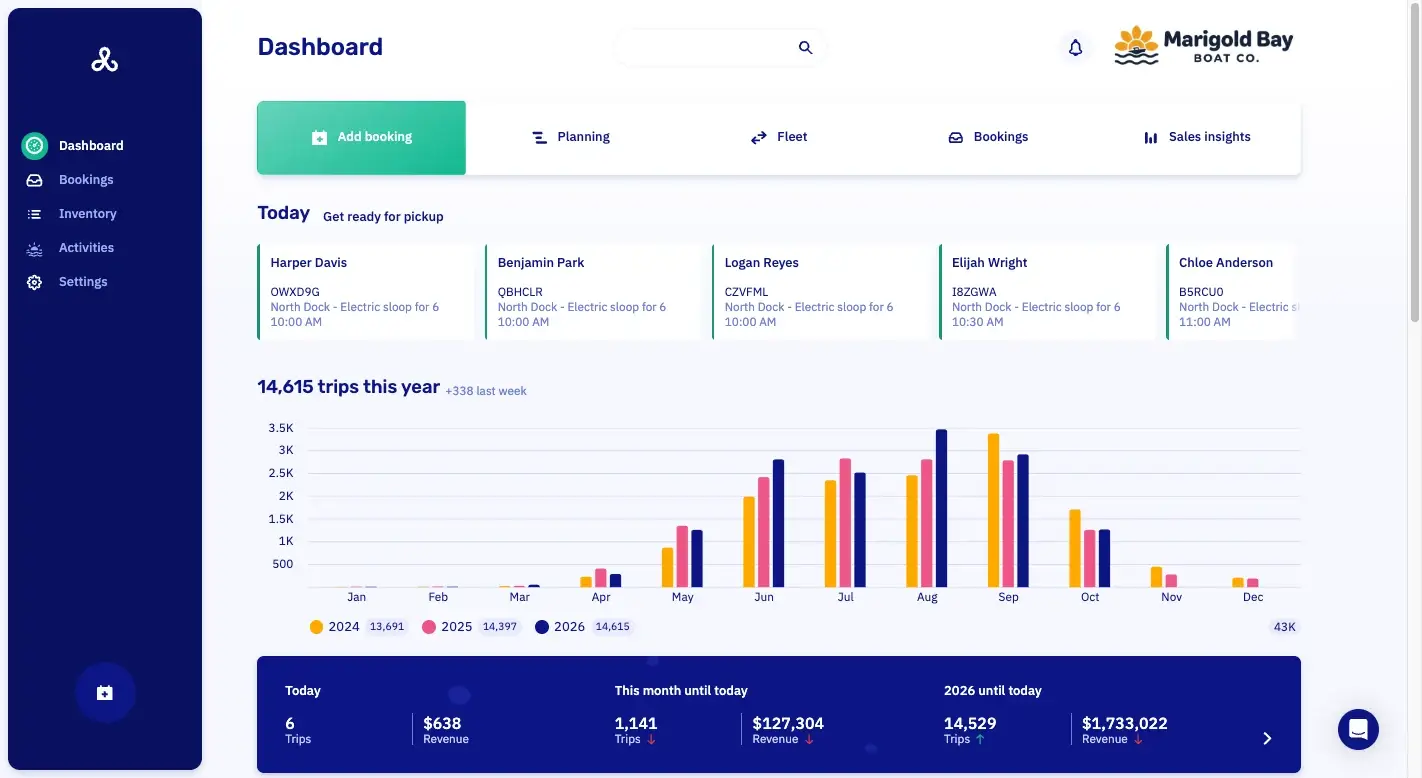
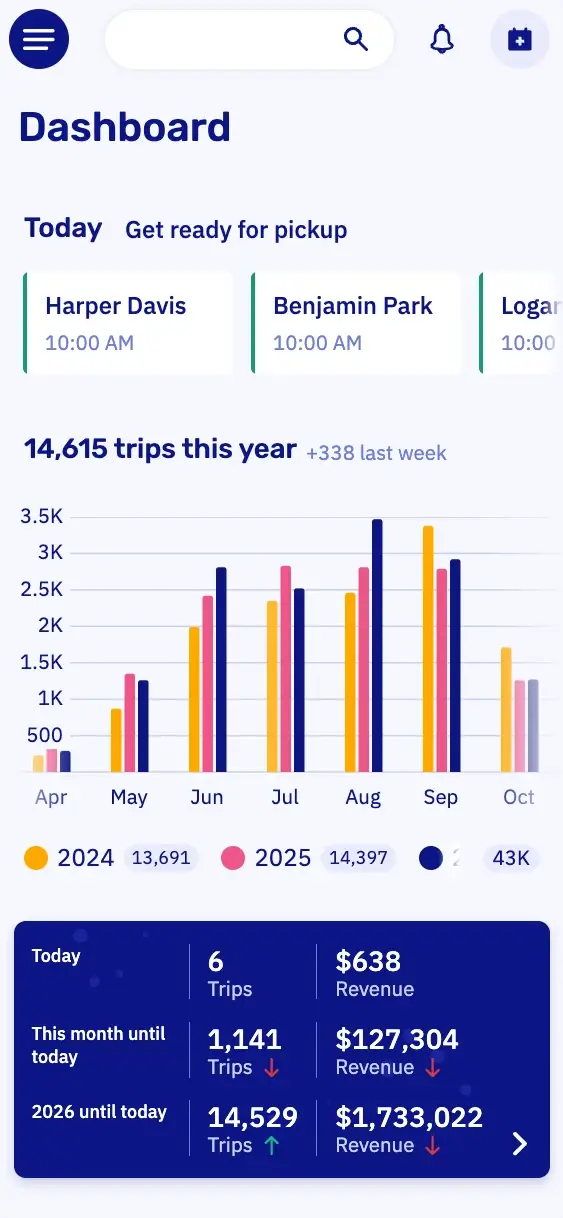
DashboardYour whole business in one view.
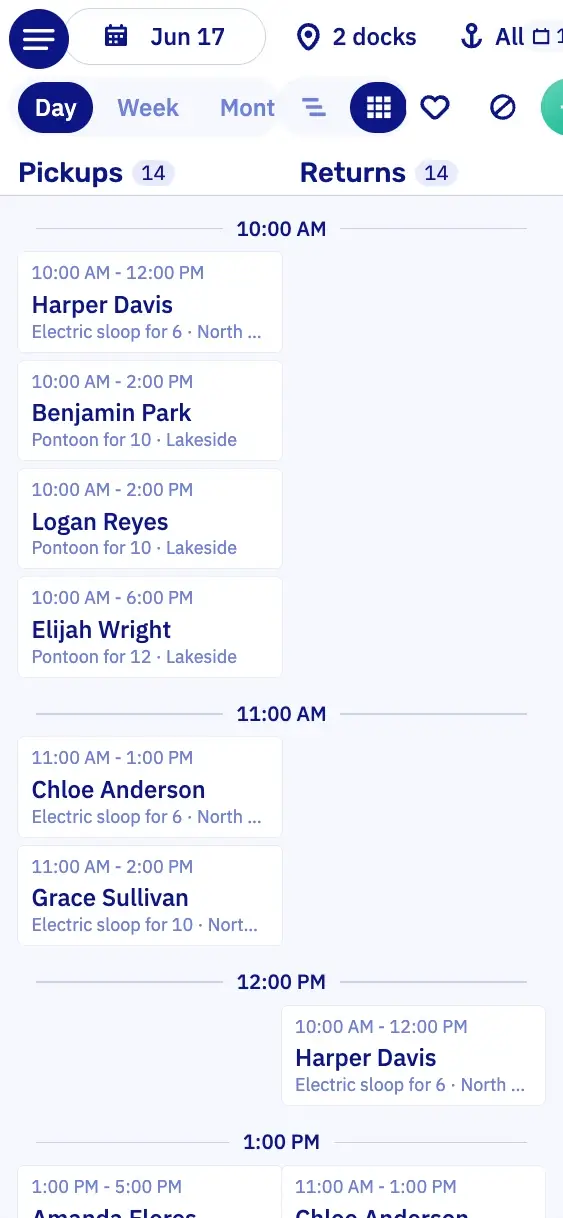
PlanningWhich boat is out when, per dock.
PaymentsWhat's paid, and what's still open.
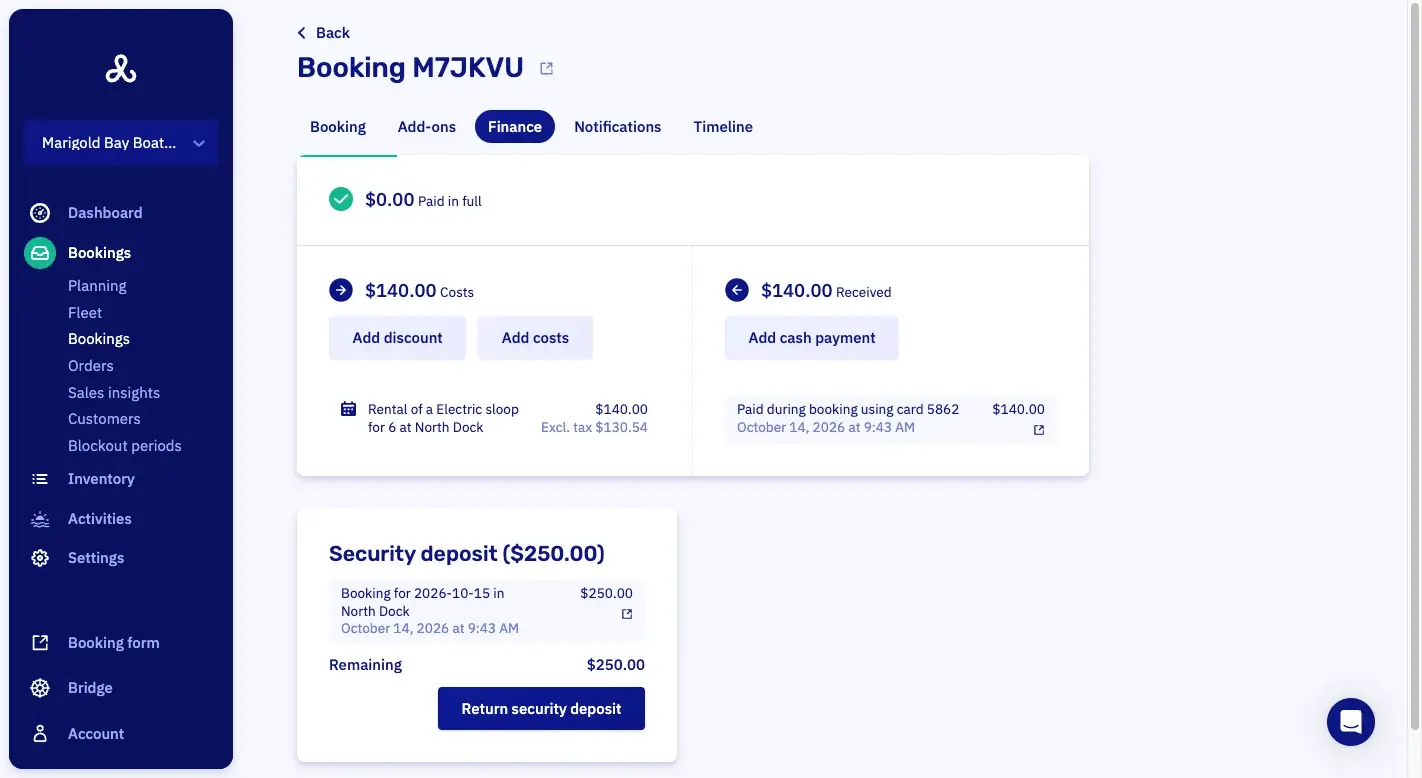
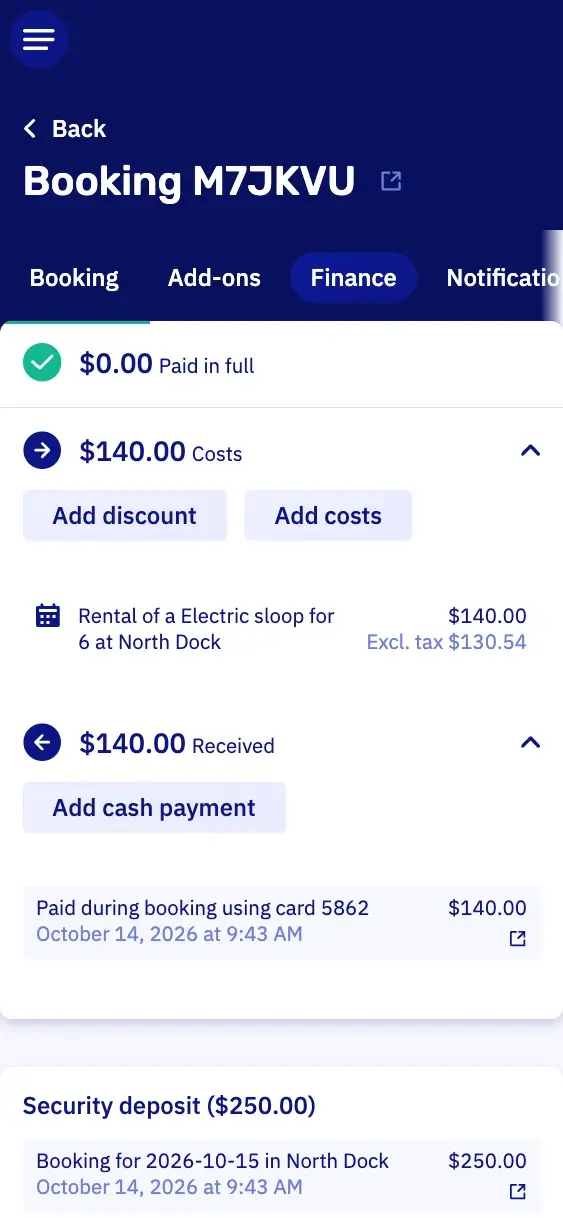
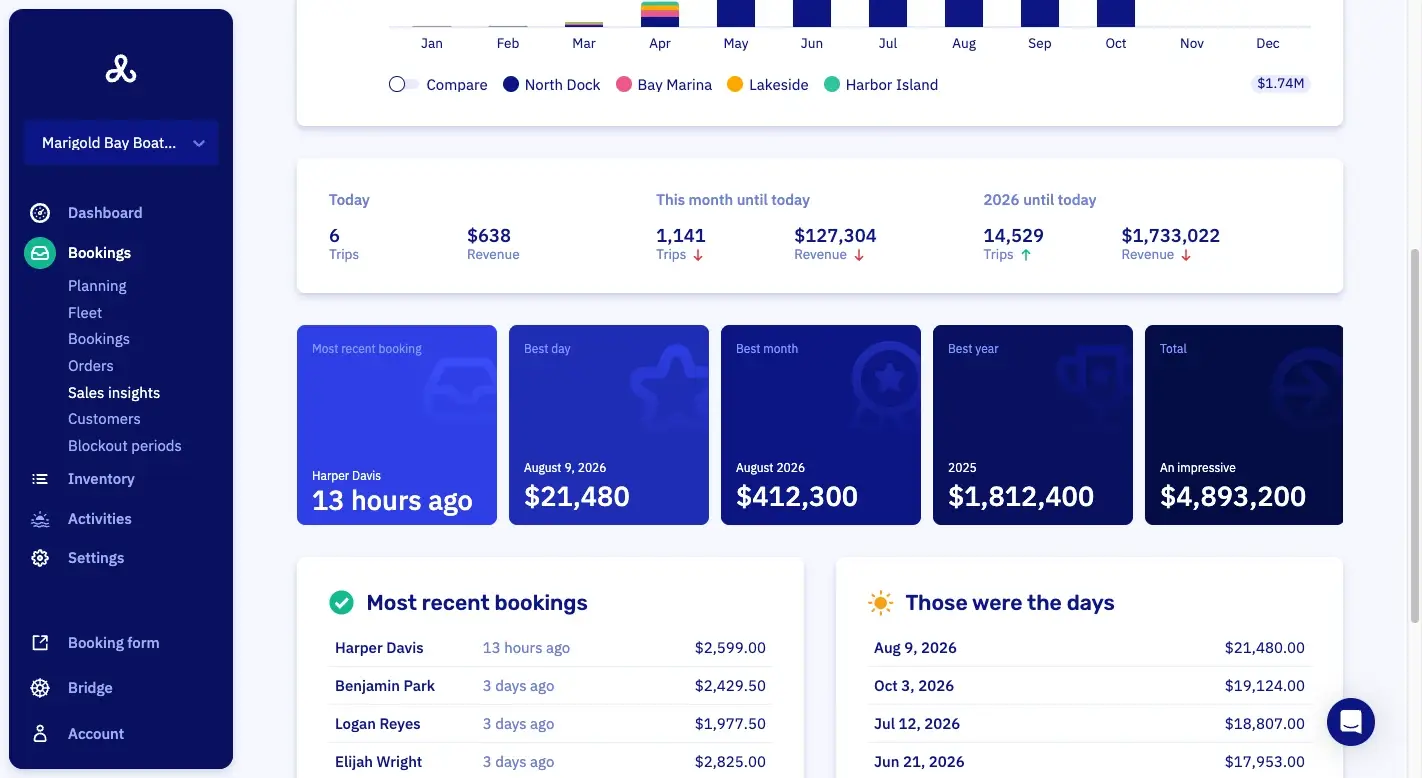
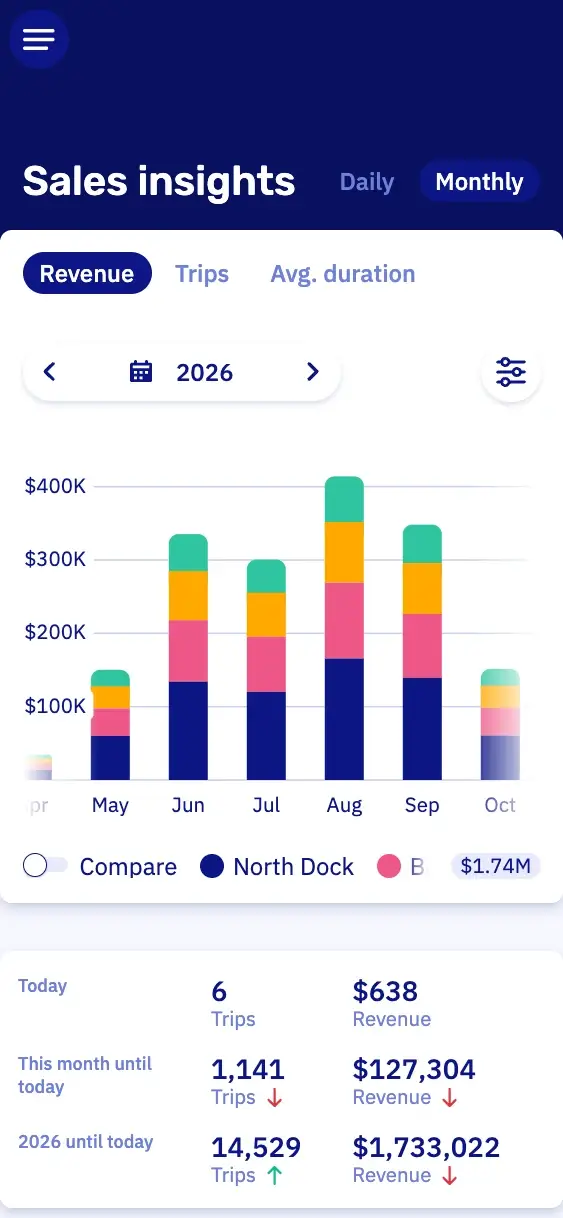
Sales insightsWhat you sold, over any period you pick.
Customers book on your own site.
Your customer picks a day, a sloop and a time, and pays right away. At eleven at night too, long after you've gone home.





Keep the dock under control, even on your busiest day.
On a sunny Saturday your sloops go out again and again. A few settings keep the dock calm: enough time between two trips, not too many boats at once, and a warning the moment a boat is late.
Buffer time between trips
You choose how many minutes a boat stays free between two trips, per slot or for one booking. On the planning those minutes show as a block, so you see at once where it gets tight.
Limit simultaneous pickups and returns
Want to limit how many boats leave or come back at once? You set that per dock, for each pickup time and each return time.
Part of the fleet closed
Fewer boats out on a busy afternoon, or one dock closed? A block covers one dock or one boat model instead of everything.
Late return warnings
When a boat is out past its time, the planning warns you and shows how many minutes. You decide if you charge for those minutes.

The customer starts the sloop from their phone.
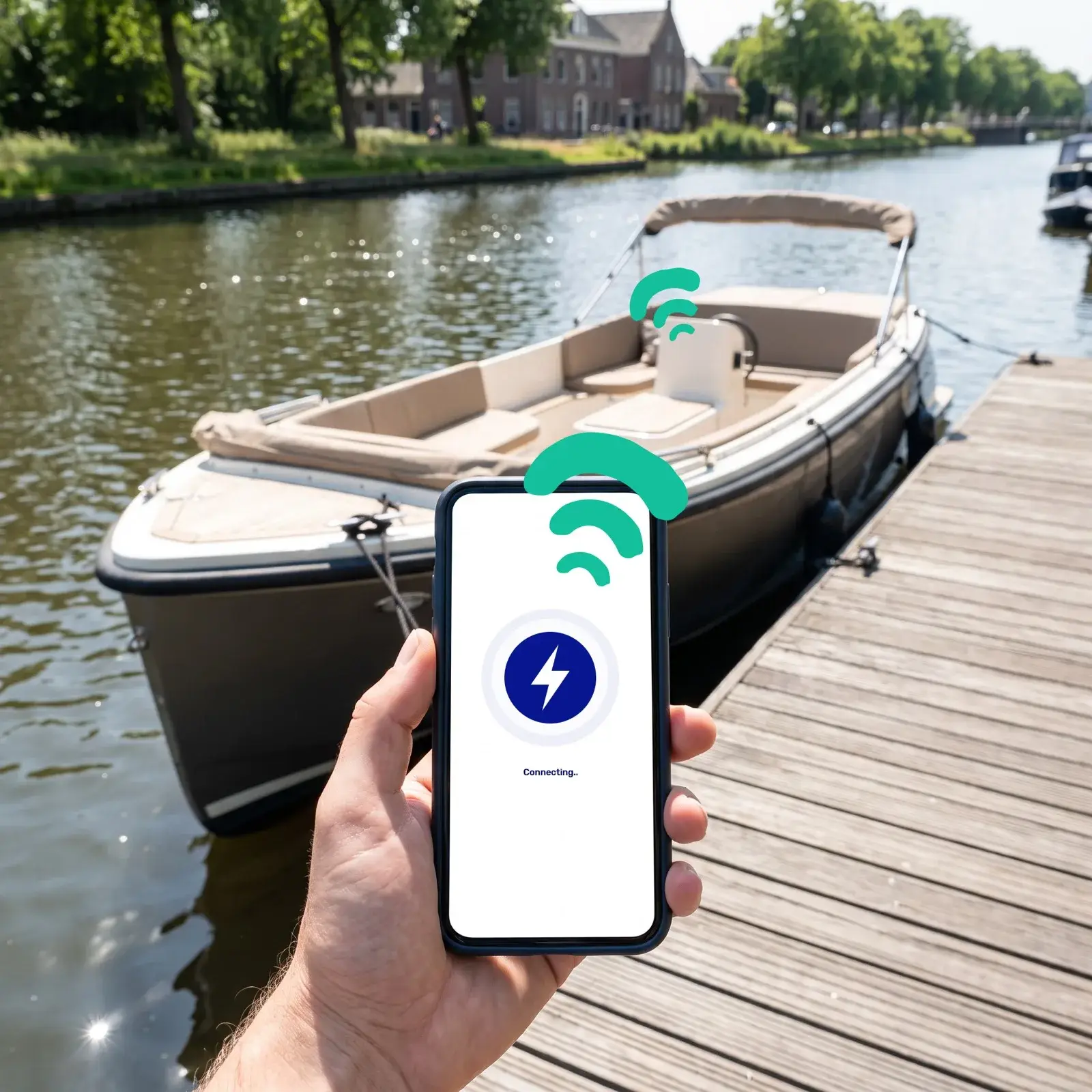
On rental without a skipper, each sloop can get a hardware module from our partners Sentinel Marine or Qondor. It releases the engine at the booked hour, and the customer starts it from their phone. So you need fewer people at the dock to hand boats out and take them back.
The hardware module is paid for apart from your plan.
Engine running
Trip started at 10:04 AM
Opening hours, handout and security deposits for your sloops.
Assign the boat at handout
Customers book a model, and you pick the actual boat at handout. So a sloop in for repair doesn't cost you the booking.
Start times within your opening hours
Customers pick their own start time within your opening hours. Trips with a skipper go on the same planning as fixed departures.
Walk-ups at the dock
Somebody at the dock without a booking? Just as easy: your team puts the group on the planning in a few clicks, and they pay right away on your card reader, or with Tap to Pay on your phone if you use Mollie.
A security deposit, if you take one
Do you work with a security deposit? Then your customer pays it when they book, and after the trip you return it from the booking, or keep part for damage.
Sloop rental features in Let's Book.
You see how full each time slot is, take a sloop out of service and set your prices.
- Capacity view per time slotThe capacity view shows how full each time slot is.
- Take a boat out of service for maintenanceA boat is taken out of service for maintenance and stops being bookable.
- Rule-based dynamic pricingPrices follow rules you set, so the rate moves with the day of the week or how far ahead someone books.
- Buffer time shown on the scheduleBuffer time is drawn on the timeline, so the gap between two rentals is visible.
- Assign the boat at handoutThe individual boat is picked at handout, shortly before departure, instead of when the booking is made.
- Price conditions that count boatsA price condition counts the boats in one booking, so every third boat in a group can be cheaper or free.
Questions about sloop rental software.
Can sloop renters sign the rental contract online?
Yes, through our WaiverForever integration, on your own WaiverForever account. Once the booking is confirmed, your customer can sign at home, with the details already filled in. You choose who signs: every passenger, or one person per boat. Anyone who forgot scans a QR code at the dock.
Can I charge more for a sloop in high season?
Yes, in Let's Book you give each season its own dates and prices. So a sloop can cost more in July than in May. Want to reward early birds or last-minute bookers? Then the price moves with how far ahead someone books.
How do I keep a cancellation fee on a sloop booking?
You keep the fee and refund the rest, right from the booking in Let's Book. You can give each customer type its own cancellation policy. So a regular gets different terms than a first-time renter.
Can I block a sloop for maintenance?
Yes, you take the boat out of service in Let's Book. While it's in the yard, nobody can book it. Your other sloops keep renting as usual.
Can I set how many people fit on a sloop?
Yes, in Let's Book you set for each boat model how many people fit on it. Coming soon: a lower number for one trip. On a barbecue trip, for example, two fewer people fit, because there's a barbecue aboard.
How do I switch my sloop rental over to Let's Book?
We set up Let's Book with you for free, so you don't have to do it alone. It starts with a half-hour video call, with your own sloops already in Let's Book. We also move over the bookings you already have.
Get started with your sloops.
In a half-hour video call, we show you Let's Book with your own boats already in it, if you send us your website. No strings attached.