Guide
The boat rental customer journey, from search to rebooking
Your customer's trip starts long before your dock, with a search, a look at your reviews and a booking at eleven at night. These are the steps of the boat rental customer journey, and what helps at each one.
Updated 5 min readBy Iwan de Ploeg
The customer journey in eight steps
A family plans a Saturday on the lake. Their trip starts long before they reach your dock: with a search on a phone, a look at your reviews, a booking at eleven at night. It ends when they’ve left a review, told their friends and booked again.
Each step is a place where you win or lose a booking. Here they are in order, with what you can do at each one.
Awareness
People hear about you from friends, from a post on Instagram, from the campground down the road or the tourist office. So get to know the businesses around you. Have a coffee with the hotel, the campground and the café nearby. A place that sends its guests your way is worth more than an ad. Social media helps too. See our ten tips to start.
Research
Next, your future customer checks whether you’re as good as you sound. They compare you with other rentals nearby: the prices, the photos, the reviews.

Make that easy. Put your prices on your website, show sharp photos of your boats, and keep your reviews and opening hours up to date. A customer who has to call to find out what an electric boat costs for an afternoon may book somewhere else.
Our step-by-step guide to your boat rental website shows what to put on it.
Booking
Now they’re ready to book. Some pick up the phone, and many book on your website, often in the evening. Keep your booking form clear: the boat, the time, the price and your cancellation rules, all before they pay. And whoever answers the phone does so with a friendly hello and a pen that works.
With Let’s Book, your customer picks a day, a boat and a time from the sofa, and pays in a few taps. You wake up to new bookings without answering the phone once.
Right after the booking, a confirmation email goes out with the details of the trip and a button that puts it in their calendar. A day before the trip, a reminder email follows, and a text message before departure if you want one. Each text costs about $0.12. Fewer customers forget their booking, and you don’t have to keep any of it in your head.
Arrival and check-in
On the day, your customer arrives at the dock. On most rentals, someone from your team hands over the boat. On a connected boat, the customer starts the boat from their phone at the time the booking begins, and nobody has to be at the dock.

Both work. A handover in person is your best chance for good service: a warm welcome, a tip for the route, a question answered, and at the end of the day, a question about how it went. Good reviews often name the people at the dock. Give that handover enough time, as we explain in how to schedule boat rentals.
Before they set off, customers need to know the local navigation rules and how their boat works. You may also need their ID and a signed rental contract. Much of that can be done before they arrive. With the WaiverForever integration, the customer signs the rental contract at home, on your own WaiverForever account, with the booking details already filled in. So at the dock, you have more time to explain the boat and the route.
Boat rental experience
Everything so far leads up to the hours on the water. They’re what your customer came for, and what they’ll tell their friends about.

Small things make a difference here. Dry, clean cushions. A map with the best places to moor and swim. A pair of binoculars, a pack of cards, a board game for a rainy hour. A drinks package or a picnic basket they ordered with the booking. None of it costs much, and it’s what people remember.
Our guide to profitable add-ons lists the extras that sell.
Customer support
Stickers on board answer the common questions: how to moor, where the life jackets are, which number to call. Customers must also be able to reach you during the trip. Give them one number they can call or text, for an emergency, a question about the route, or a request to stay out an hour longer. When they stay longer, you change the booking and send them a payment link for the difference.

In Let’s Book, the fleet view marks the boats that are back later than agreed. So you know who to call before the next customer is waiting on the dock.
After the trip
A day after the trip, Let’s Book sends a follow-up email. Use it to say thank you and to ask for a review while the day is still fresh. You write the email yourself in the dashboard, in your own words and with your own buttons.
Add one short question about what could be better. The answers show you where to improve, and customers notice that you listen.
Keep it to that. A customer who gets an email from you every week soon sees it as spam, and unsubscribes. We learned this the hard way ourselves. Send an email when you have something to say.
Repeat business and loyalty
A customer who had a good day will want to go out again. Let’s Book sends a win-back email to customers who haven’t booked for fifty weeks, around the time they start planning next summer. Put a discount code in it, and they have one more reason to book.
For regulars, a membership keeps them close. A package of trips suits someone who goes out a few times a season. A lower rate suits members who go out every week.
In Let’s Book, you put your members in a customer type of their own, and they book with that type’s prices and rules. We’re happy to set it up with you. Read more about memberships in Let’s Book.
Booking software for boat rental, tours and charters.
This article is from Let's Book, the software that lets your customers book and pay on your own website, and puts every boat on one planning. Made by people who rented out boats themselves.
Carry on reading

More direct bookings for your yacht charter, less commission
How a charter with one to five boats in Greece or elsewhere in the Med gets more guests to book direct, and keeps the commission a broker would take.
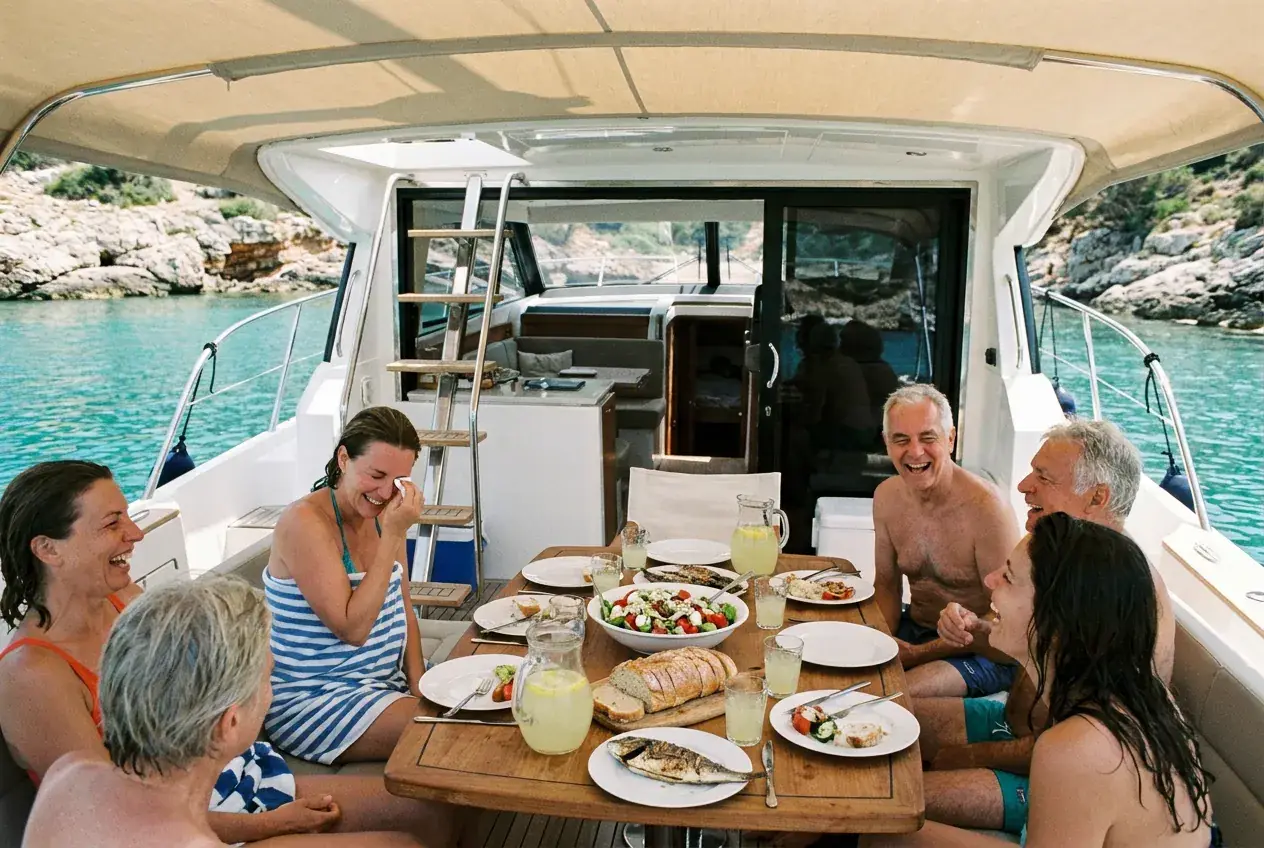
How to price a day charter in Greece and the Mediterranean
How to price a skippered day charter in Greece and the Med: half day, full day or sunset, the boat, fuel, extras, the season and the meltemi.
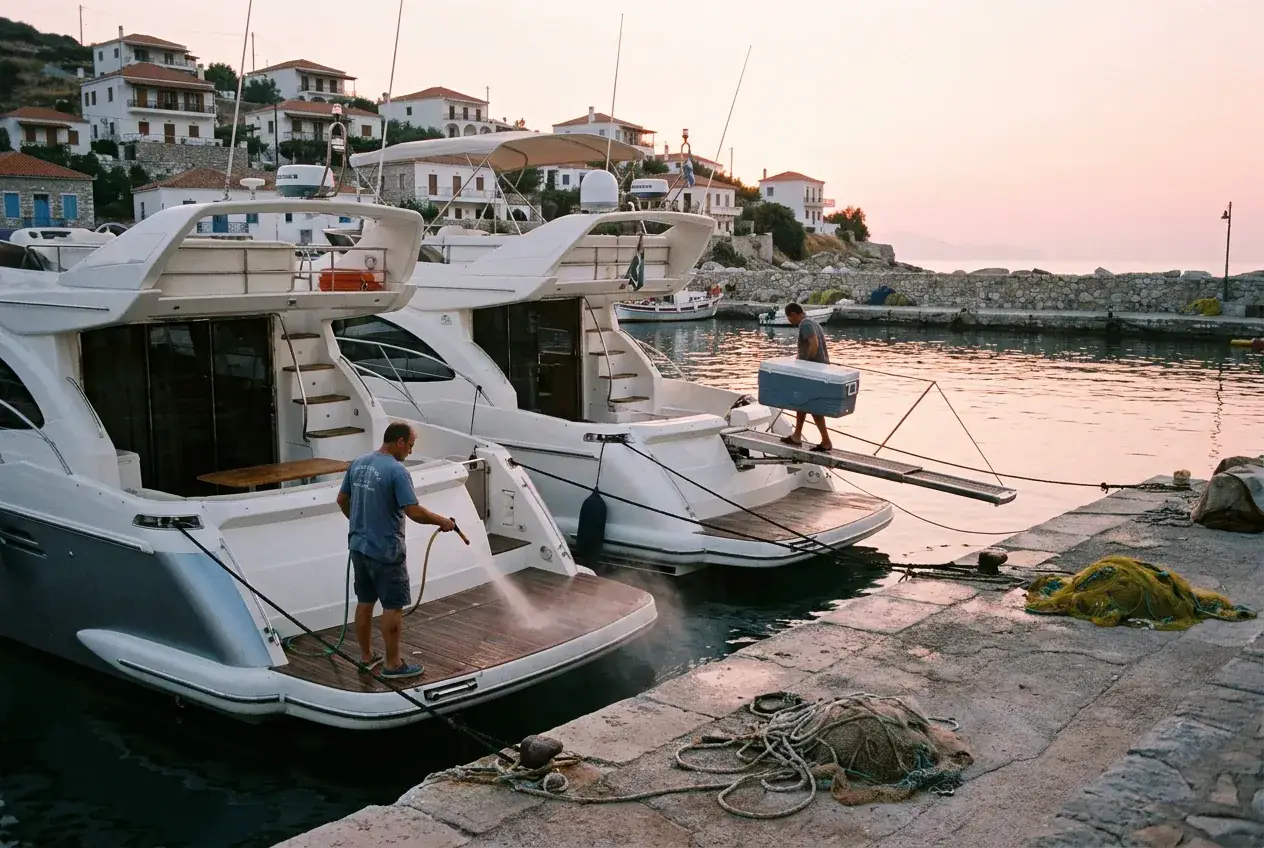
Charter management for 1 to 5 boats, from message to payment
How a charter company with one to five boats in the Mediterranean runs the season: one calendar, the down payment, the contract, the galley and the wind.