Multi-location
Multi-location booking software.
From two docks to docks in several countries, at no extra cost. Each dock sells its own rentals and trips, with their own hours, prices and rules, and you see them all on one planning.


One planning for every dock.
A new dock shows up on the planning, the bookings list and the fleet view you already use. You add it to the rentals and trips that run there, and it keeps your currency and your Stripe or Mollie account. So your team runs the second dock in the same screens they use every day.
Filter the planning by dock
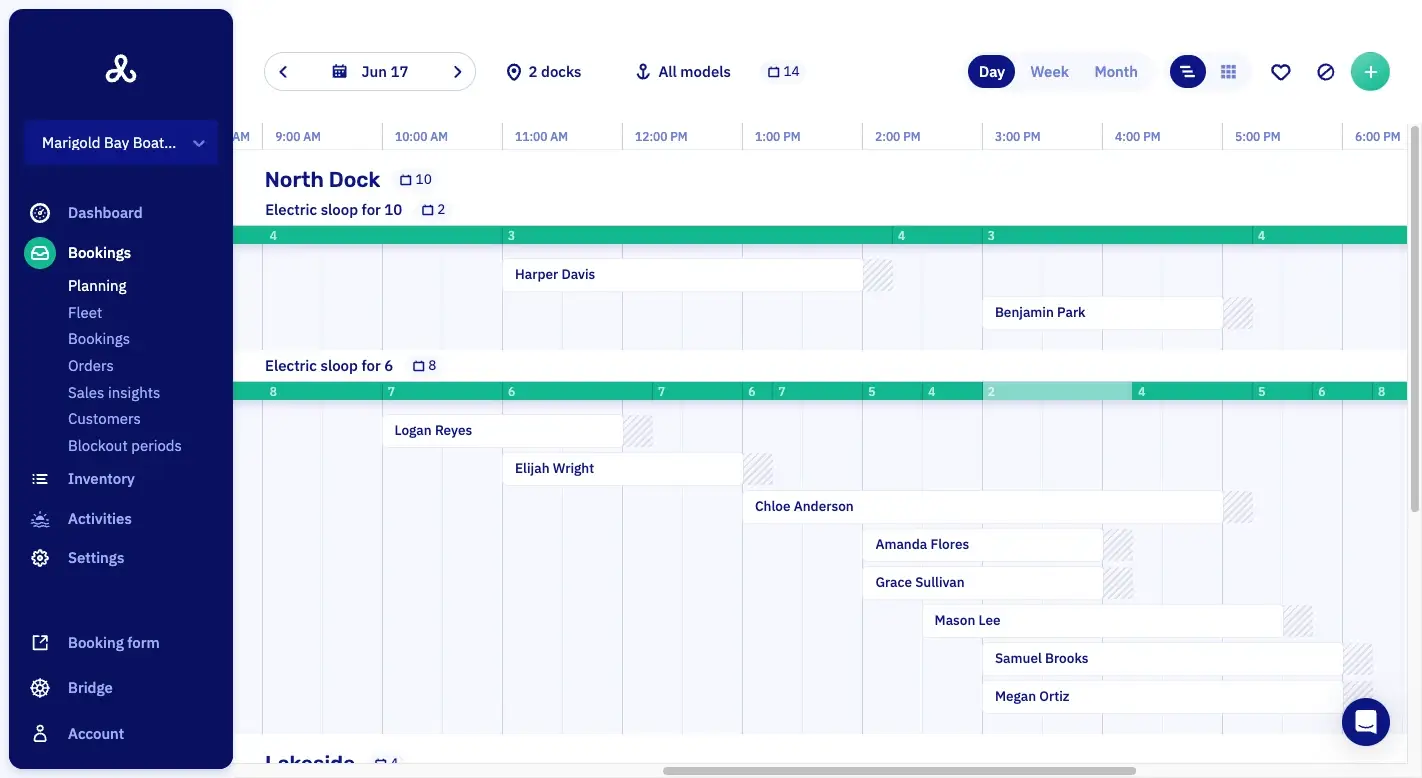
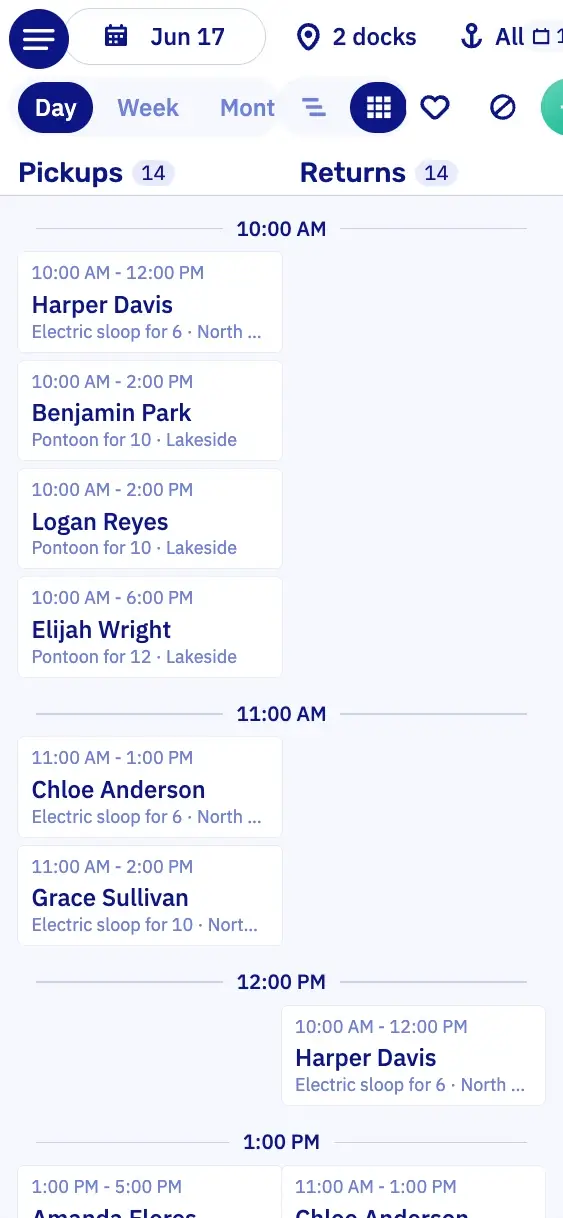
The planning shows every dock at once, or only one dock or boat type. The fleet view filters the same way.
Multi-timezone docks on one planning
Docks in different time zones sit on the same planning. Each one shows its hours in local time, so nobody has to convert.
Unlimited users on the account
Taking on extra hands for July? Everybody gets their own login, at no extra cost.
At a glance.
DashboardYour whole business in one view.
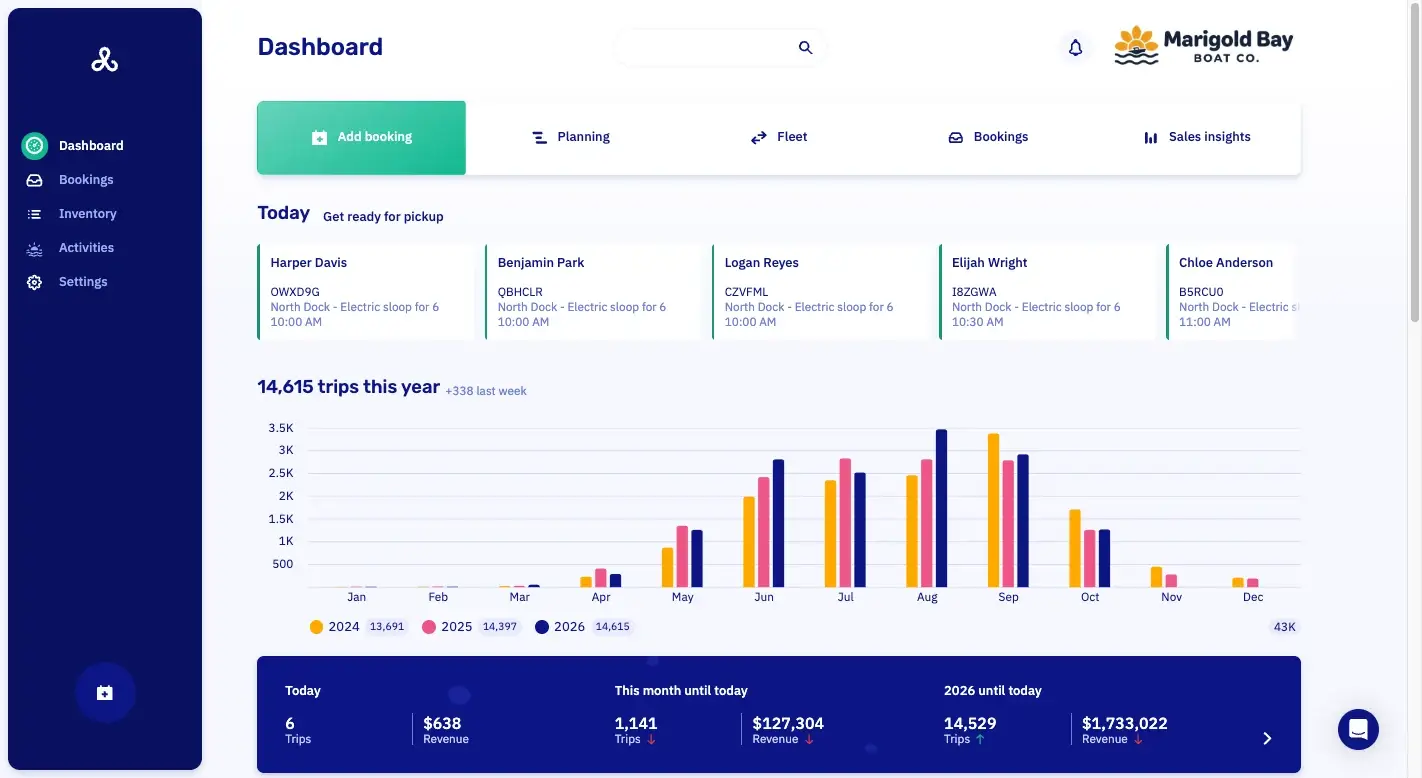
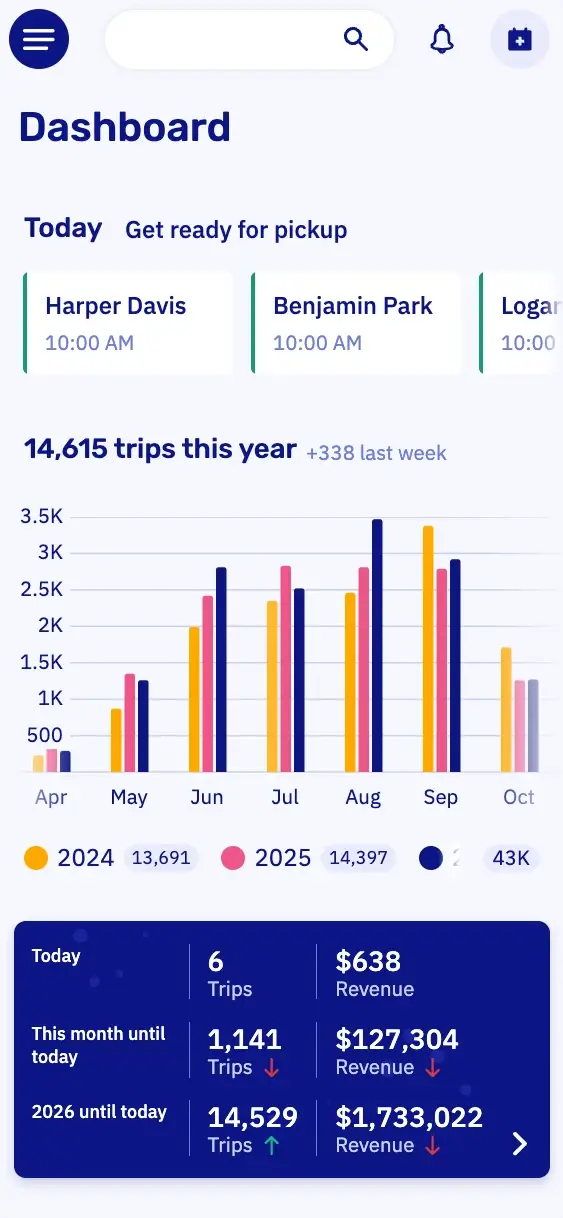
PlanningWhich boat is out when, per dock.
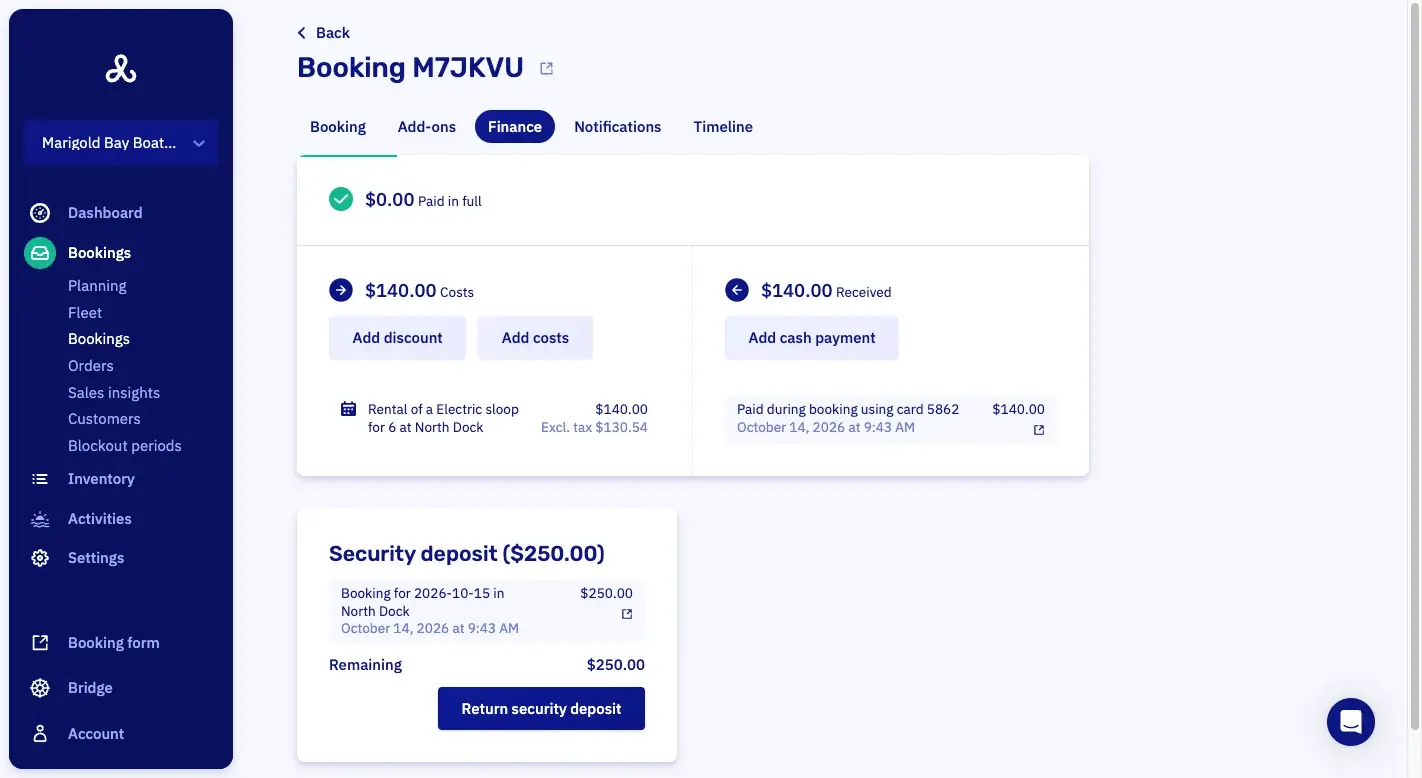
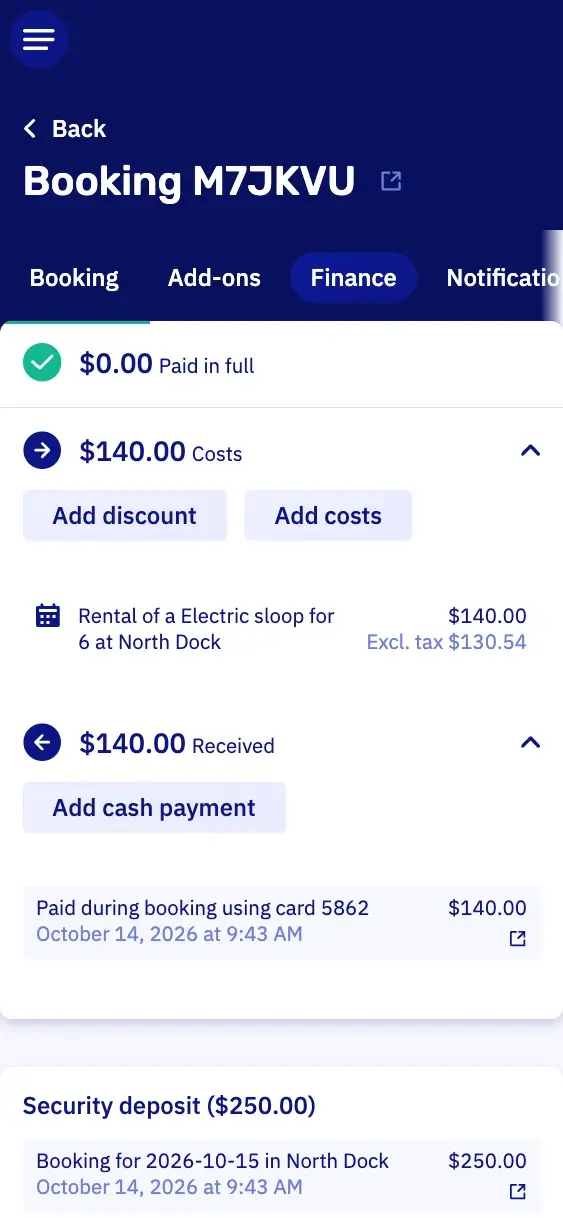
PaymentsWhat's paid, and what's still open.
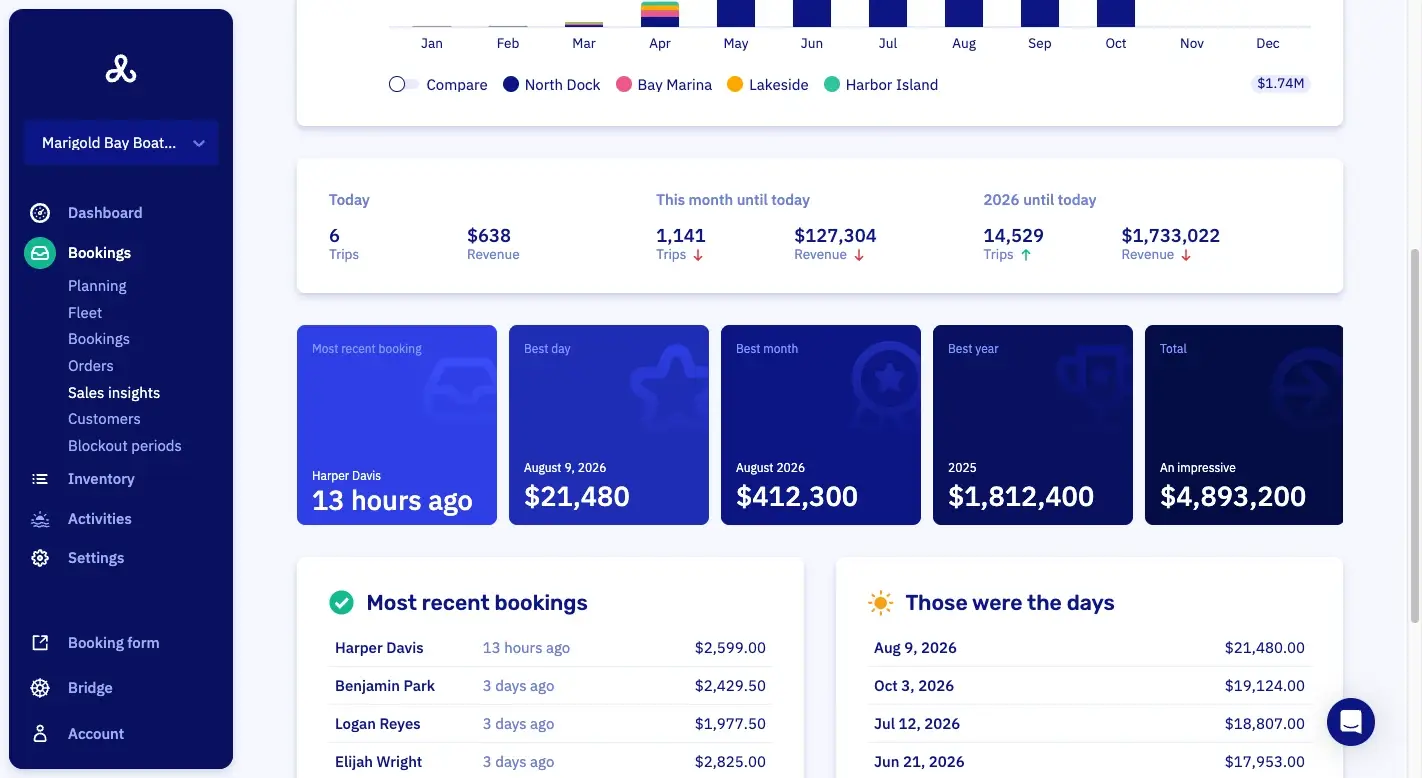
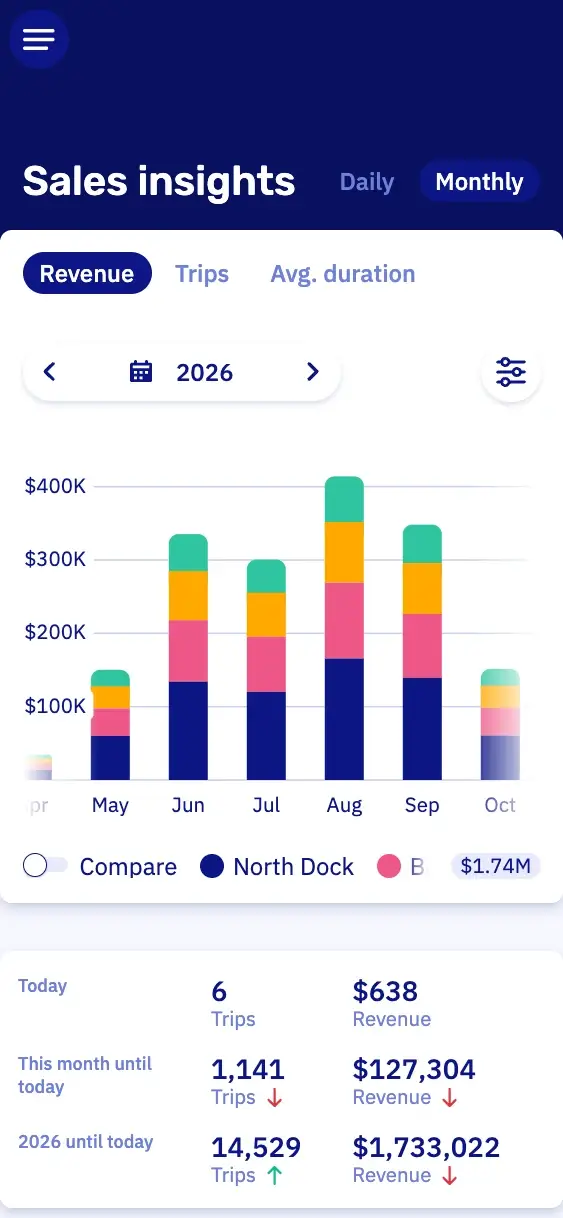
Sales insightsWhat you sold, over any period you pick.
Address, photos and contact details per dock.
Each dock has its own name, description, photos, address and contact details. The booking form shows them with that dock, and the confirmation links the address to the map. So your customer finds the right dock without anybody sending directions.
The address sets the time zone
Type the street and the country, and the time zone follows. Everything you sell at that dock then runs in local time.
The map in the confirmation
In the confirmation, the dock's address links to Google Maps. So your customer drives straight to the right dock.
Parking instructions in the booking form
Put the parking tips in the dock's description. The booking form shows them with that dock's photos and address.
A phone number per dock
You set contact details per dock, so a customer calls that dock's number.
Which boats are at a dock
Pick a date on the dock page and it lists the boats that will be there. A timeline below shows which boats arrive and leave.
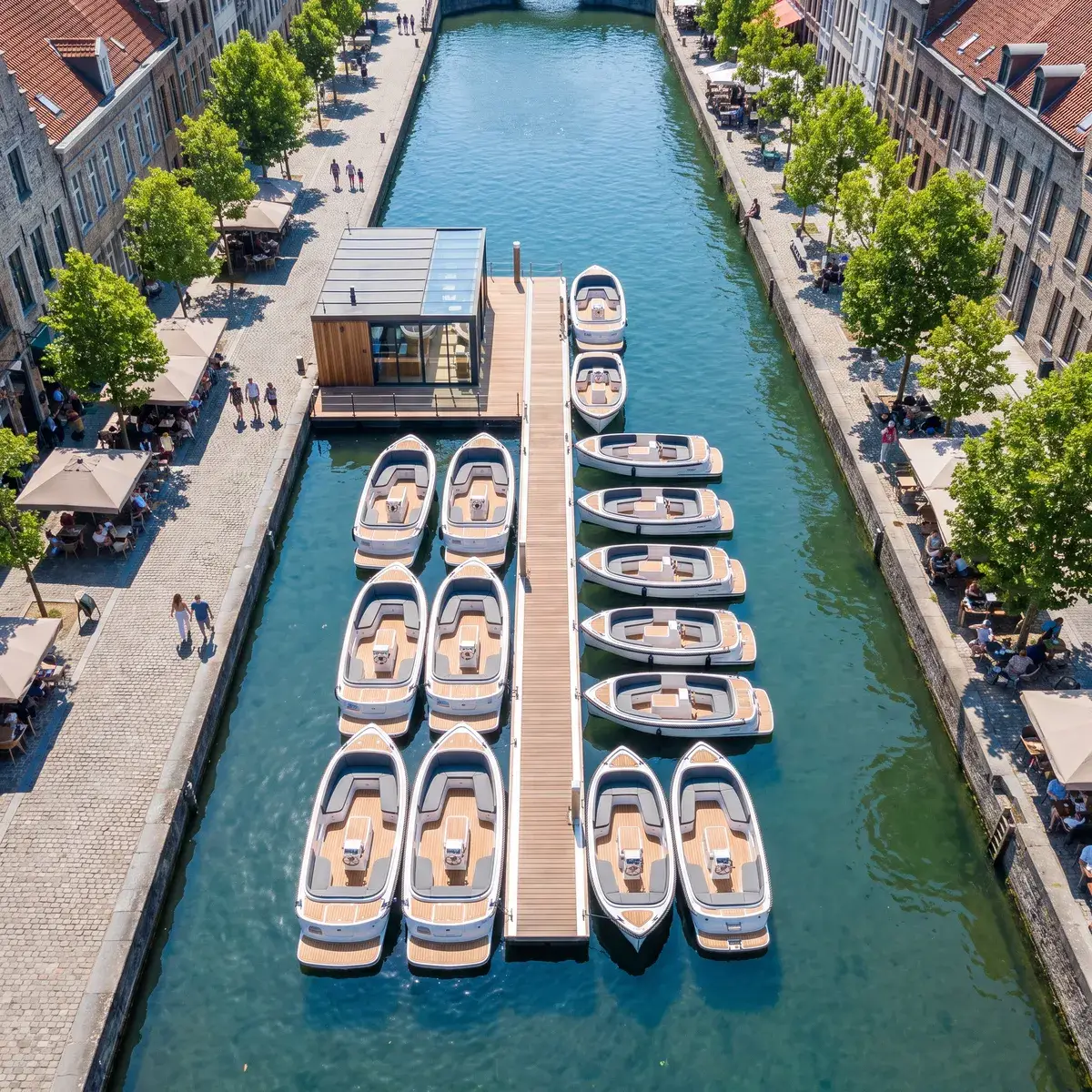
Hours, prices and rules per rental or trip.
Each rental or trip you sell has its own hours, prices and rules, and you choose the docks it runs from. So every dock keeps working the way it does today. Your rentals and tours can share the same boats too, without anyone booking a boat twice.
Opening hours per rental or trip
The rental at the marina can open at eight, and the one at the harbor at ten.
Rates per rental or trip
The sloop rental at the busy marina can cost more than the one at the quiet harbor, and each can have its own high season.
Payment rules per rental or trip
The yacht charter can ask for the full amount up front and the sloop rental for a down payment.
Waivers per rental or trip
Which waiver a customer signs depends on what they book. So the RIB tour and the small motorboat rental can each have their own waiver.
Close one dock for bookings
You can close one dock or one boat model for bookings and leave the rest open. That works for an hour or a whole winter.
Limit simultaneous pickups and returns
You set the limit per dock, so the busy dock in town can hand out three boats at 10 a.m. and the marina ten.
Schedule a boat move between locations.
A boat that sits idle at one dock in May can earn money at another. You schedule the move ahead, and it goes on the boat's timeline. So nobody can book the same boat at two docks.
01Pick the dock, date and time
Choose the new dock, a start date and the local time at that dock. The move goes on that boat's timeline.
02Still bookable at the old dock
Until the move date and time, customers book the boat at the dock where it is today.
03Then bookable at the new dock
From the moment of the move, the boat is bookable at its new dock.
04Assign a whole model at once
Every boat of one model moves to a dock in one action, from the date and time you set.
05Out of service for maintenance
You take a boat out of service on the same screen as a move. Once you know when the repair ends, schedule its move back to a dock from that date. From then on, it's bookable there again.
One booking form for every location page.
The same booking form runs on every location page of your own site. The link or the embed decides which docks it shows and which one it opens on. So a customer on your Antwerp page books a boat in Antwerp at 11 p.m., without calling anybody.
Dock
Preselected
Preselect the dock per location page
You list the docks the form shows and the one it opens on, each by its ID. You find the ID on the dock's page in Let's Book.

Tuesday
North dock not available
Unavailable docks grayed out
Once the customer picks a date, the docks that can't take it gray out, with a short note that says so.

Customer type
Member, south dock
Members book only their own docks
Do you have members? With their own customer type, they book only the docks and boat models you pick, with their own prices and cancellation policy.
Booking conditions per dock
A booking rule can apply at one dock or a list of docks. It can count a customer's future bookings, so a member holds only one Saturday at a time.

Dock names translated per language
Each dock name gets its own translation per language. So a German guest reads the name of your dock in German.
Team access per dock, with four built-in roles.
When you invite somebody, you choose the docks they work at. Their role then decides what they can do there. So a Dock Host hands out boats without seeing the revenue.
Pick the docks they work at
The invitation lists your docks. If you give someone every dock, they also get the docks you open later.
Built-in roles for a rental team
Administrator, Operations Manager, Planner and Dock Host are ready from your first invitation.
What a Dock Host can do
A Dock Host takes bookings and cash payments and hands out boats. Sales figures and refunds stay with the roles you choose.
Custom roles with detailed permissions
You build a role of your own from single permissions. A team member can't give someone a higher role than their own.
Saved planning views per dock
Filter the planning to one dock and save it as a view. The next morning you open that view again.

Sales insights across all your docks.
Sales insights show what all your docks sold over the period you pick. Revenue counts without tax, on the pickup date. So a booking made in March for a trip in July shows up in July.
Filter the bookings list by dock or by partner and export that list to Excel. Nobody has to add up a spreadsheet per dock in January.
Multi-location features in Let's Book.
These six are for several docks, your team, the fleet and the planning. Each one opens its line in the full list.
- Each dock has its own time zoneA dock keeps its own time zone, so its times are local times.
- Custom roles with detailed permissionsA role of your own is built from single permissions.
- Take a boat out of service for maintenanceA boat is taken out of service for maintenance and stops being bookable.
- Capacity view per time slotThe capacity view shows how full each time slot is.
- See which boats are at a dock, now and laterYou see which boats are at a dock today and which will be there later.
- Role hierarchyRoles sit in a hierarchy, so nobody can give a colleague a role above their own.
Pricing
No setup fee, no minimum term, cancel by the month.
Per month
Standard
$30€25
plus 2.5% of each bookingplus 2.5% of each booking
Pro
$175€150
plus 1% of each bookingplus 1% of each booking
Excl. VAT · SMS about $0.12 · Stripe or Mollie charge their own feesExcl. VAT · SMS €0.10 · Stripe or Mollie charge their own fees
- All features, no upsells
- Free onboarding and support
- Free help switching to Let's Book
- Unlimited boats, users and locations
Questions about running several docks.
The currency and your Stripe or Mollie account are the same for every dock. Hours, prices and rules come with each rental or trip you sell.
Can I use one account with a separate company for each location?
Yes, even when each location is its own legal entity, you run all your docks from one account. That account has one company name, one currency and one Stripe or Mollie account.
Can each dock pay into its own bank account?
No, you connect one Stripe or Mollie account to Let's Book for the whole company. Every dock's payments land in it. If you want the money split per location, you do that at your own bank.
Can one dock charge in euros and another in pounds?
No, the currency in Let's Book is set once for the whole account. Each rental or trip has its own prices in that currency. You pick it once, with your company details.
Can I see revenue per dock?
Yes, you filter sales insights by dock and by boat model. They show revenue without tax, with this year next to the two before. Filter the bookings list by dock too, and export that dock's bookings to Excel.
Does a host at one dock see the other docks too?
A team member sees only the docks you pick when you invite them. If you give someone every dock, they also get the docks you open later. Their role decides what they can do there. A Dock Host, for example, can't see sales figures or make refunds.
I move a boat in May. What happens to the bookings at its old dock?
The boat stays bookable at its old dock until the move date and time you set. A booking after the move stays at the old dock too, because it's for a boat model. Let's Book doesn't warn you, so check that enough boats of that model stay behind. We're happy to look at it with you.
Do all my docks show on one booking form?
Yes, one booking form can show all your docks, and you decide which. A list of dock IDs limits it to the docks you name. A single ID opens it on one dock. So each location page starts at the dock the reader is looking at.
Can I make an API key per dock?
No, an API key works for your whole account, not for one dock, and it has admin rights. Make one per integration.
Do I get an invoice per dock?
No, Let's Book sends two invoices a month for the whole account. One is for the monthly fee and any text messages. The other lists the booking fees, which already came off each payment. A second dock costs nothing extra: you pay the same as with one.
Get started with all your docks.
In a half-hour video call, we show you Let's Book with your own boats already in it, if you send us your website. No strings attached.