Customer communication
Automate your customer communication.
A confirmation, a reminder, a thank-you after the trip. Let's Book sends them for you, at the right moment. With a text message too, if you like. You set them up once.
Reminder sent
Tomorrow at 2:00 PM
Choose which messages go out on their own.
You decide which ones to turn on. You set them up once, and after that every customer gets them at the right moment. An email can go out when a booking is canceled, too.
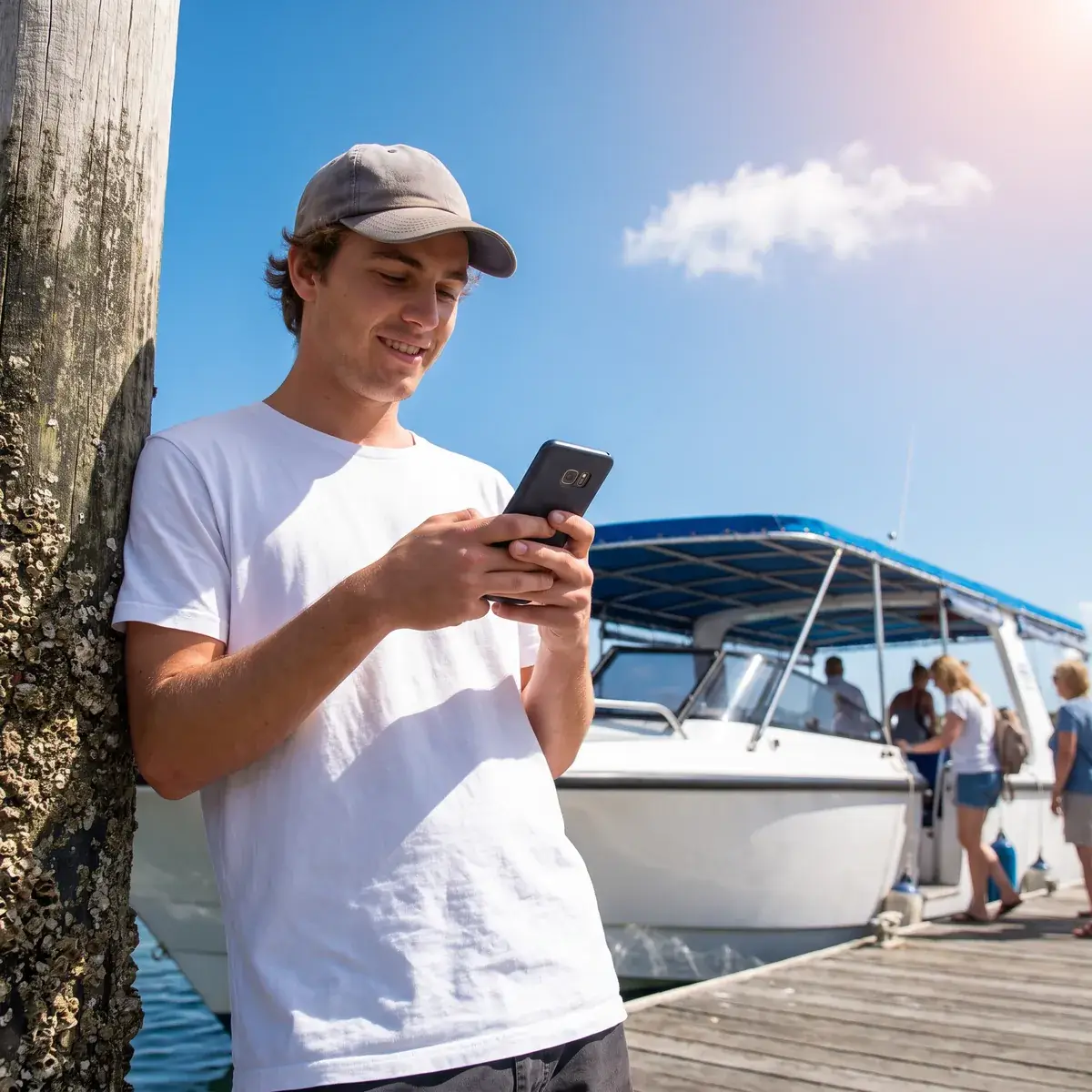
Add text messages.
Next to the emails, you can turn on text messages too. Your customer gets them on their phone, with a link to their booking in them.
You choose which text messages to turn on
Only the reminder, or all three. You set it per type of rental.
The text is ready for you
It's fixed, so there's nothing to write. Your customer gets the text message in their own language.
A payment request by text message
Is there still an amount open? Then you send a text message with a payment link from the booking.
A text message costs about $0.12
You only pay for the text messages that were sent. Emails are included.
Text message to your customer
Your trip will start in 24 hours. View all details at
Ahoy! Your trip is about to start. See the instructions at
Don't forget to end your trip to avoid extra charges.
Every email in your own words.
You can rewrite every email from top to bottom. So a message from you really sounds like you.
The name, the boat and the time fill themselves in
So every email is right, without you retyping anything.
Other messages for each kind of rental
A charter guest needs other information than someone who rents a boat for an hour.
Your emails in more than one language
Your customer gets them in their own language. The text messages are already translated for you.
Subject: See you tomorrow, First name!
Hi First name,
On Pickup date at Pickup time your boat is ready at Dock.
You can park around the corner. Don't forget your sunscreen!
See you tomorrow, Sarah!
Hi Sarah,
On July 12 at 2:00 PM your boat is ready at Harbor Dock.
You can park around the corner. Don't forget your sunscreen!
More reviews, and customers who come back.
You set them up once in the winter, and they run all season.
Ask for a review
The day after the trip, your customer still feels the sun. One button in the email takes them to your Google page.
Bring customers back
Put a discount code in the email after fifty weeks. Then last year's guests have a reason to book again.
Say it all before the trip
Put where to park and when to be there in the reminder. Then your customer doesn't have to ask.
Booking confirmation emails for boat rentals: 8 templatesDiscount codes to bring customers back
You see what was sent, and whether it arrived.
For every booking, you see which messages were sent, and when. A customer says they never got the confirmation? You look it up and send it again.
When a message doesn't arrive, you get an alert. You correct the address and send it once more.
Delivered
Booking confirmation
Features for customer messages.
Each feature is in the full list too, with a link to the manual.
- Automated emails around every bookingEmails go out on their own when a booking is made, changed or canceled, and the day after the trip.
- Fully customizable customer emailsYou can rewrite every email your customers get, from top to bottom.
- Follow-up email a day after the tripA follow-up email goes out one day after the trip ends.
- Win-back email after 50 weeksA win-back email goes to customers who have not booked for fifty weeks.
- Text messages to customersText messages go to the customer next to the emails.
- Log of every message sent, with resendEvery message that went out is logged and can be sent again.
Questions about automated messages.
Can I change the text of the emails?
Yes, every email, from top to bottom. You put in buttons and booking details yourself.
Does Let's Book send text messages too?
Yes. Three go out on their own: a day before departure, just before departure and when the trip is still running at the end time. You choose which ones to turn on. The text of a text message is fixed, so you can't change it. A text message costs about $0.12, and email is included.
In which language does my customer get the messages?
In their own language. You write each email per language. The text messages are already translated.
What if an email doesn't arrive?
Then you see it on the booking and you get an alert. You correct the address and send the email again.
Can I see which messages are still to go out?
Yes. Every booking shows what is still coming and what has been sent.
Iwan, Berend and Robbe, our support team


Get started with automated messages.
In a half-hour video call, we show you Let's Book with your own boats already in it, if you send us your website. No strings attached.
No setup fee, no minimum term, cancel by the month.